Setup Program
73
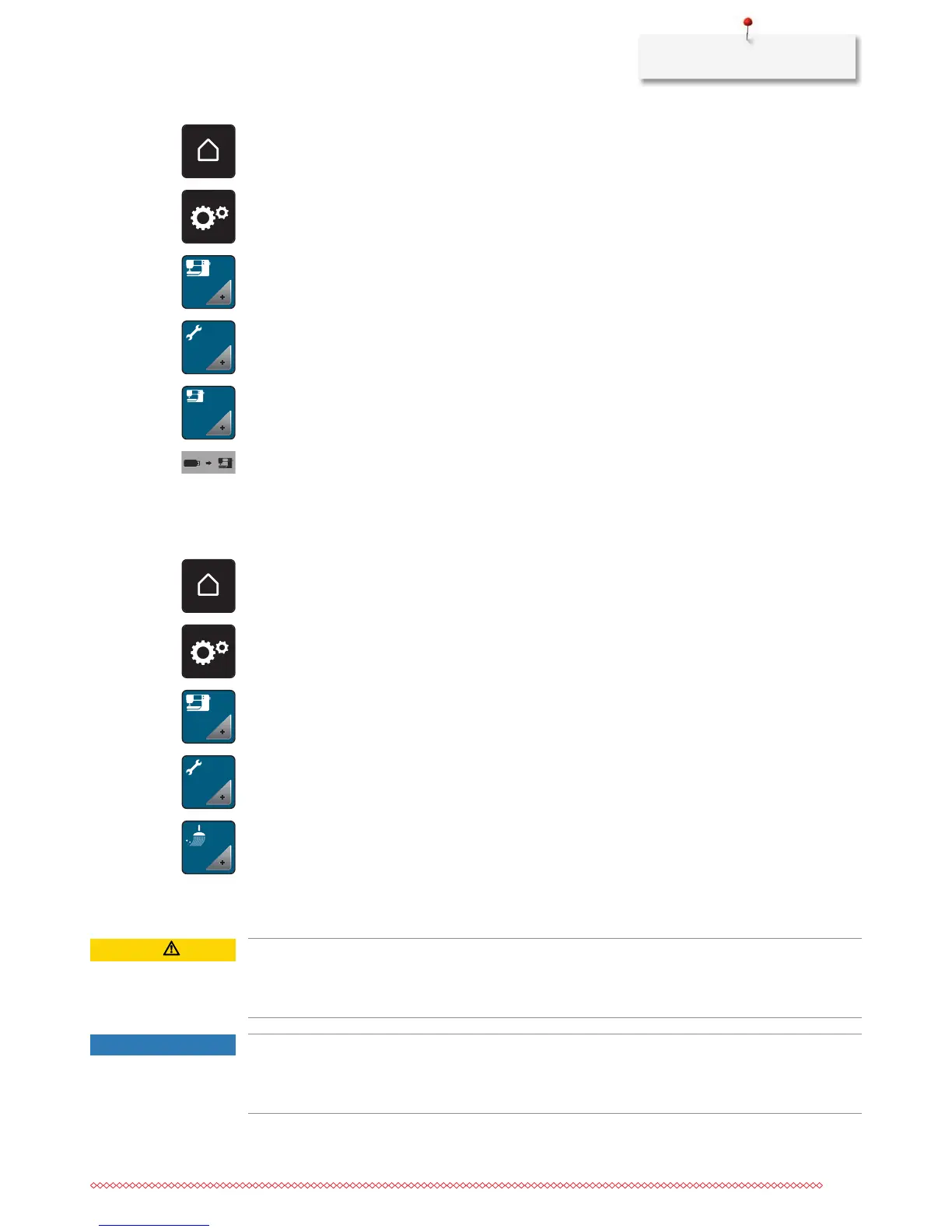
> Touch the icon «Home».
> Touch the icon «Setup Program».
> Touch the icon «Machine settings».
> Touch the icon «Maintenance/Update».
> Touch the icon «Update the machine».
> Touch the icon «Transfer saved data to machine».
– The icon is checkmarked in green.
Cleaning the thread catcher
In chapter «Maintenance and cleaning» there are additional illustrated step-by-step instructions.
> Touch the icon «Home».
> Touch the icon «Setup Program».
> Touch the icon «Machine settings».
> Touch the icon «Maintenance/Update».
> Touch the icon «Clean the thread catcher».
> Clean the thread catcher according to the instructions on the display.
Lubricating the machine
CAUTION
Electronically driven components
Risk of injury near the needle and the hook.
> Switch the machine off and disconnect it from the power supply system.
NOTICE
Lubricating the hook
Too much oil can pollute the fabric and the thread.
> Always sew/embroider a test piece first.



 To Next Page