Setup Program
58
Adjusting the presser foot position with needle stop down
With lowered needle, 3 different presser foot position can be selected: the presser foot lowered, the presser
foot is raised to hovering position and the presser foot is raised to its maximum height.
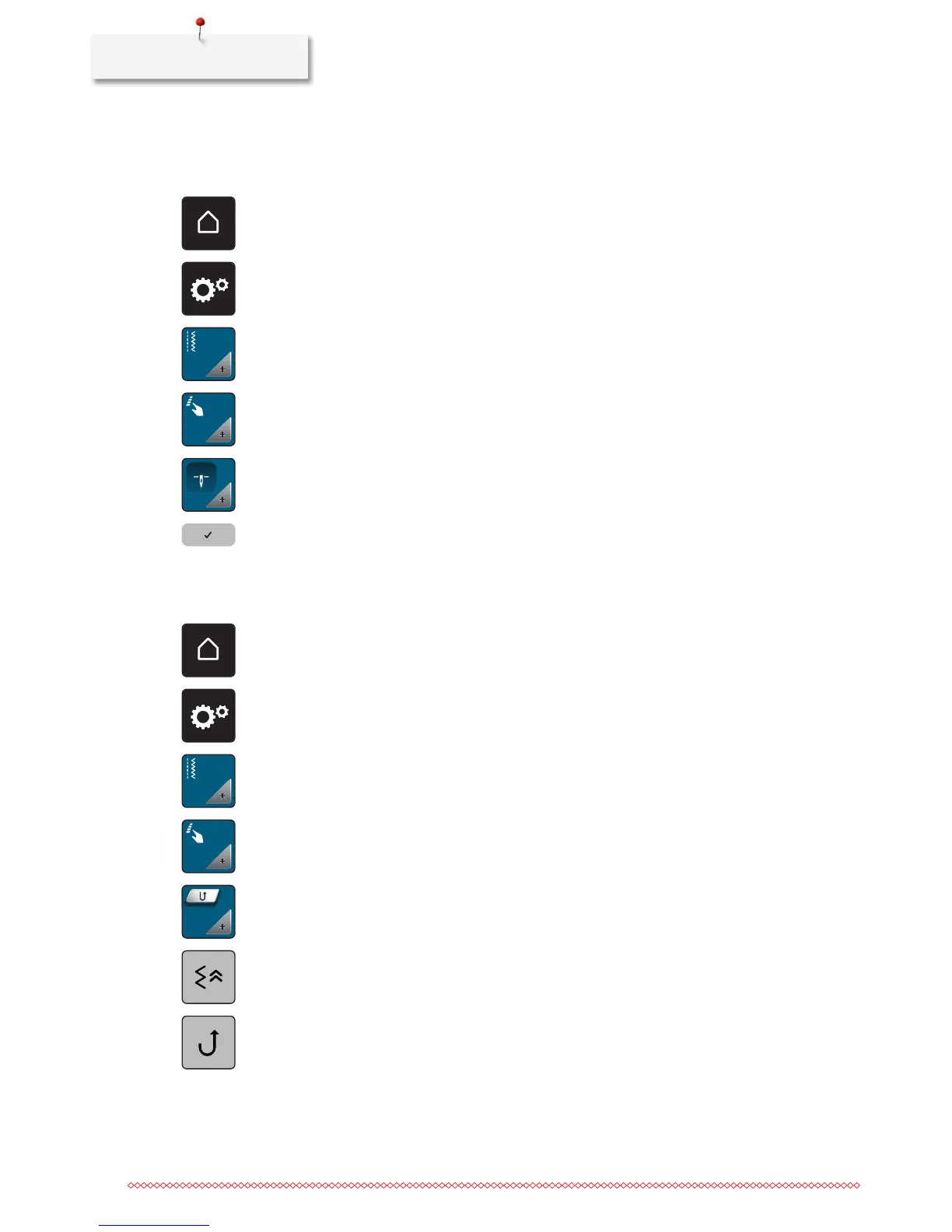
> Touch the icon «Home».
> Touch the icon «Setup Program».
> Touch the icon «Sewing settings».
> Touch the icon «Program buttons and icons».
> Touch the icon «Adjust the presser foot position with needle stop down».
> Select the desired presser foot position.
Programming the button «Quick reverse»
It can be chosen either «Quick reverse permanent» or «Backstepping».
> Touch the icon «Home».
> Touch the icon «Setup Program».
> Touch the icon «Sewing settings».
> Touch the icon «Program buttons and icons».
> Touch the icon «Program Quick reverse».
> Touch the icon «Backstepping» to activate backstepping.
> Touch the icon «Quick reverse permanent» to activate the permanent reverse sewing.



 To Next Page