Setup Program
60
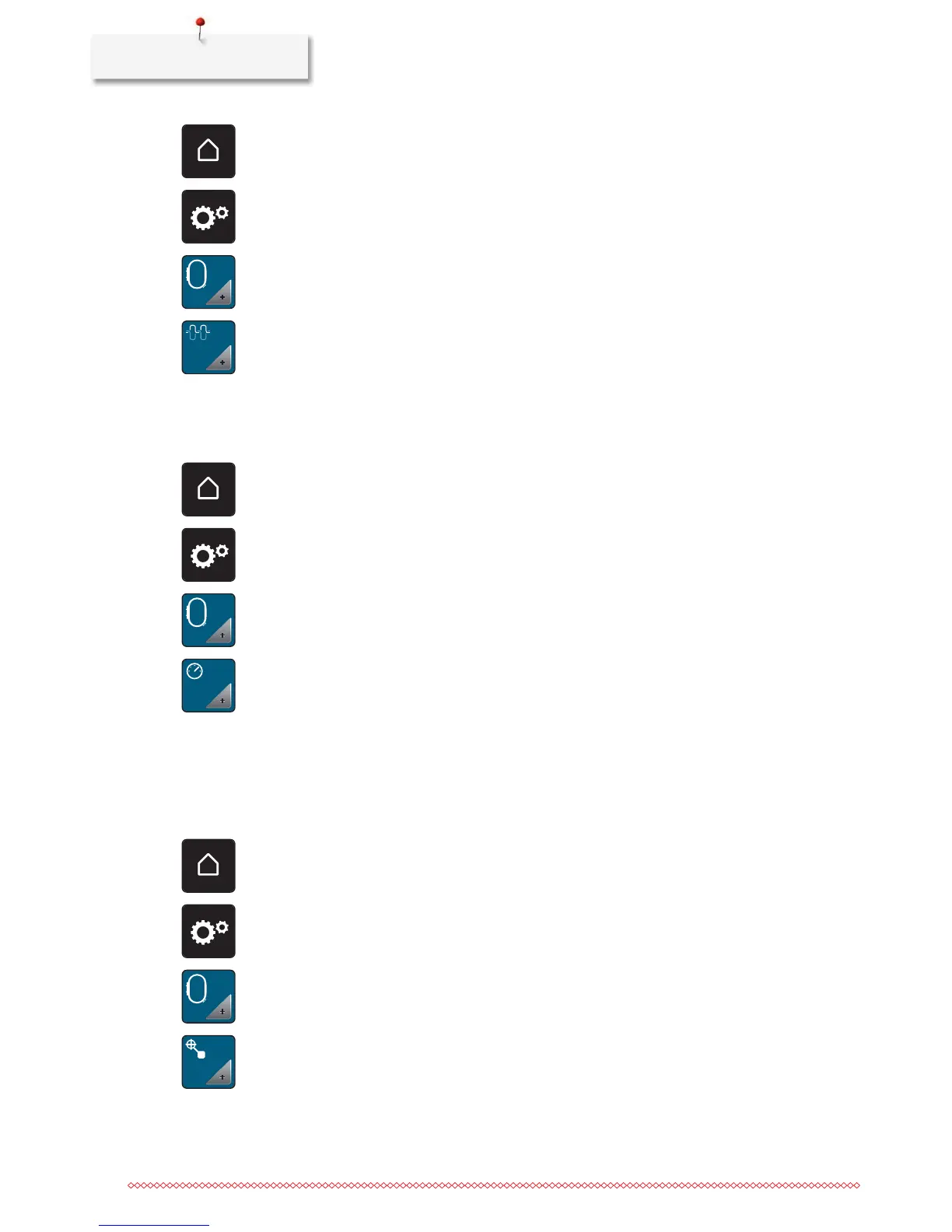
> Touch the icon «Home».
> Touch the icon «Setup Program».
> Touch the icon «Embroidery settings».
> Touch the icon «Alter the upper thread tension».
> Move the slide using the touchscreen pen/finger or touch the icons «+» or «-» to alter the upper thread
tension.
> Touch the yellow-framed icon to reset the alterations to default setting.
Adjusting the maximum embroidering speed
By using this function, the maximum speed can be reduced.
> Touch the icon «Home».
> Touch the icon «Setup Program».
> Touch the icon «Embroidery settings».
> Touch the icon «Alter the maximum speed».
> Move the slide using the touchscreen pen/finger or touch the icons «+» or «-» to alter the maximum
speed.
> Touch the yellow-framed icon to reset the alteration to default setting.
Centering the embroidery motif or opening in original position
When the embroidery motif is openend on the machine, it is always centered to the embroidery hoop. If you
want the embroidery motif to be opened in its original position (defined by the BERNINA embroidery
software), the function «Center the embroidery motif» must be activated.
> Touch the icon «Home».
> Touch the icon «Setup Program».
> Touch the icon «Embroidery settings».
> Touch the icon «Center the embroidery motif».



 To Next Page