Setup Program
65
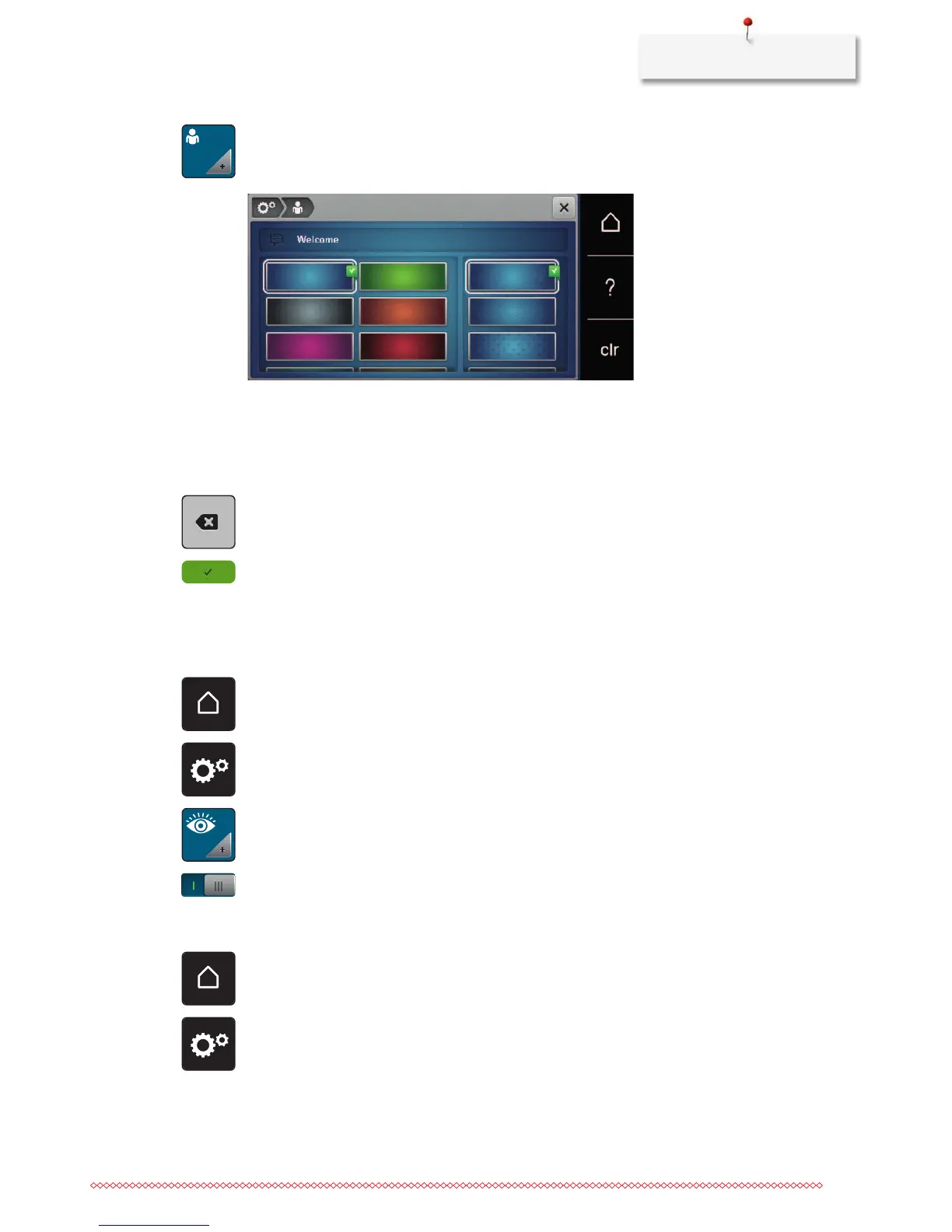
> Touch the icon «Personal settings».
> Select the desired color of the display and the background.
> Touch the text box above the color settings.
> Enter the welcome text.
> Touch the icon «ABC» (standard setting) to use upper-case letters.
> Touch the icon «abc» to use lower-case letters.
> Touch the icon «123» to use figures and mathematical symbols.
> Touch the icon «@&!» to use special characters.
> Touch the text box above the keyboard to delete the entered text completely.
> Touch the icon «DEL» to delete individual characters of the entered text.
> Touch the icon «Confirm».
3.4 Monitoring functions
Activating the upper thread indicator
> Touch the icon «Home».
> Touch the icon «Setup Program».
> Touch the icon «Monitoring settings».
> Touch the switch in the upper portion of the display to deactivate the upper thread indicator.
> Touch the switch again to activate the upper thread indicator.
Activating the bobbin thread indicator
> Touch the icon «Home».
> Touch the icon «Setup Program».



 To Next Page