Setup Program
67
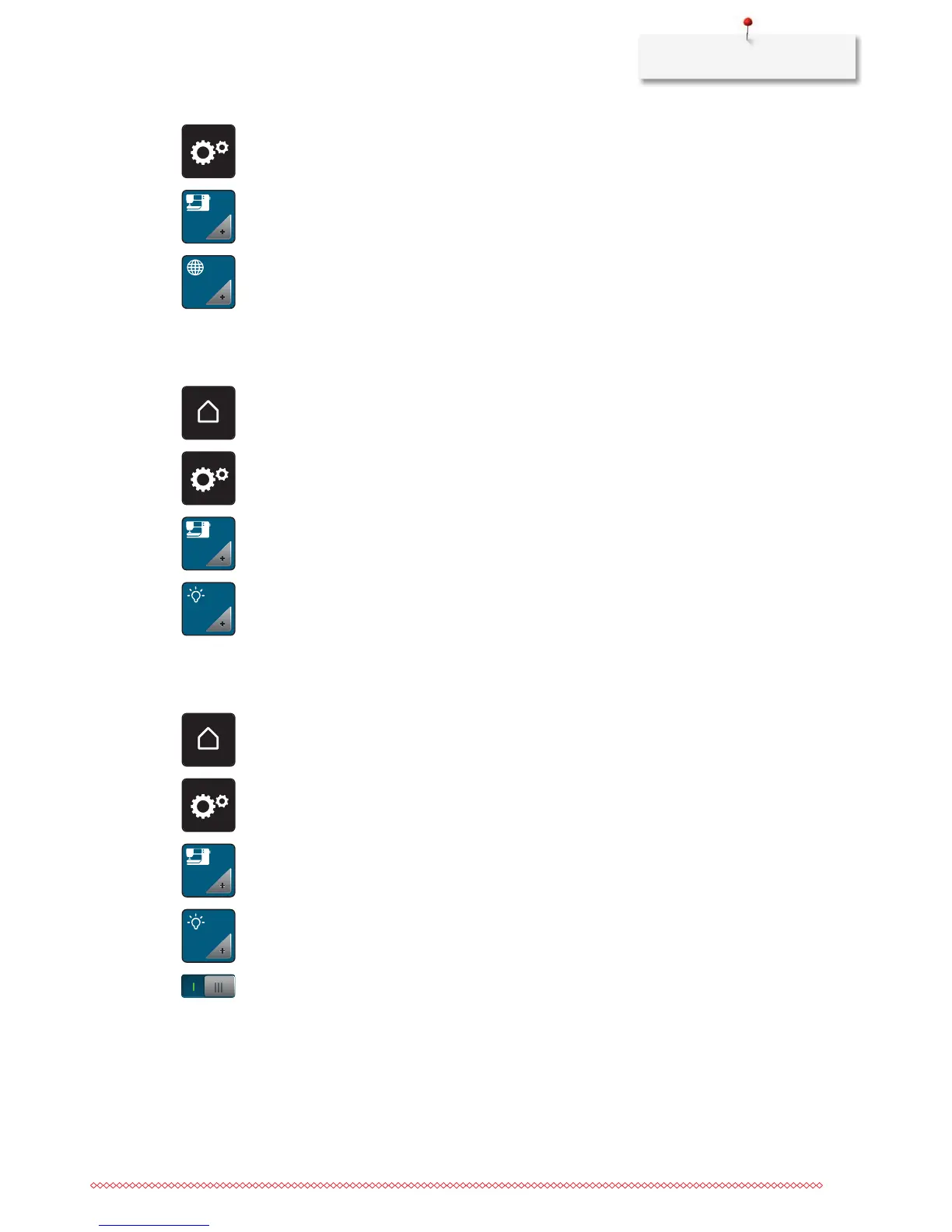
> Touch the icon «Setup Program».
> Touch the icon «Machine settings».
> Touch the icon «Language selection».
> Select a language.
Adjusting the brightness of the display
The brightness of the display can be adjusted corresponding to the personal preferences.
> Touch the icon «Home».
> Touch the icon «Setup Program».
> Touch the icon «Machine settings».
> Touch the icon «Adjust the brightness».
> Move the slide in the upper portion of the display using the touchscreen pen/finger or touch the icons
«+» or «-» to alter the brightness of the display.
Adjusting the sewing light
The brightness of the sewing light can be adjusted corresponding to the personal preferences.
> Touch the icon «Home».
> Touch the icon «Setup Program».
> Touch the icon «Machine settings».
> Touch the icon «Adjust the brightness».
> Move the slide in the upper portion of the display using the touchscreen pen/finger or touch the icons
«+» or «-» to alter the brightness of the sewing light.
> Touch the switch to switch the sewing light off.
> Touch the switch again to switch the sewing light on.
Checking the firmware version
Both the firmware and the hardware version of the machine and the attached embroidery module are
displayed.



 To Next Page