142
Embroidery Motifs
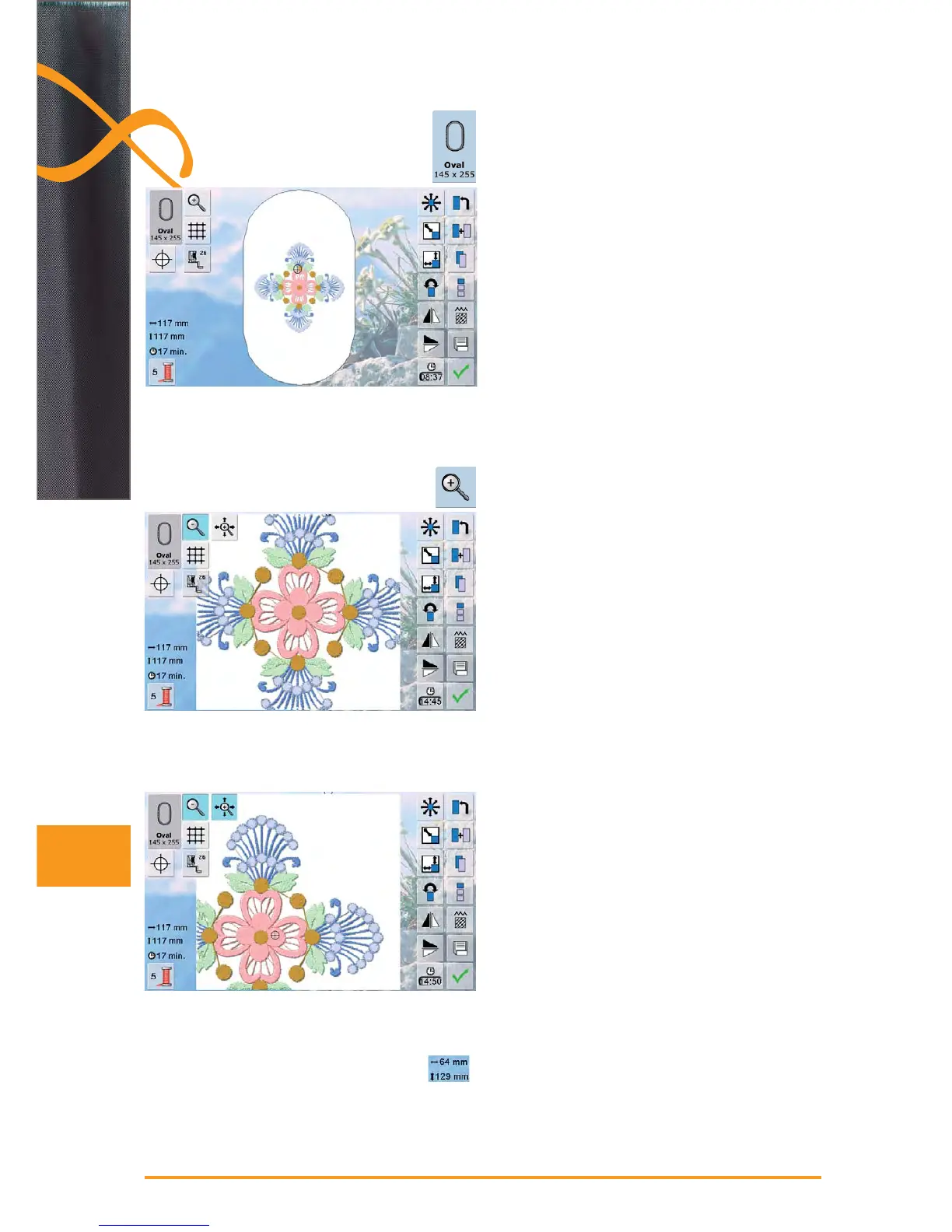
The best embroidery results are achieved if the smallest
possible hoop is selected to match the embroidery motif.
touch the icon «Select hoop» ►
after selecting a hoop the screen automatically closes ►
and the embroidery motif appears in the respective
hoop
the motif is enlarged ►
the motif can be moved directly on the screen in all ►
directions with your finger or the touch pen
The width and height of the embroidery motif is displayed
in millimeters (mm)
Zoom
Moving the Enlarged Motif
Select Hoop
Altered Motif Size Display



 To Next Page