154
Deleting
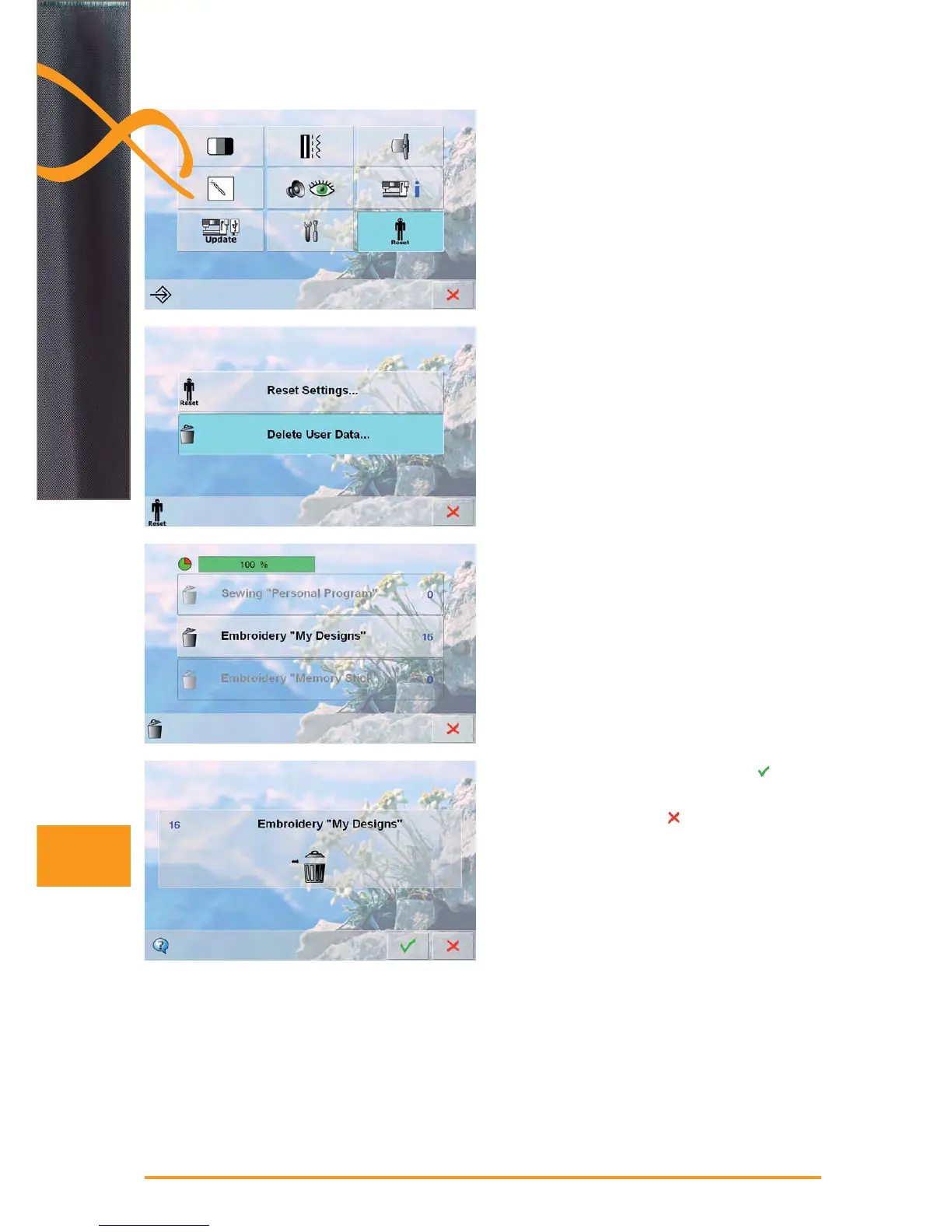
Delete all Saved Motifs
it is possible to delete the content of a personal design ►
stick or the folder «My Designs» all at once
touch «Setup» ►
touch «Reset» ►
a summary of the screen appears ►
touch «Delete User Data» ►
in embroidery two choices are possible: ►
My Designs ‣
Memory Stick (the stick must be plugged into the ‣
embroidery computer)
touch the button of which the data should be deleted ►
confirm the appearing display message with ►
the data is deleted and the screen reverts to the ►
previous screen
to cancel this process touch ►



 To Next Page