81
Long Term Memory
Correcting a Stitch Combination
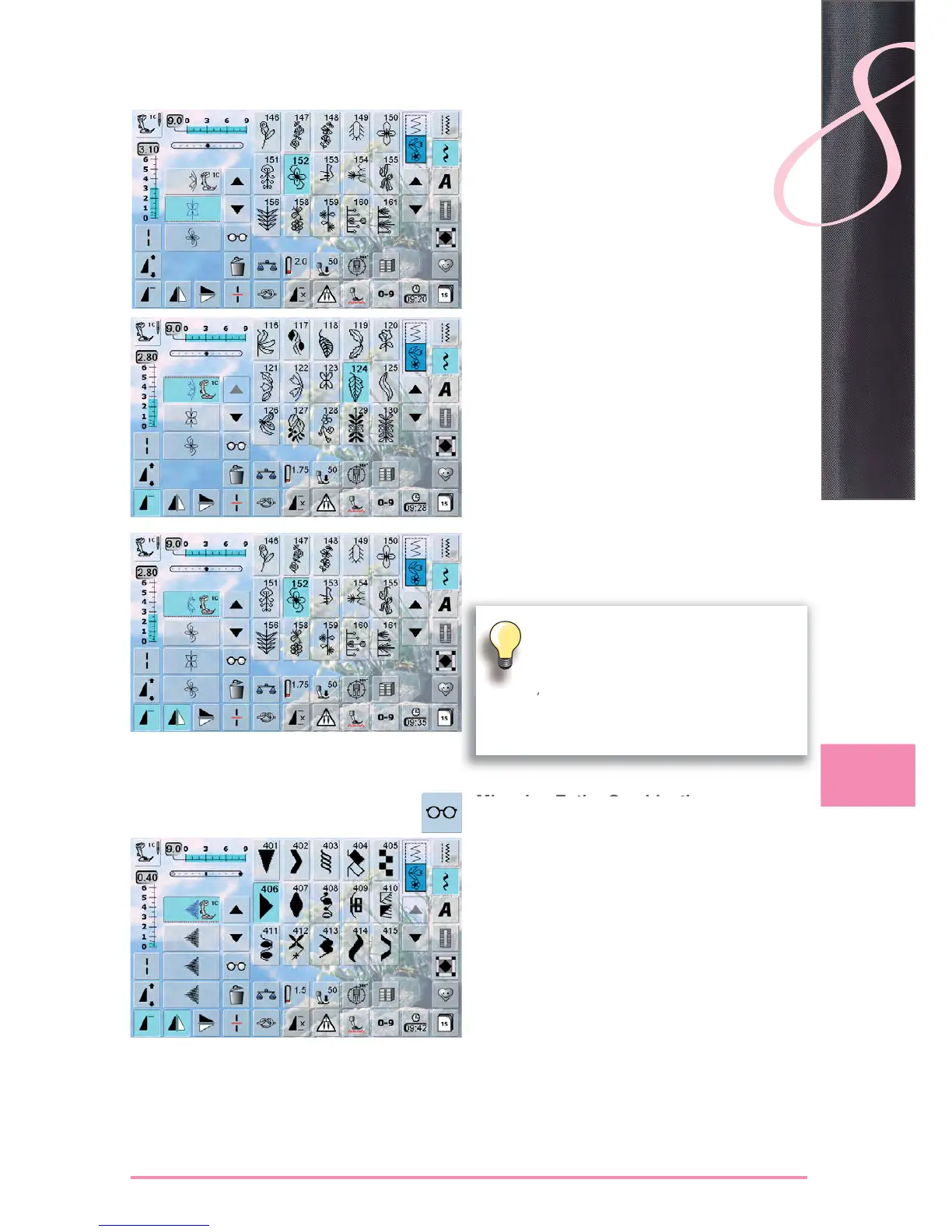
Inserting Stitch Patterns
select the desired position in the combination ►
select a new stitch pattern ►
the new stitch pattern will be added after the selected ►
stitch pattern
to add a pattern at the beginning of a combination, the
►
cursor must be positioned above the first pattern
Altering a Stitch Combination
select desired stitch in the combination ►
select desired function e.g. Mirroring ►
Mirroring Entire Combinations
touch the «Multifunction» Icon ►
the screen changes ►
touch the «Mirror image» icon ►
The alterations always affect the Stitch above
the cursor that is active or light blue.
Saved stitch combinations can be altered or
corrected in the same way. To make correc-
tions and alterations permanent, the combina-
tion must be saved again afterwards.



 To Next Page