70
Buttonholes
Nr. 63
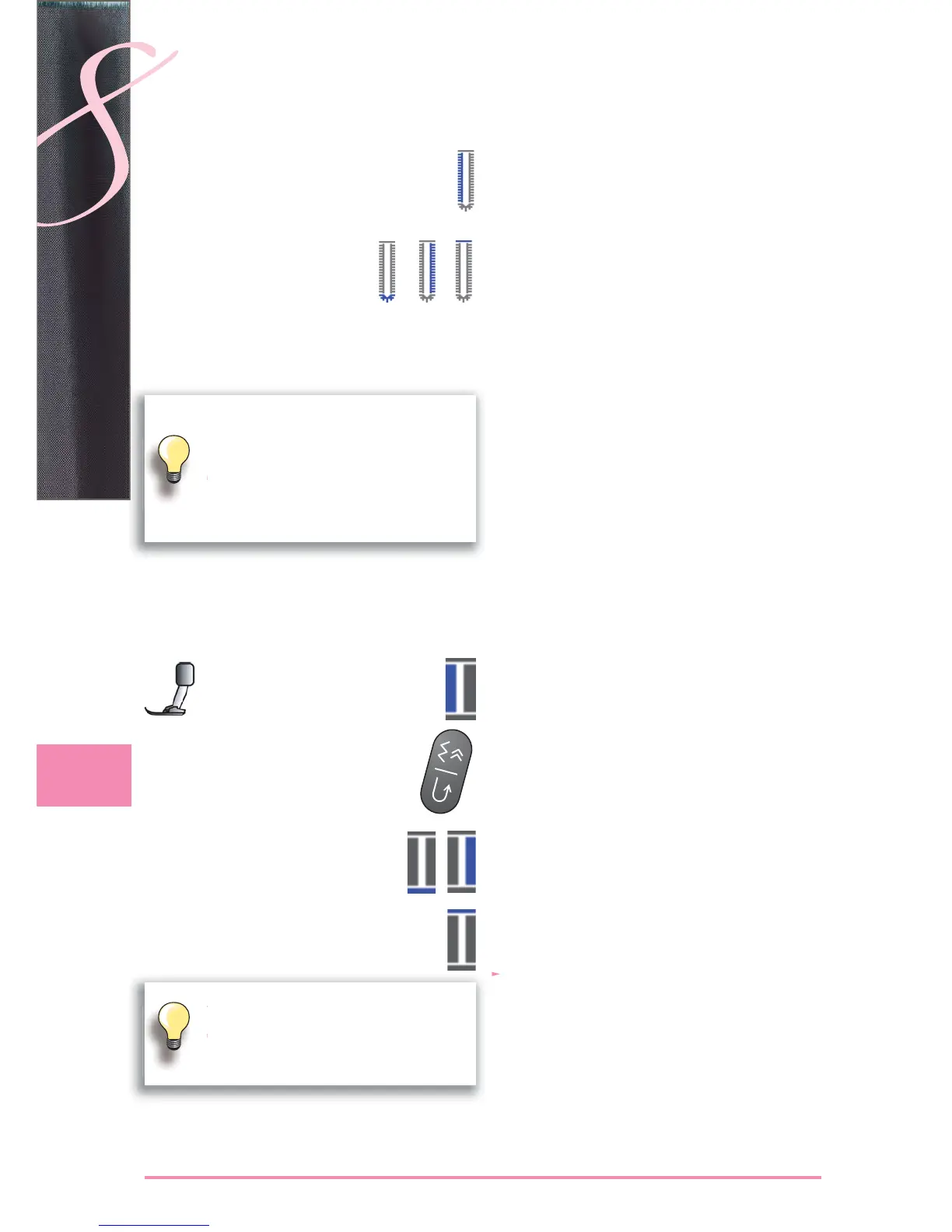
Sewing the first bead
sew first bead forwards, stop at required length ►
Programming the Buttonhole
programming is done as for the other buttonholes ►
Auto Buttonhole
The sewing computer sews automatically:
round part of buttonhole ►
second bead in reverse ►
bartack and securing stitches, stops and automatically ►
goes to the beginning of the buttonhole
Hand-look buttonhole
Stitch Counter Buttonhole
All Buttonhole Types
Sewing the first bead
sew first bead forwards, stop at required length ►
press the Quick Reverse button on head frame ►
Bartack, Second Bead in Reverse
bottom bartack and second bead are sewn in reverse ►
stop sewing computer at the first stitch ►
press Quick Reverse button on head frame ►
Bartack, Securing Stitches
the sewing computer sews the top bartack, secures ►
stitches and stops automatically
«auto 1,2,3» appear on the screen ►
the buttonhole is saved ►
Each subsequent buttonhole will be sewn identically.
Double sewn keyhole buttonholes
keyhole buttonholes can be sewn twice on ►
thick fabrics – the first lap is stitched with a
longer stitch length than the second
do not move the fabric after sewing the first ►
buttonhole; just tap the foot control once to
sew buttonhole again
the first bead (left) is sewn forwards, the ►
second bead (right) is sewn in reverse
the stitch counter buttonhole cannot be ►
saved in the long term Memory


 To Next Page