152
Saving
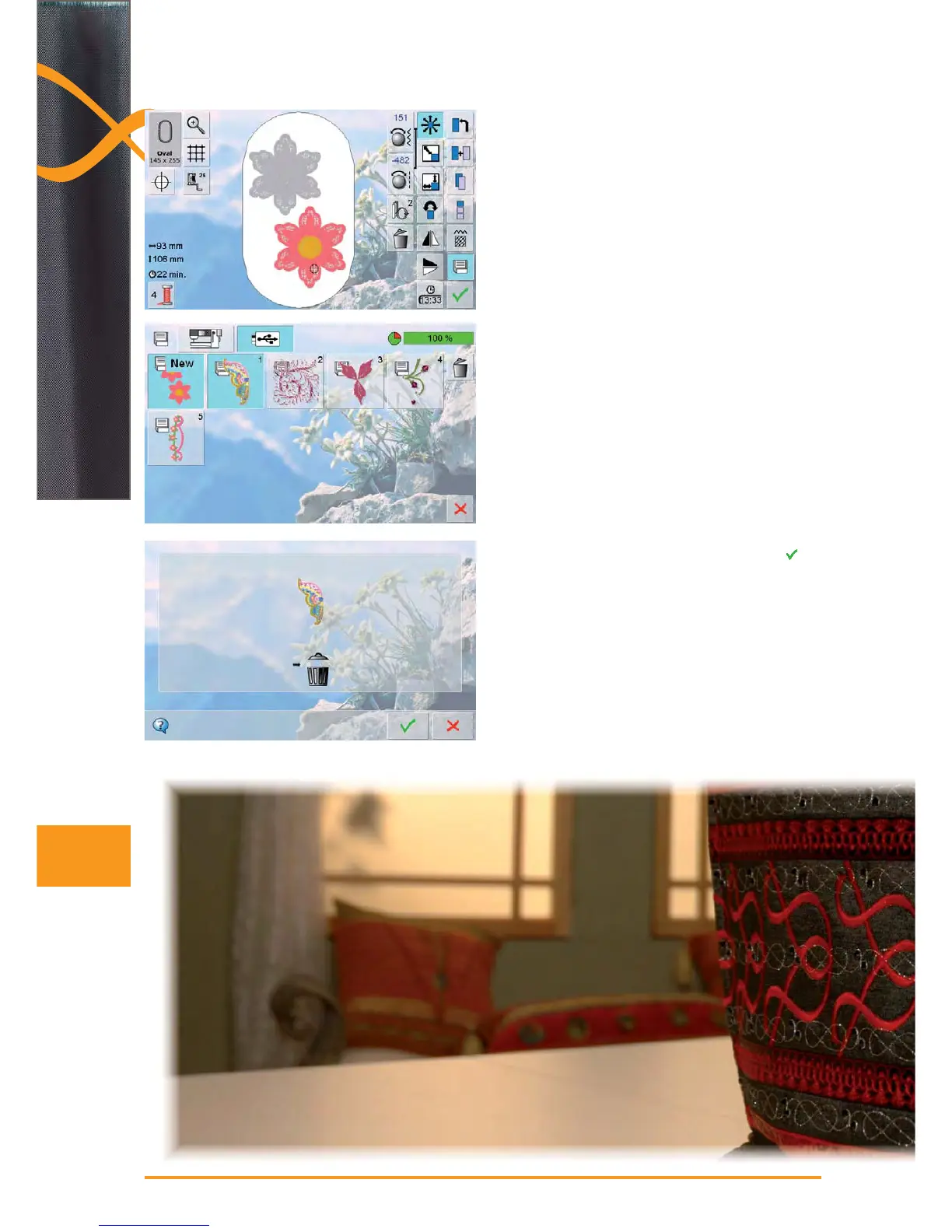
Overwriting Motifs
motif stored in the memory or on a USB stick can be ►
directly overwritten with a new motif
create the desired embroidery motif ►
touch the «Save» icon in the Edit screen ►
the motif to be saved appears as «New» in the left of ►
the display
in the Selection Menu select the «USB Stick» icon (USB
►
Stick is inserted) or «Embroidery computer»
touch the embroidery motif which is to be overwritten ►
confirm the animated graphic which appears with ►
the embroidery motif is now saved in the previously ►
selected area



 To Next Page