145
Creating Combinations
Embroidery Motifs
Preparation
select the desired motif from the selection menu of the ►
embroidery computer
the motif appears on the Edit screen ►
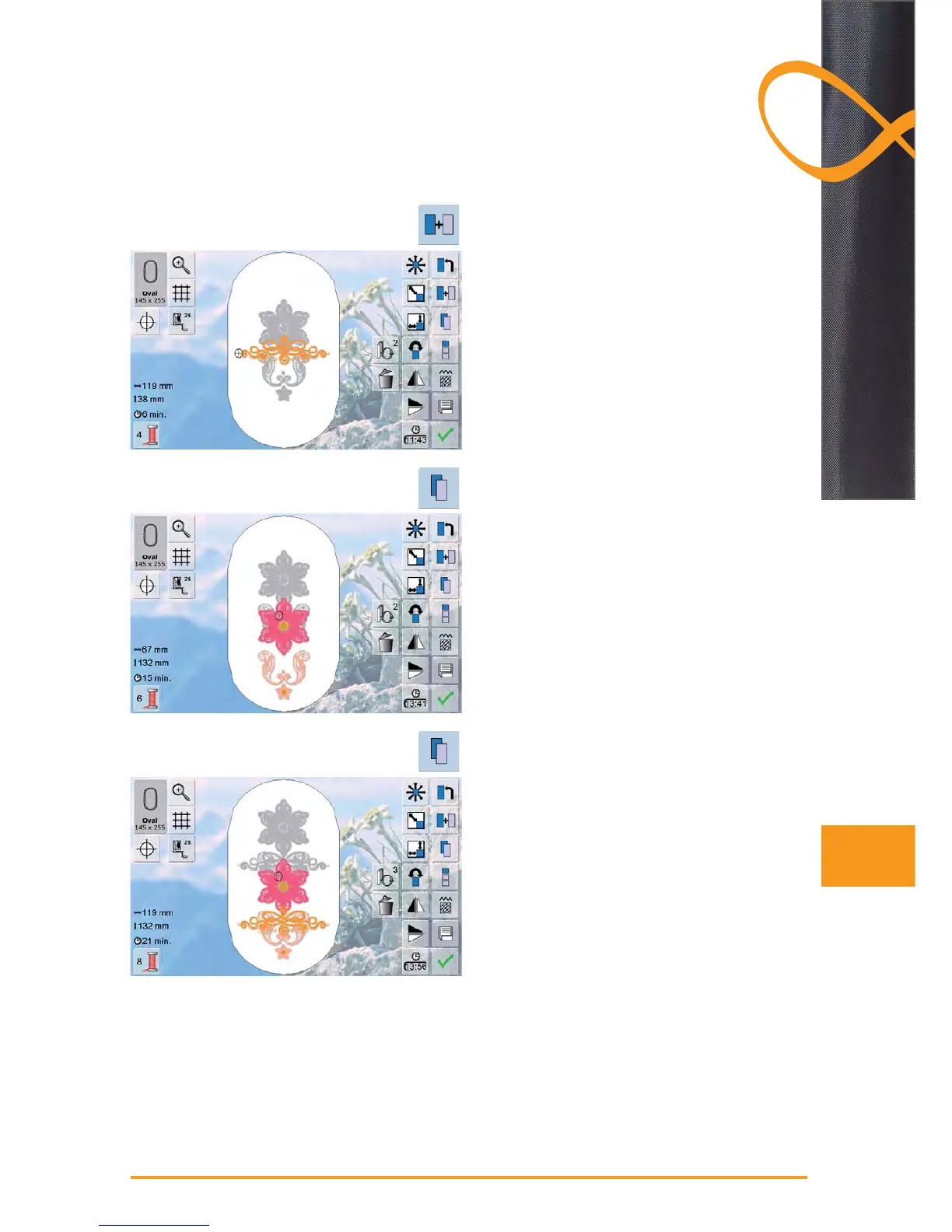
Adding motifs
touch «Add Motif» ►
touch desired motif or letter/character from the selection ►
menu
the selected motif will be added to the previous one ►
Duplicating a motif
touch «Duplicate Motif» ►
the active motif is duplicated and the duplicate added on ►
top of the active motif is slightly offset
Duplicating a combination
touch «Duplicate Motif» ►
the active combination is duplicated and the duplicate ►
appears on top of the active combination is slightly
offset
in contrast to the motifs in the original combination, the ►
individual motifs in the duplicate cannot be selected
anymore



 To Next Page