150
Embroidery Motifs
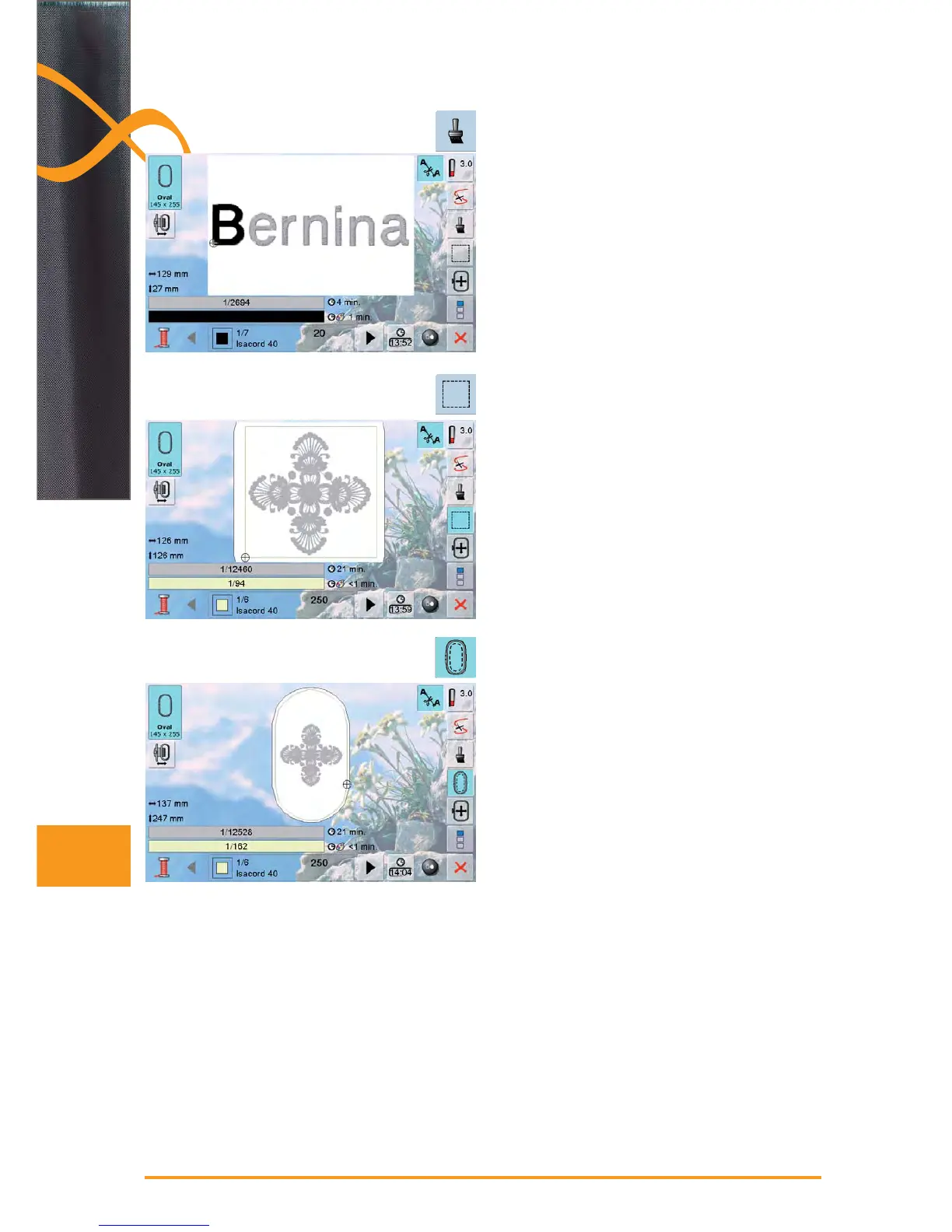
Embroidering Lettering in Multi Colors
lettering is always displayed in one color (Single motif ►
icon is not displayed)
to embroider each letter of a word or each word of a
►
word combination in a different color, each letter or word
must be programmed and placed separately
the embroidery computer stops after each letter or word
►
and the thread color can be changed
the stitching time for each color is displayed ►
to embroider the complete lettering combination in one ►
color, touch the Single/Multi Color Motif» icon (now
active)
Basting Box
the pattern is first basted with long straight stitches ►
this serves as an additional anchoring of the project so ►
that the fabric and stabilizer are adhered
touch icon again – the icon changes ►
the basting is now done along the hoop ►
touch icon again to switch off the basting box function, ►
otherwise it‘ll remain active even after selection of a new
motif



 To Next Page