43
Setup Program
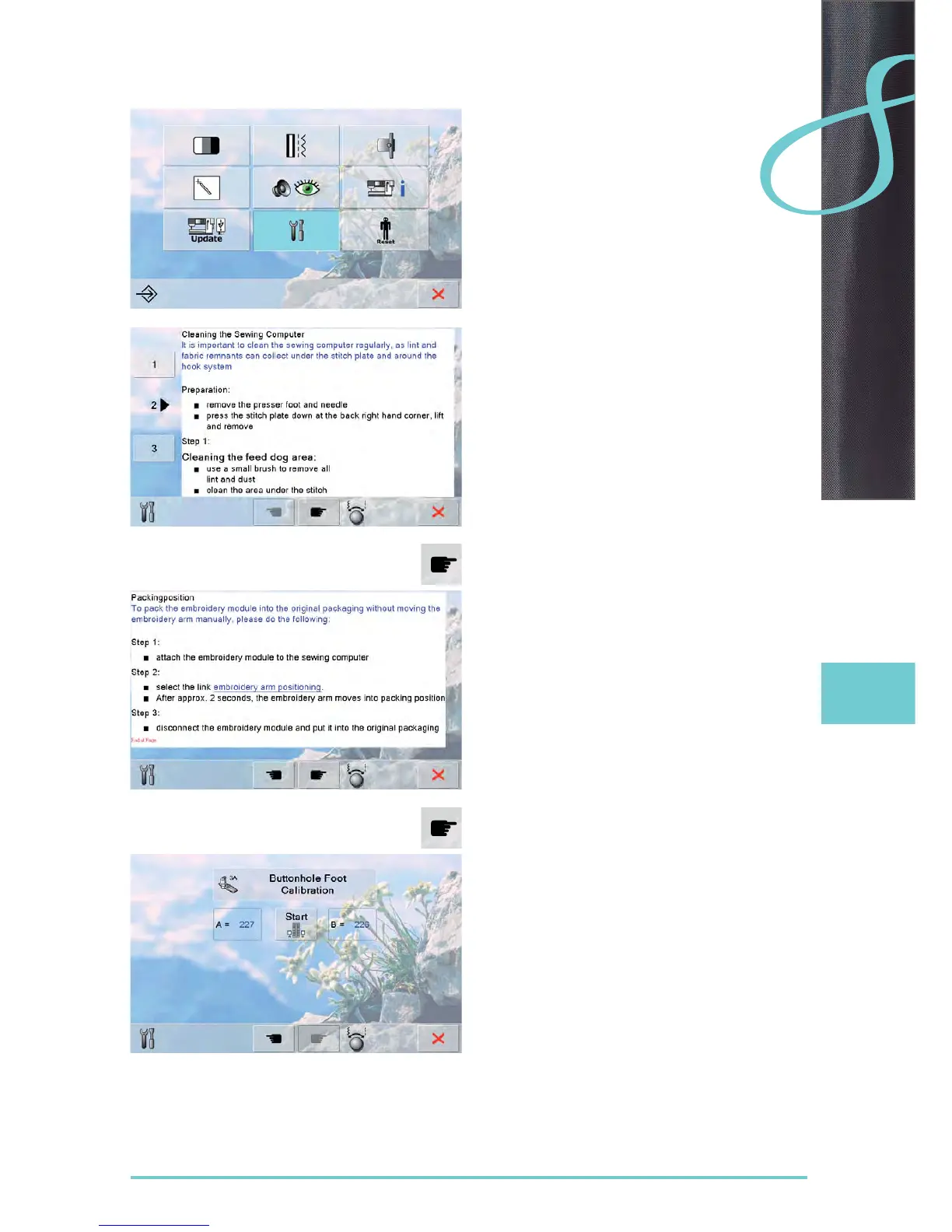
Cleaning the sewing/embroidery computer
Cleaning
clean the sewing-/ embroidery computer according to ►
the instructions
touch field 1 ►
the thread catcher of the automatic thread cutter moves ►
to the right
carefully remove any thread remnants with the tweezers ►
touch field 3 ►
the automatic thread cutter is re-initialized and then ►
ready for operation
Packing position
Do not move the embroidery arm of the embroidery module
by hand. Follow the on-screen instructions to fit the
embroidery module back into its original packaging.
Calibrating buttonhole foot no. 3A
attach buttonhole foot no. 3A ►
touch «Start», the automatic buttonhole foot with slide is ►
lowered
turn the handwheel until the feed dog is raised ►
needle should be in the highest position ►
touch «Start» again ►
the buttonhole foot will move forward and backward ►
buttonhole foot will calibrate and sewing computer will ►
indicate that the calibration has been successful
the buttonhole foot is now set for this particular sewing
►
computer, and should only be used with this one



 To Next Page