39
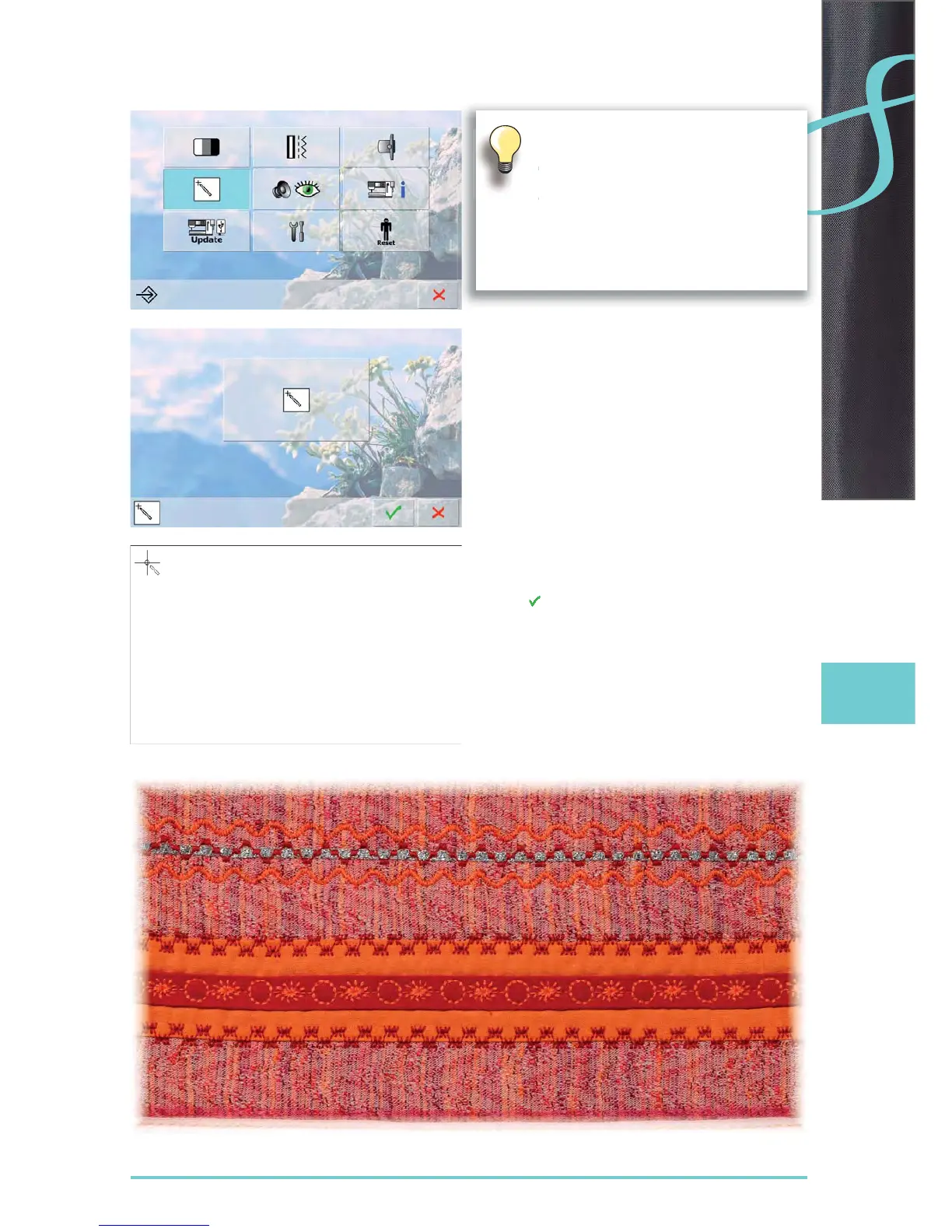
Screen Calibration
touch the calibration icon ►
another screen appears ►
with touch pen touch the center of the cross. The cross ►
moves to the next position
repeat this until all three positions shown are calibrated ►
touch ► to save settings
The calibration screen can also be opened
this way:
switch sewing-/embroidery computer off ►
(to «0»)
touch the two needle positioning buttons ►
on the front panel and keep them pressed
switch sewing-/embroidery computer on ►
(to «I») and as soon as the calibration
screen is opened, release the two buttons



 To Next Page