75
Personal Program
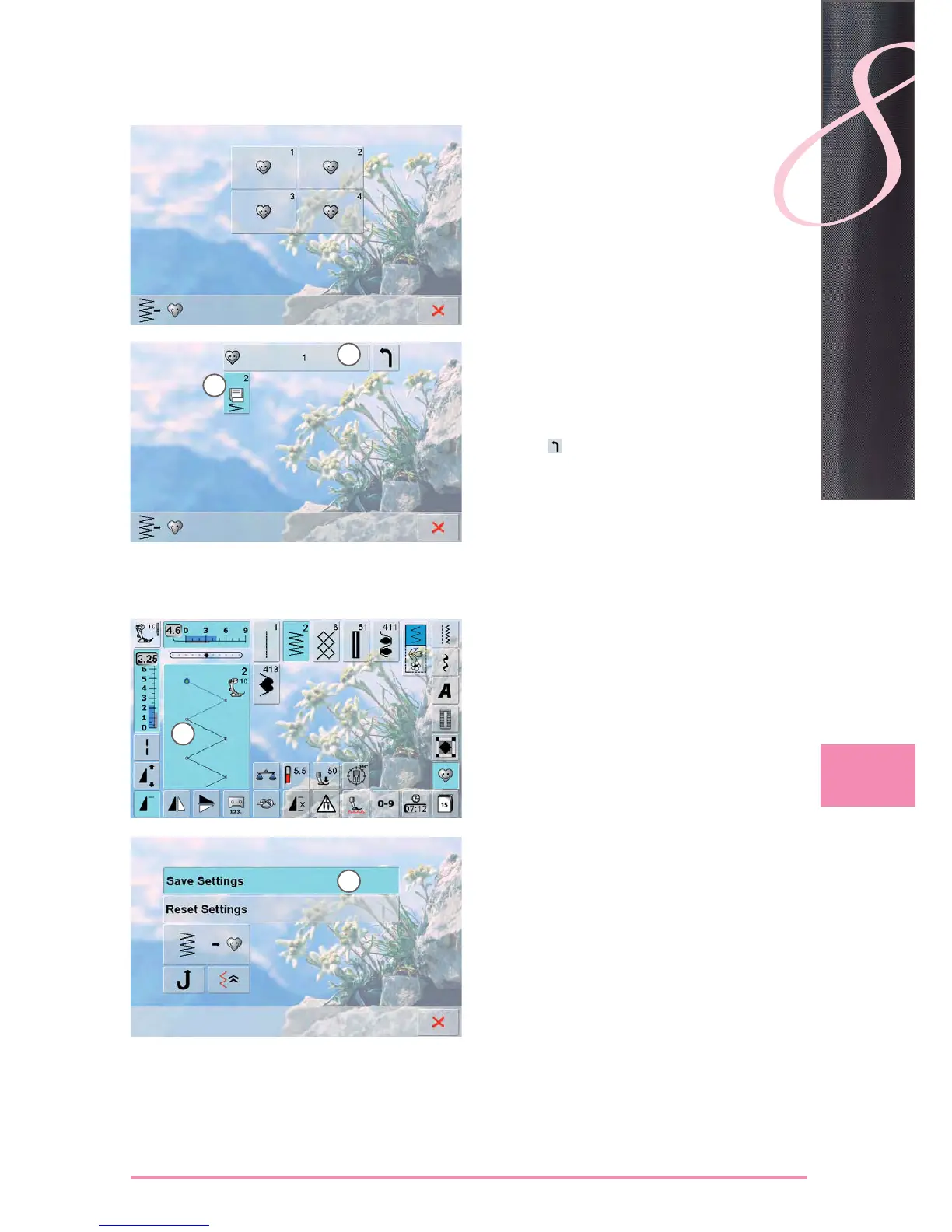
a screen with four files appears ►
select the file where the stitch pattern is to be saved, ►
e.g. 1
touch the flashing «Save» Icon ► 3
the altered zigzag stitch is saved and the screen closes ►
the file can be named by pressing the large gray icon ► 4
and the name can be typed in using the keyboard
provided
touch the ►
icon to return to file overview
Selecting Stitch Pattern
alter stitch width and stitch length using the knobs ►
the alterations and the basic settings are visible ►
touch the Stitch Altering Area (light blue) ► 1
touch the «Save Settings» bar ► 2
all alterations are saved; the special screen closes ►
Altering Stitch Patterns
1
4
2
3



 To Next Page