153
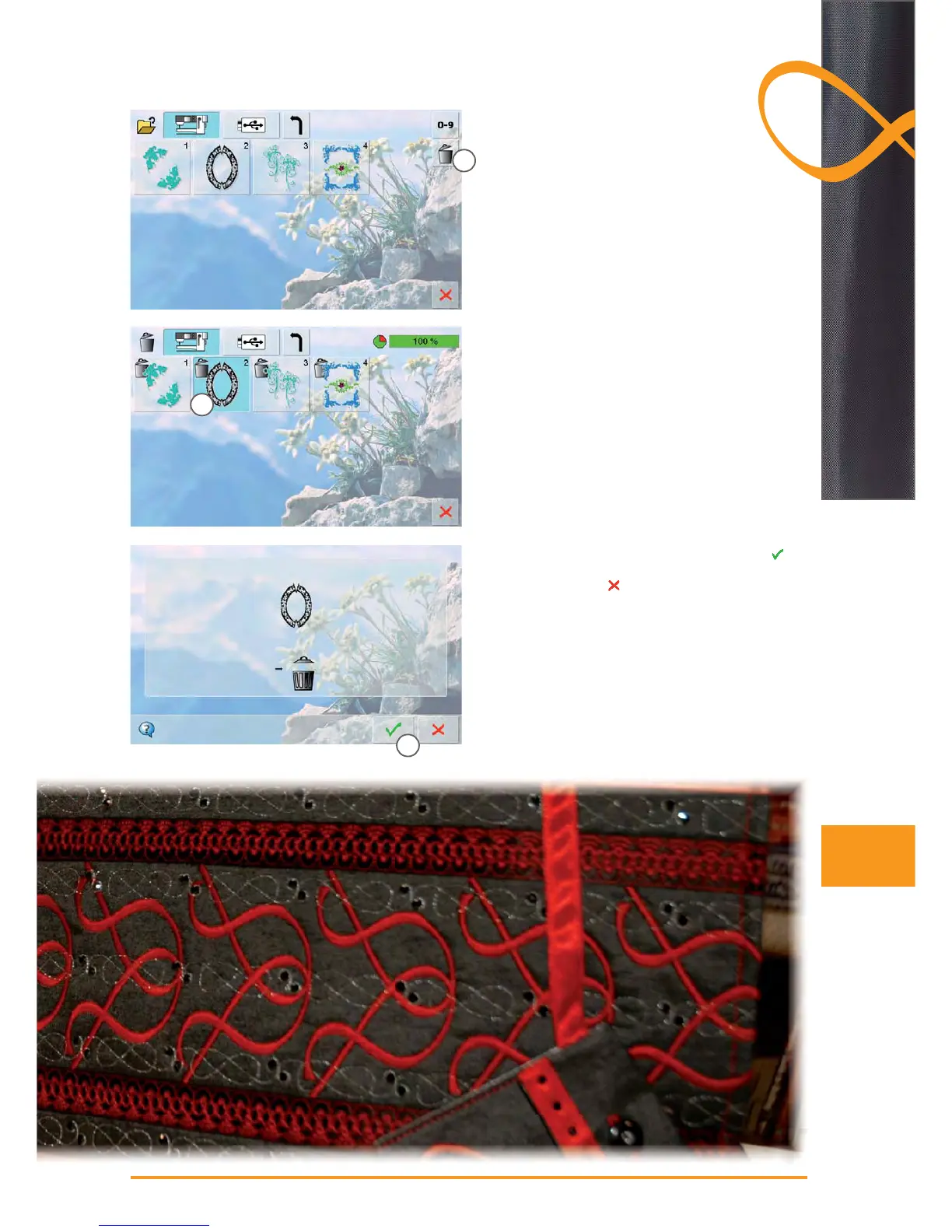
Delete a Saved Motif
in the Selection Menu select the USB Stick icon (USB ►
Stick is inserted) or «Embroidery Computer» and the
folder «My Designs»
touch the «Delete» icon ► 1
select the motif to be deleted in the opened screen ► 2
confirm the animated graphic which appears with ►
3
the motif is deleted ►
cancel deleting with ►
, the previous screen appears
Deleting
2
1
3



 To Next Page