146
Embroidery Motifs
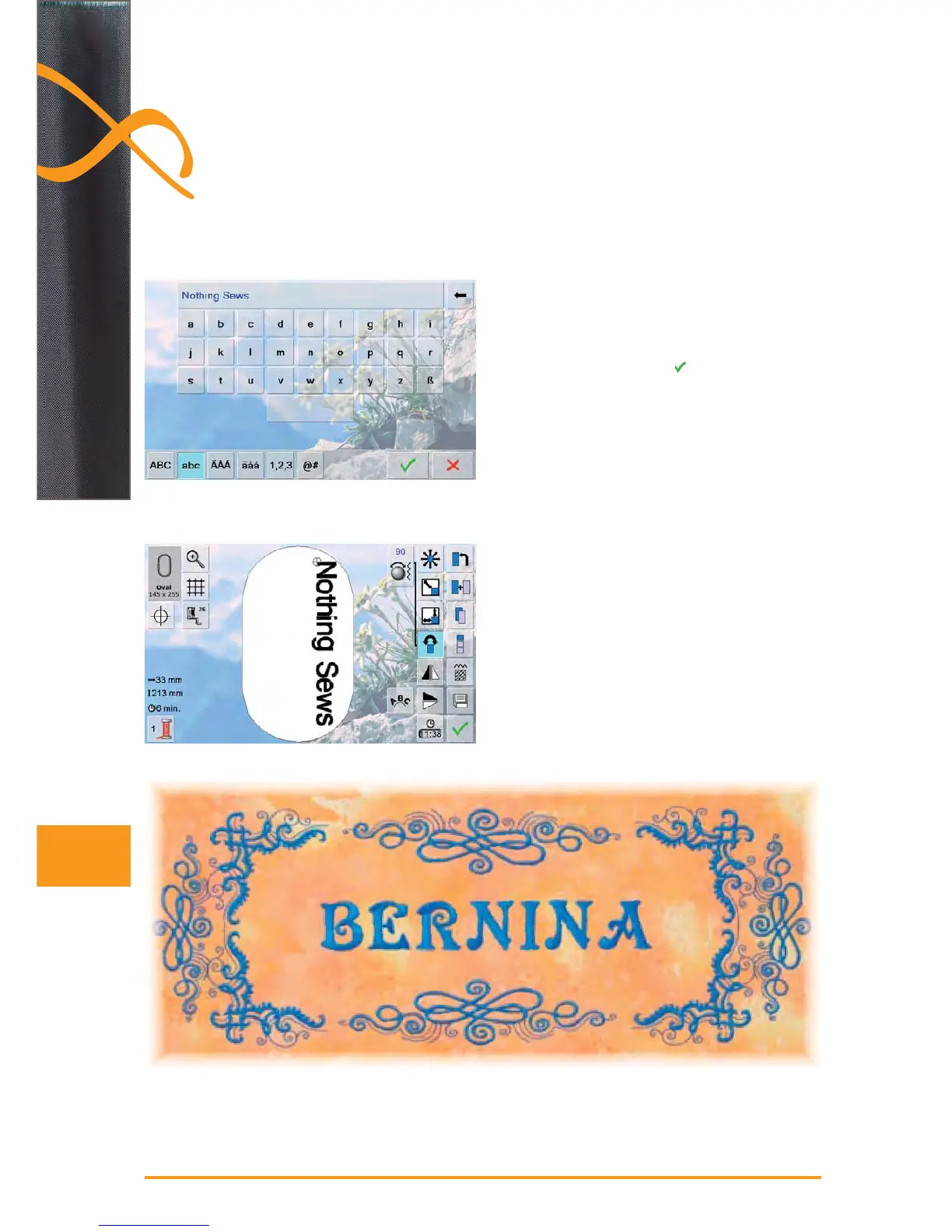
select desired alphabet type in the Selection menu ►
a special screen with a keyboard appears ►
enter Nothing Sews ►
select letters using the Upper/Lower Case icon; place ►
the space with the bar under the keyboard
confirm combined letters with ► and lettering appears
on the Edit screen
select the large embroidery hoop (Large Oval) with the ►
Hoop Select icon
rotate text by 90° (text has more space in the embroi- ►
dery hoop)
position text with the «Move Motif» function ►
if a stitch of a motif is positioned outside the stitch area, ►
the outline of the hoop is displayed in red
The individual words in a sentence (e.g. Nothing Sews Like A Bernina. Nothing.) are
individually combined by the line and positioned individually.
Lettering (e.g. words) can be combined with other lettering or embroidery motifs.
Create Lettering
Positioning



 To Next Page