166
Troubleshooting
Avoiding and Solving Problems
Fault Cause Repair
Some failures may be remedied by switching
the sewing-/embroidery computer off, then on
again after 10 seconds.
Uneven stitch formation
Lower thread incorrectly threaded
Upper thread incorrectly threaded
Poor quality needle or bent
Upper thread too tight/too slack
Poor quality thread
Lower thread too tight/too slack
Check lower threading path
Check upper threading path
Use a new, good quality needle (BERNINA)
Reduce/increase upper thread tension
Use quality threads (Isacord, Mettler, Gütermann)
Reduce/increase lower thread tension
Skipped stitches
Incorrect needle system
Needle bent or blunt
Needle/thread combination is incorrect
Needle inserted incorrectly
Incorrect needle point
Poor quality needle
Use needle system 130/705 H
Use new, good quality needles (BERNINA)
Match the needle to the thread size, see page 24
Insert needle as far up as it will go
Match the needle type to the fabric
Use good quality needles
Upper thread Breaks
Upper thread tension too tight
Incorrectly threaded
Poor quality or old thread
Stitch plate or hook tip damaged
Reduce upper thread tension
Check upper thread threading path
Use good quality thread
Have the sewing-/embroidery computer checked by a dealer
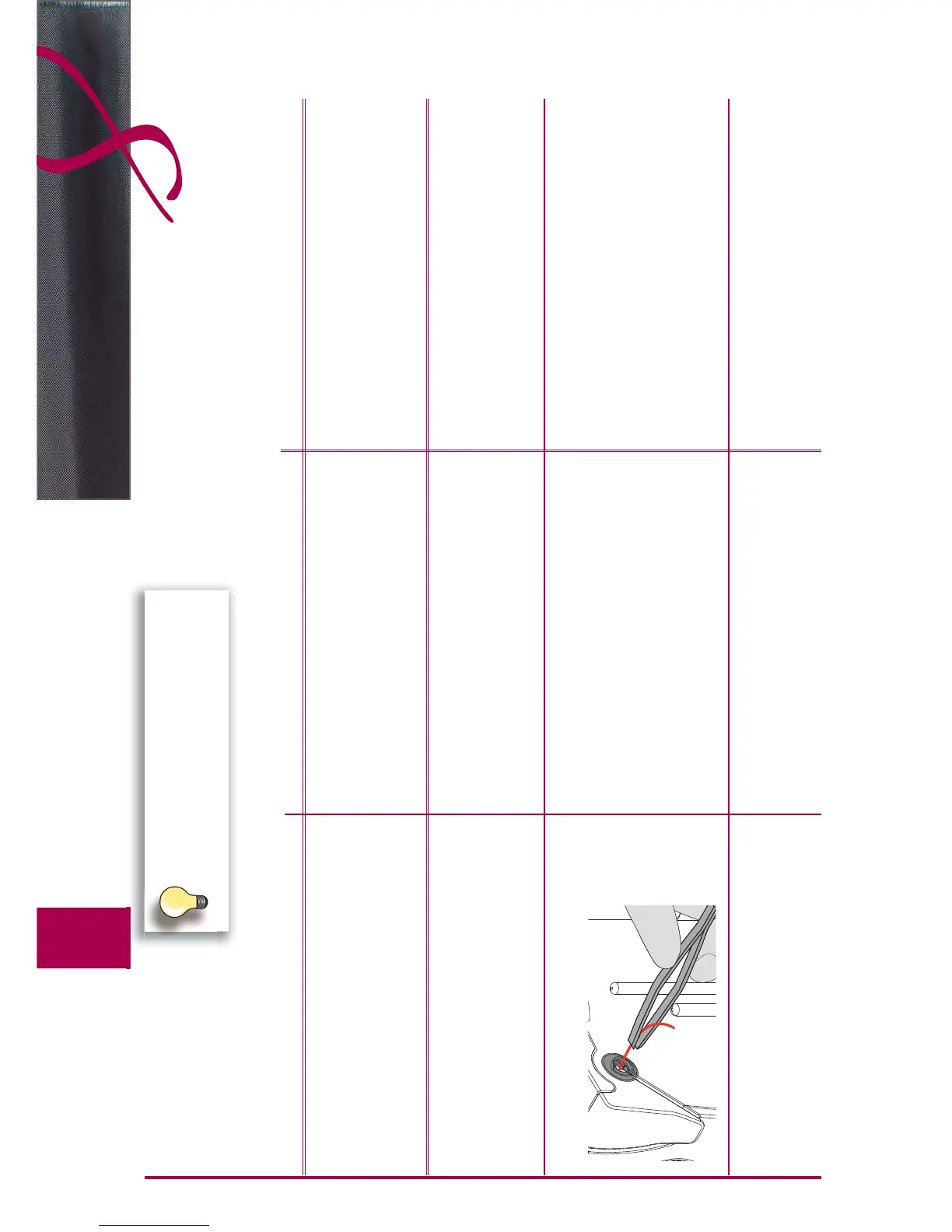
Remove any remaining threads in the pre-tension with
tweezers and check the take up lever, see page 168
Lower thread breaks
Lower thread tension too tight
Stitch hole in the stitch plate has been damaged
Needle blunt or bent
Reduce lower thread tension
Have the sewing-/embroidery computer checked by a dealer
Use a new needle



 To Next Page