Section 6 Evaluation Unit LB 442
47
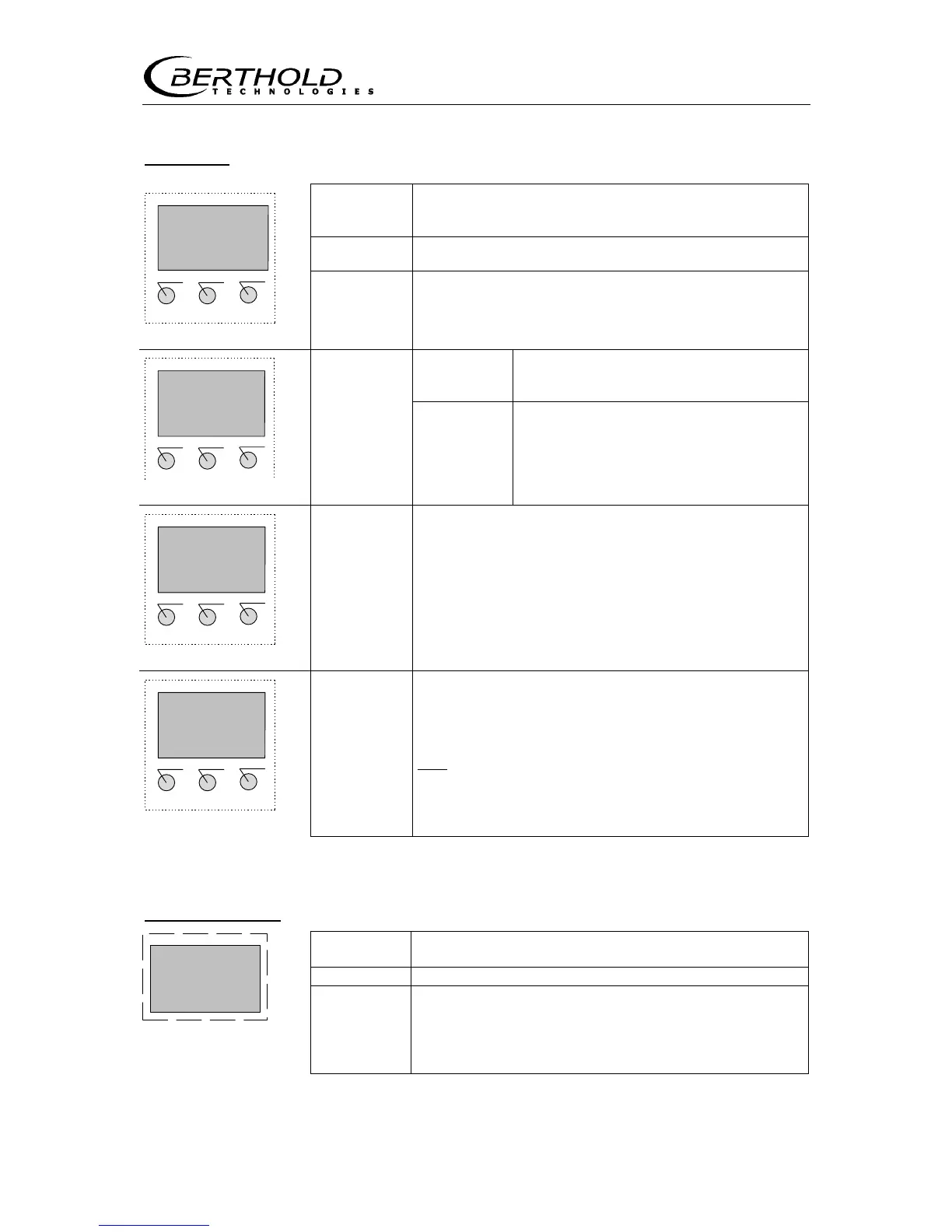
Softkeys
Figure 27: Softkey functions
Function keys
<enter>
accepts the entry and moves the cursor to the next
input field or toggles between two input fields..
<clear> clears the numerical value.
Load
2300 t/h
+ - RUN more
Figure 28:
Live display
<run>
starts or ends a measurement or leads directly back
to the display and at the start of a measurement
automatically changes to the live display
<sk1
>
<sk2>
Invokes the indicated menu
(Figure 27a)
<more> Invokes the next display or menu group.
sk1: General Data
sk2: Operating Mode
sk1 sk2 more
<done>
Shows the end of the menu and takes you back to
the menu group.
Text:
scrolls through the various select op-
tions
Product select
[external/internal]
^^^ done
internal
<^^^>
Numerical
values:
increments the number marked by the
cursor by 1.
Time Constant
more
value: 20.000
←
←←
←←
←←
←←
←←
←
∧∧∧
∧∧∧∧∧∧
∧∧∧
<
>
moves the cursor to the left and at the end of the
input field again to the start position
HV (500): 112 cps
+ - exit
HV (560): 116 cps
HV (620): 122 cps
<+>
<
->
scrolls cyclically in a result list or in the
Live
display









 To Next Page