7.3 Calibration
74
7.3.4 Standard Calibration Procedure Step-by-Step
o In the main menu, select sk1: Calibrate and then the submenu
sk2: Calibrate
.
o Select the product (no. 1...10).
o Select the submenu sk1: Data Input
and after the background
for the rod detector, select calibration point 1.
o Load product on conveyor belt and start conveyor belt.
o When the product has reached the measuring frame, push the
<run> button. The computer starts counting the time and aver-
ages the count rate and speed over the measurement.
o If the material used for comparative weighing has passed the
measuring frame, push <run> to stop the measurement. The
averaged count rate and belt speed as well as the measuring
time is displayed.
o If you confirm the 3 values with <enter>, the prompt Com-
parative weight appears.
o Enter result of comparative measurement.
o Confirm value with <enter>.
o Go to next calibration point with <more>. To perform another
comparative weighing, proceed as described, using another data
point in the menu. Measure another calibration point at a differ-
ent load, if possible.
To use no further calibration point, enter „0“ cps at the next
Rate and confirm with <enter>. The values of this and all fol-
lowing calibration points are then not
used for calculation of the
calibration curve.
o Scroll through the calibration points that are not used with
<more>. The display returns to the submenu group sk1: Data
Input/sk2: Calculate.
o Select sk2: Calculate
.
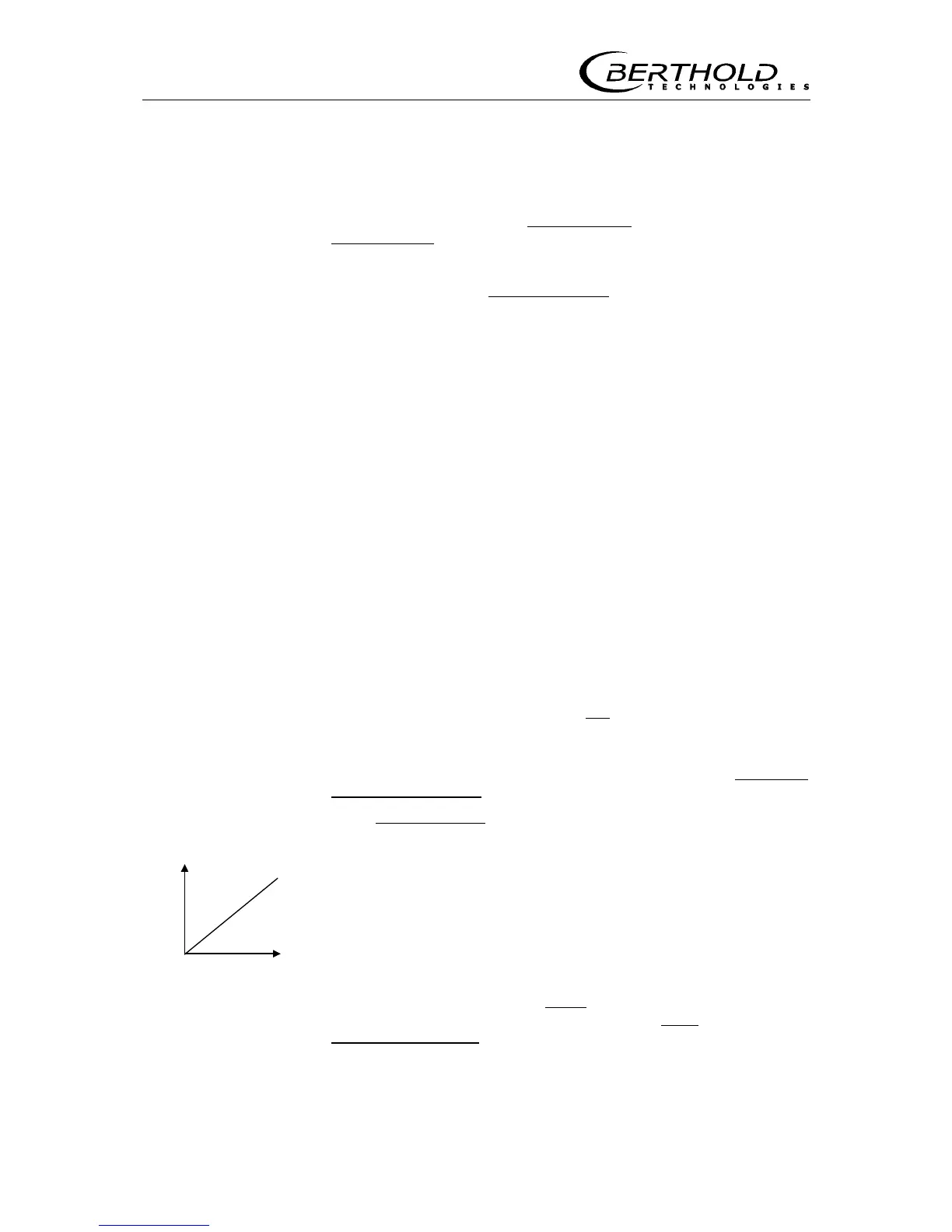
If one imagines these pairs of values, i.e. count rates and calcu-
lated weight per area, plotted on a diagram, we get a line that
connects these points. The computer finds this line automati-
cally. The method used to determine a mathematical function
which provides an optimum connection between these points is
known as regression analysis. Since the plotted curve must be
continuous for physical reasons, not all measuring points will be
on the plotted curve.
One can tell the computer whether it should carry out the re-
gression analysis using a linear
weight per area share, or
whether it should also take into account a cubic
one. See also
curve fit using cubic
coefficients on page 61.
- ln I/Io
x
x
x
x
F









 To Next Page