56926BA2, Rev. 02, 04/2019
4. Click on <Next> in order to proceed to the next step.
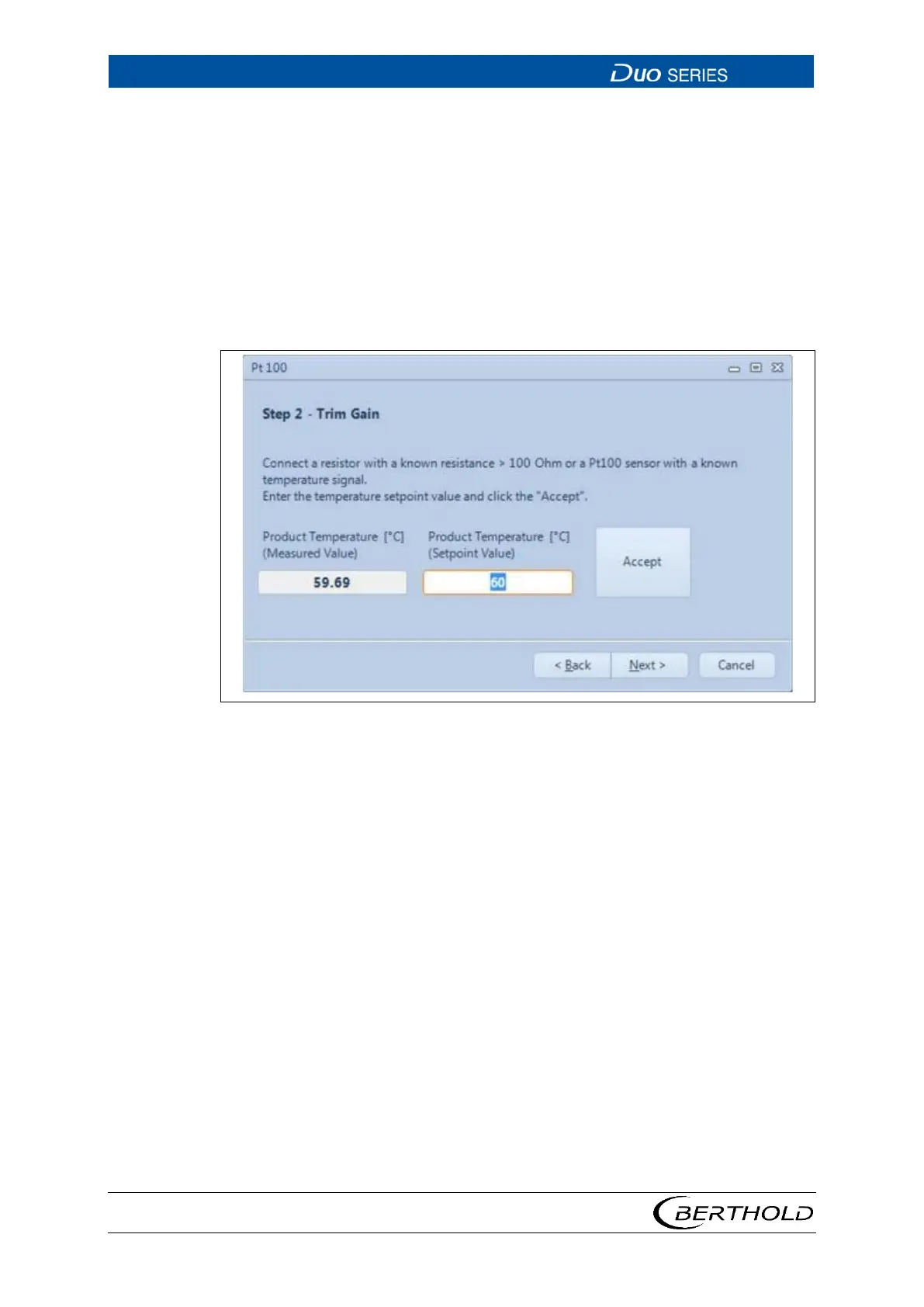
5. Connect a defined resistance (> 100 ohms) to terminals 3 and 4 in the connec-
tion compartment of the detector (see
Fehler! Verweisquelle konnte nicht
gefunden werden.) and enter the corresponding temperature value under
"Real Temperature". Alternatively, you can also use a Pt 100 sensor with a
known temperature signal. In this case, enter the known Pt 100 temperature.
6. Click on <Accept>.
u The measured product temperature should now roughly match the entered
value.
7. Click on <Next>, in order to proceed to the next step.
32 Step 2 of the Pt100 Wizard









 To Next Page