56926BA2, Rev. 02, 04/2019
Calibrate Pt 100 Temperature Measurement
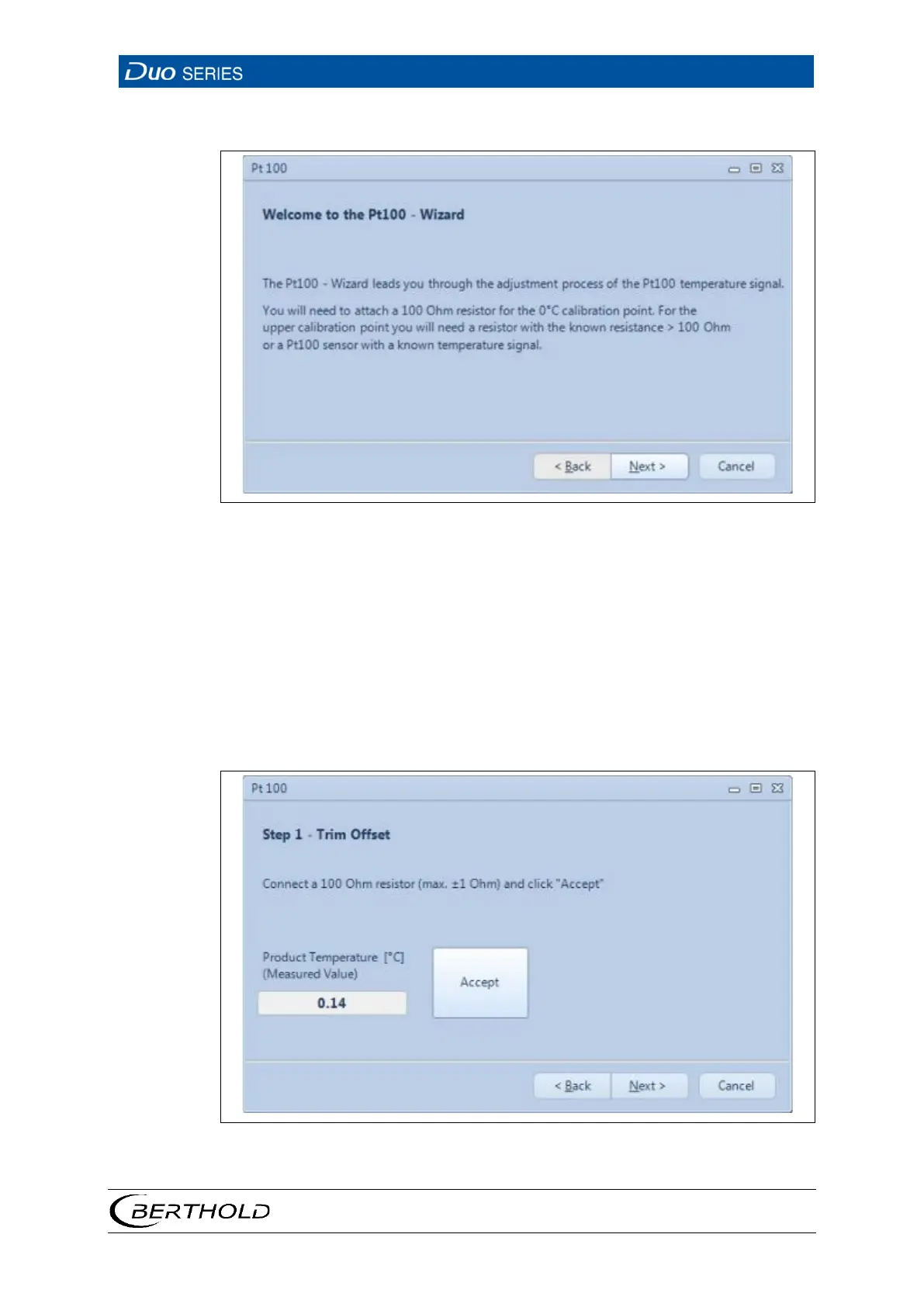
30 Start Window of the Pt100 Wizard
1. Click on the button <Adjustment> (Fig. 29, item 1) in order to calibrate the Pt
100 temperature measurement.
u A window opens. The Pt100 wizard guides you through the calibration pro-
cess.
2. Connect a resistance of 100 ohms at terminals 3 and 4 in the connection com-
partment of the detector.
3. Click on <Accept> in order to calibrate the 0 °C point.
u The product temperature should now be displayed at about 0 °C.
31 Step 1 of the Pt100 Wizard









 To Next Page