56926BA2, Rev. 02, 04/2019
Pt 100
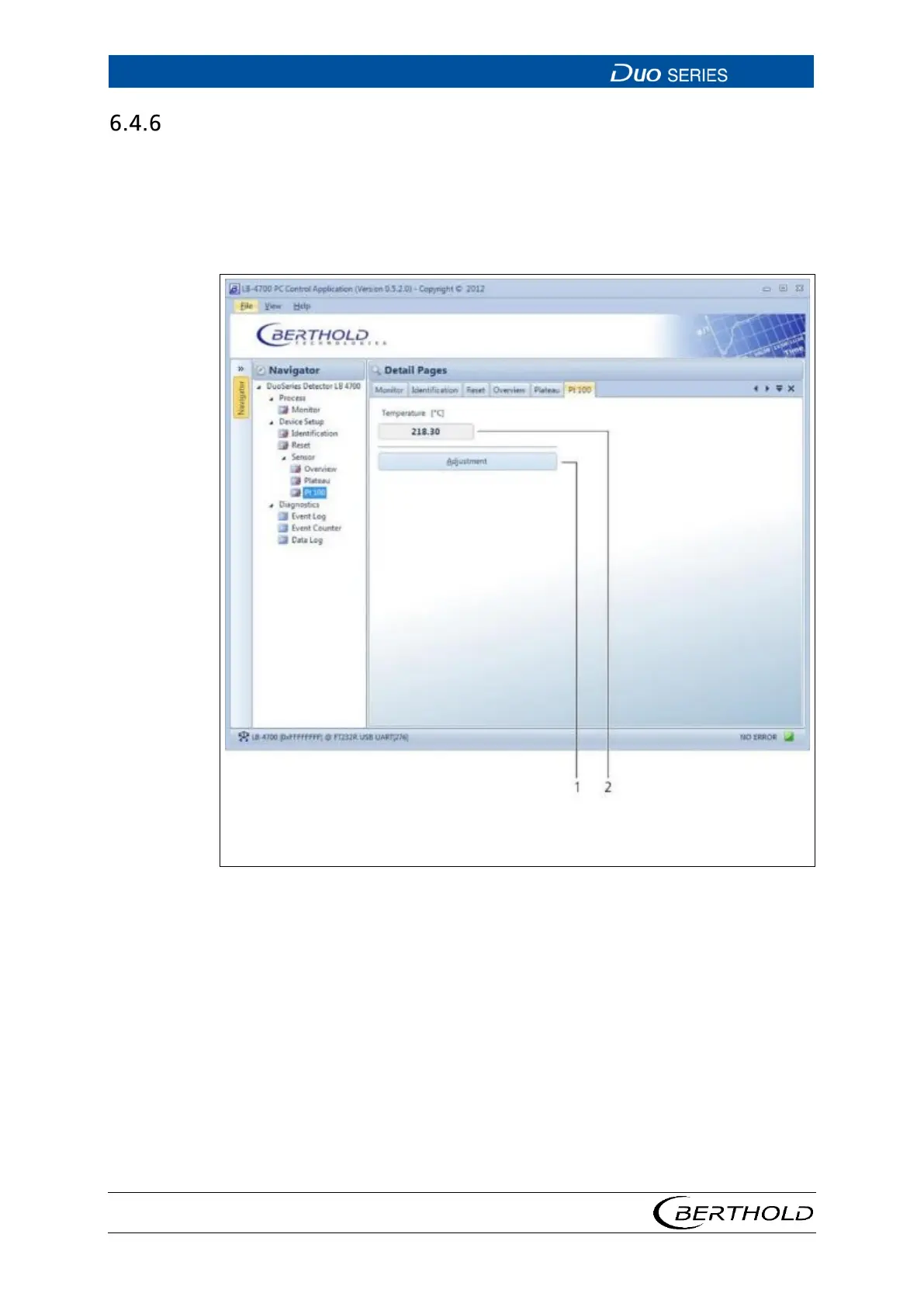
Open the submenu Pt 100 in the menu group Device Setup | Sensor of the navi-
gator by double-clicking on
<Pt 100>. (Fig. 29).
The current temperature of the thermometer is displayed for the associated Pt 100
thermometer in this submenu. You can also calibrate the temperature measure-
ment.
2
Temperature display
29 Device Setup | Sensor | Pt 100









 To Next Page