Quick Start LB 983 NightSHADE II Operating Manual
28
Click to continue.
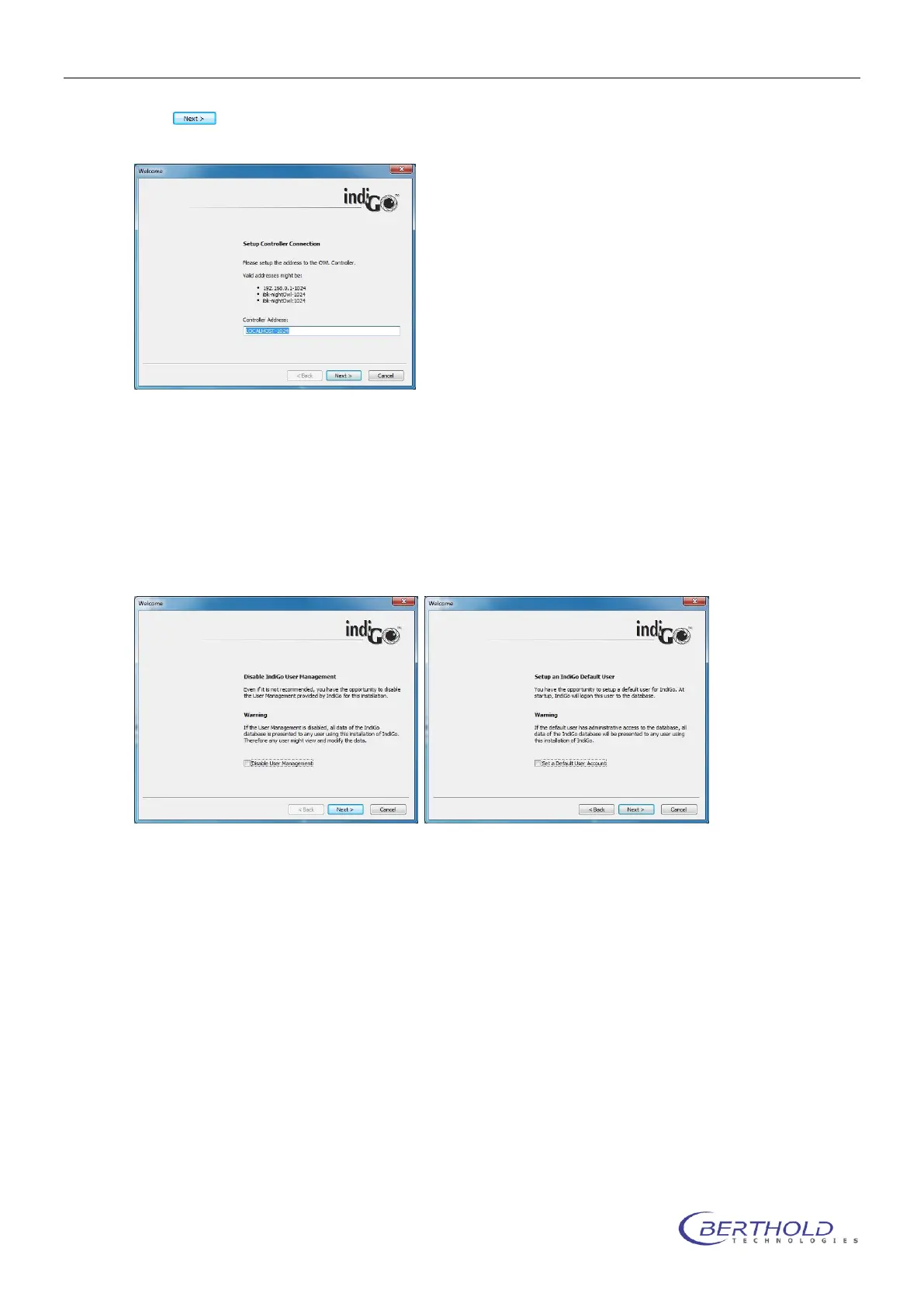
This dialog box defines the connection to the NightSHADE controller. If the controller
is running on the same computer the default settings “LOCALHOST-1024”can be ap-
plied.
If the NightSHADE controller is running on a remote OC in the network, please set up
the correspondending IP-address or the host name like”192.168.1.2-1024” or
“IMAGING_PC-1024”. The IP port number to contact the instrument controller is al-
ways 1024 . Host and port number must be separated with a dash “-“.
IndiGO offers a user management. For the user management are three different
modes available:
<Disable User Management> (not recommended)
<Set a Default User Account>, this user will be logged on automatically or
User must log-in everytime the software starts.
In case no user management is required tick the box <Disable User Management>.
No log-in is required and no user management is available. Even if you already decid-
ed to use this option the user management can be activated via the system configura-
tion at any time.



 To Next Page