83
Logic Delay
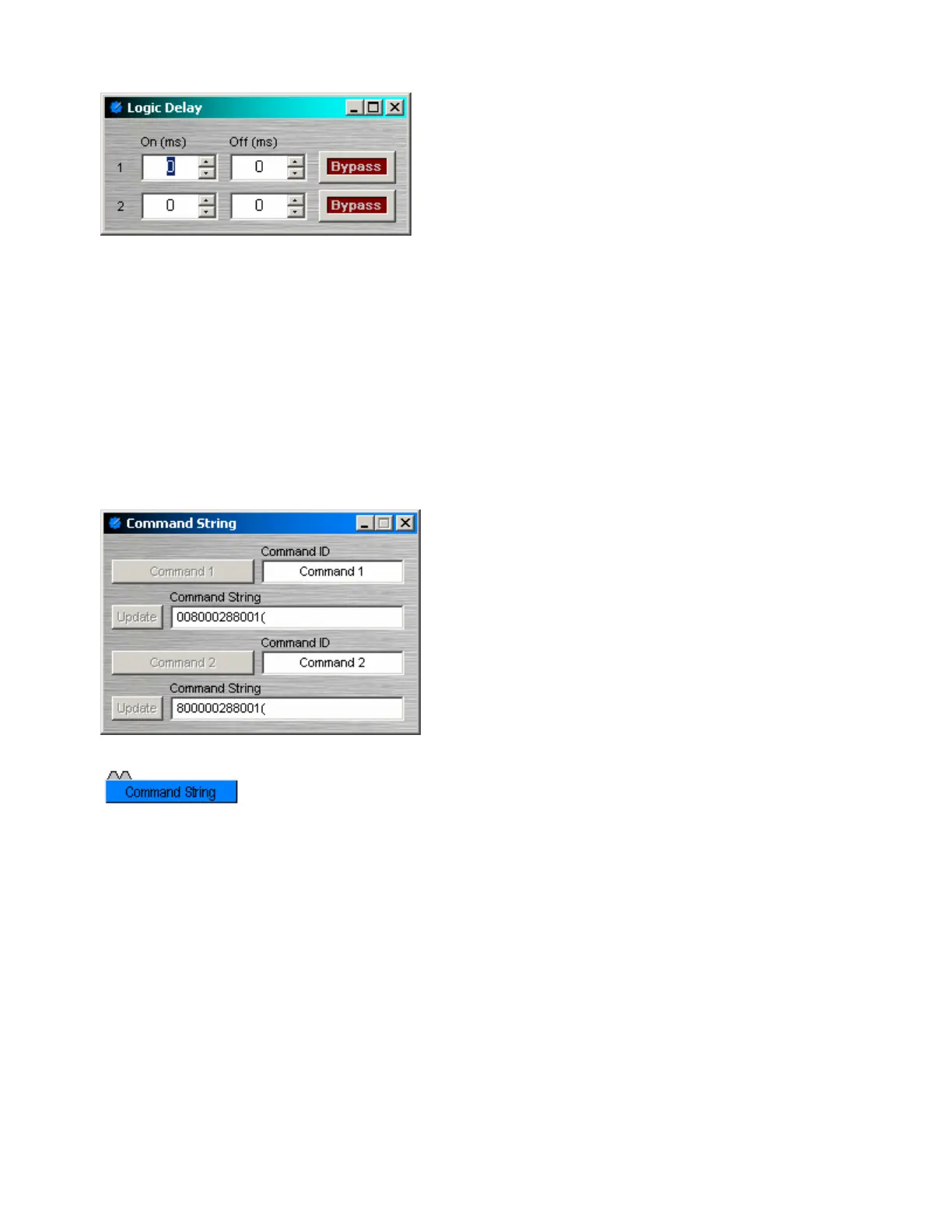
Logic Delays are connected between the output and
input control nodes of other components in the layout.
These other components may represent internal or
external control functions. When a change (on/off)
occurs at the Logic Delay input, and remains in that
condition beyond the designated delay time, the Logic
Delay output will then produce that same change.
On sets turn on delay. OFF sets turn off delay. The
range for either selection is 0~60,000mS (1 minute).
Bypass disables the delay without changing settings.
Right-clicking over certain settings will provide a menu of
additional options.
Command String
Command String blocks allow serial control of external
devices via the Serial Control Port. Control input nodes
along the top of the block produce corresponding serial
commands, when triggered by control output nodes on
other components within the design. Commands can
also be initiated using the command button which
appears within the control dialog box. Command ID
allows the command/button to be named. Command
String allows the appropriate character string to be
entered. Update sends the character string to be
stored in Audia device memory.
Unlike most other blocks, multiple control output nodes may be connected to a
single control input node on a Command String block. Control Dialog Boxes for
Command String components can be minimized to create user control surfaces
(see Customizing Component Objects).
NOTE: Some command strings may need to output nonprintable characters. The strings themselves must
be printable, so this is done by including three-character sequences in the command string. The first will be
a tilde, the second and third hex digits. To include a carriage return and line feed pair, for example, in the
string, include the text ~0d~0a (either case may be used). A tilde may only be included by using the
sequence ~7E (or ~7e) for the tilde character itself.



 To Next Page