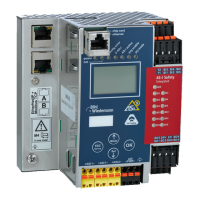
AS-i/PROFIBUS Gateway Appendix: Putting PROFIBUS into Operation with a Siemens S5
Subject to reasonable modifications due to technical advances Copyright Bihl+Wiedemann, Printed in Germany
Bihl+Wiedemann GmbH · D-68199 Mannheim · Phone +49-621-339960 · Fax +49-621-3392239 · Internet http://www.bihl-wiedemann.de
issue date 7.1.2002
110
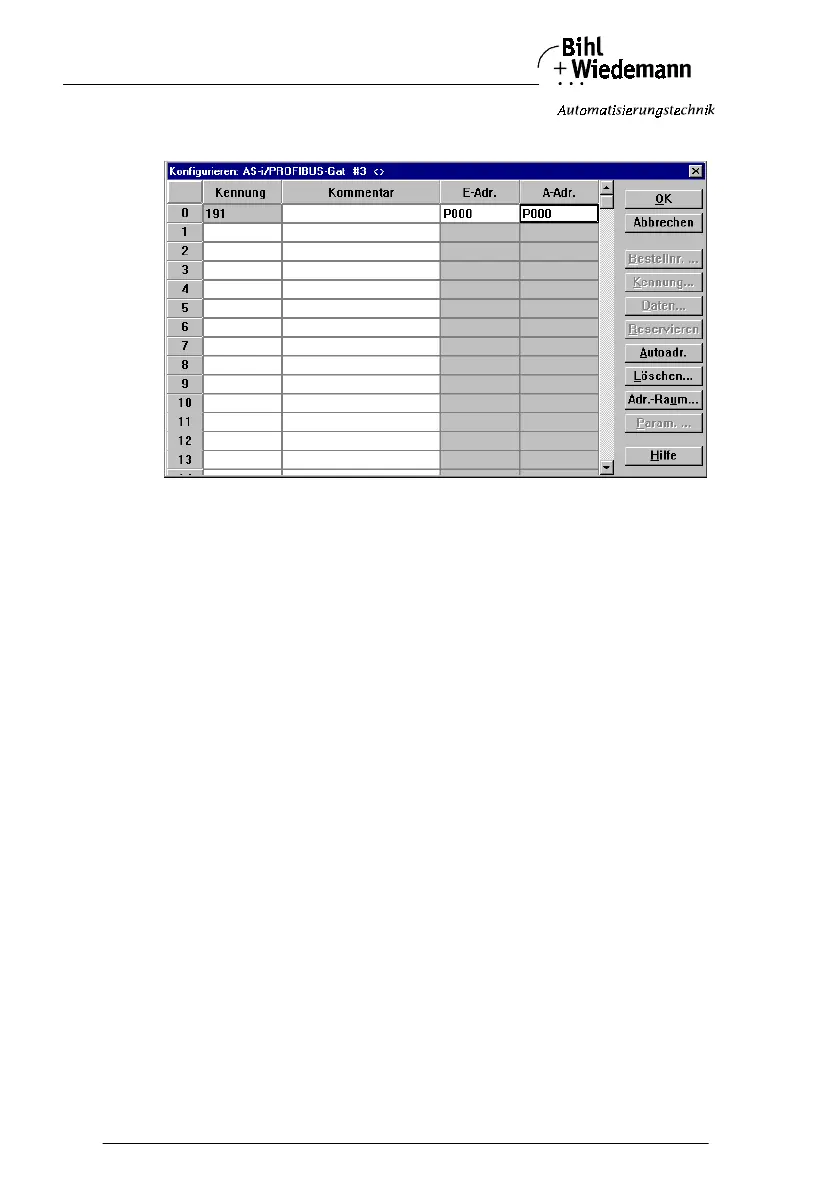
10. Select the PROFIBUS slave. With the command “Configure | Slave Parame-
ters... | Configure...” you get to the dialogbox “Configure”.
The fields “I Addr.” and “O Addr.” hold the start addresses for the AS-i data.
The easiest way to set the addresses is with “Auto Addr.“. From these ad-
dresses 16 bytes of AS-i data each are mapped to the address space of your
PLC.
This AS-i data can be processed with your user program by means of load and
transfer operations.
11. After closing this dialogbox save your project with the command “File | Save”.
12. The last step is exporting the data to a memory card with the command “File |
Export | Memory Card...”



 To Next Page