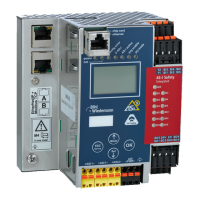
AS-i/PROFIBUS Gateway Appendix: Putting PROFIBUS into Operation with a Siemens S5
Subject to reasonable modifications due to technical advances Copyright Bihl+Wiedemann, Printed in Germany
Bihl+Wiedemann GmbH · D-68199 Mannheim · Phone +49-621-339960 · Fax +49-621-3392239 · Internet http://www.bihl-wiedemann.de
issue date 7.1.2002
109
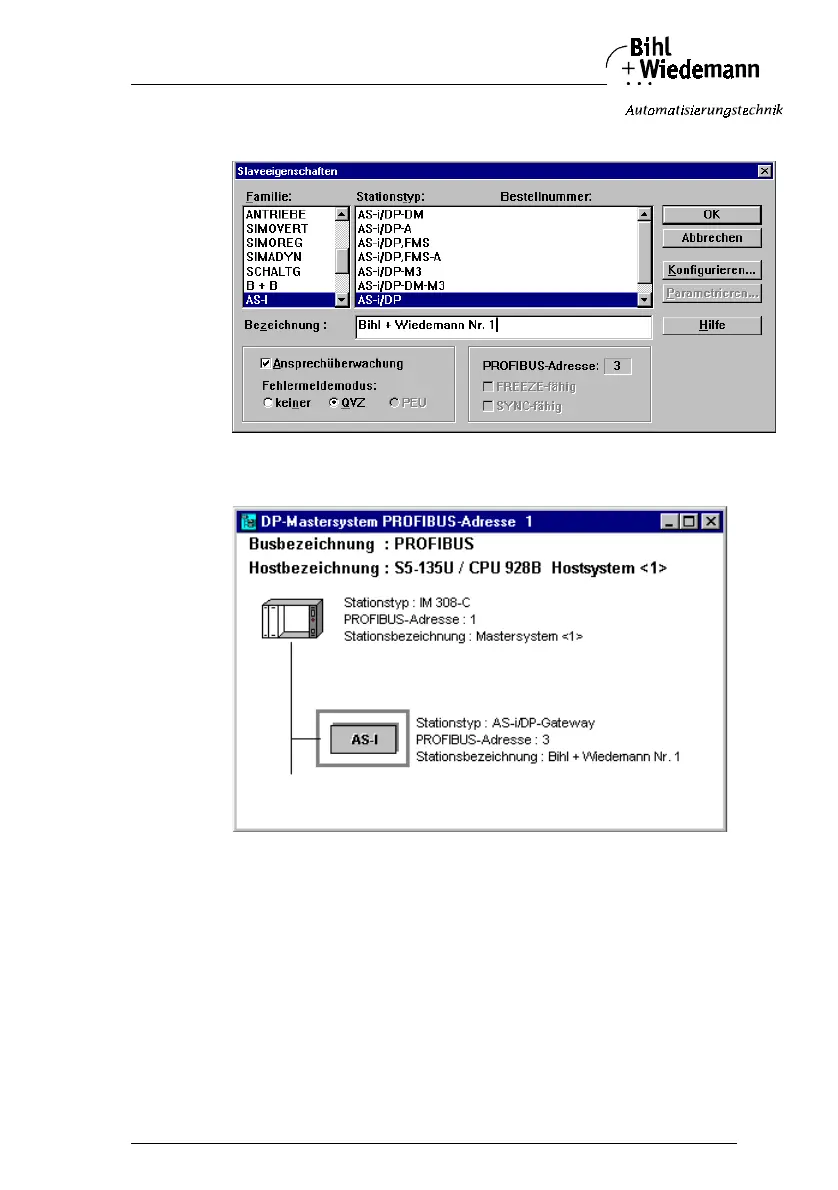
8. and afterwards the dialogbox for the selection of the device type (Slave Pa-
rameters):
Choose “AS-i/DP” as station type. This name stands for the GSD-file with the
settings for the easy mode.
9. Afterwards, your PROFIBUS system looks as follows:



 To Next Page