VDL (E3) 09/2019 Page 105/234
10.2 RD4 controller
10.2.1 Temperature set-point entry
Required access level: “User”.
Path: Normal display Setpoints Temperature
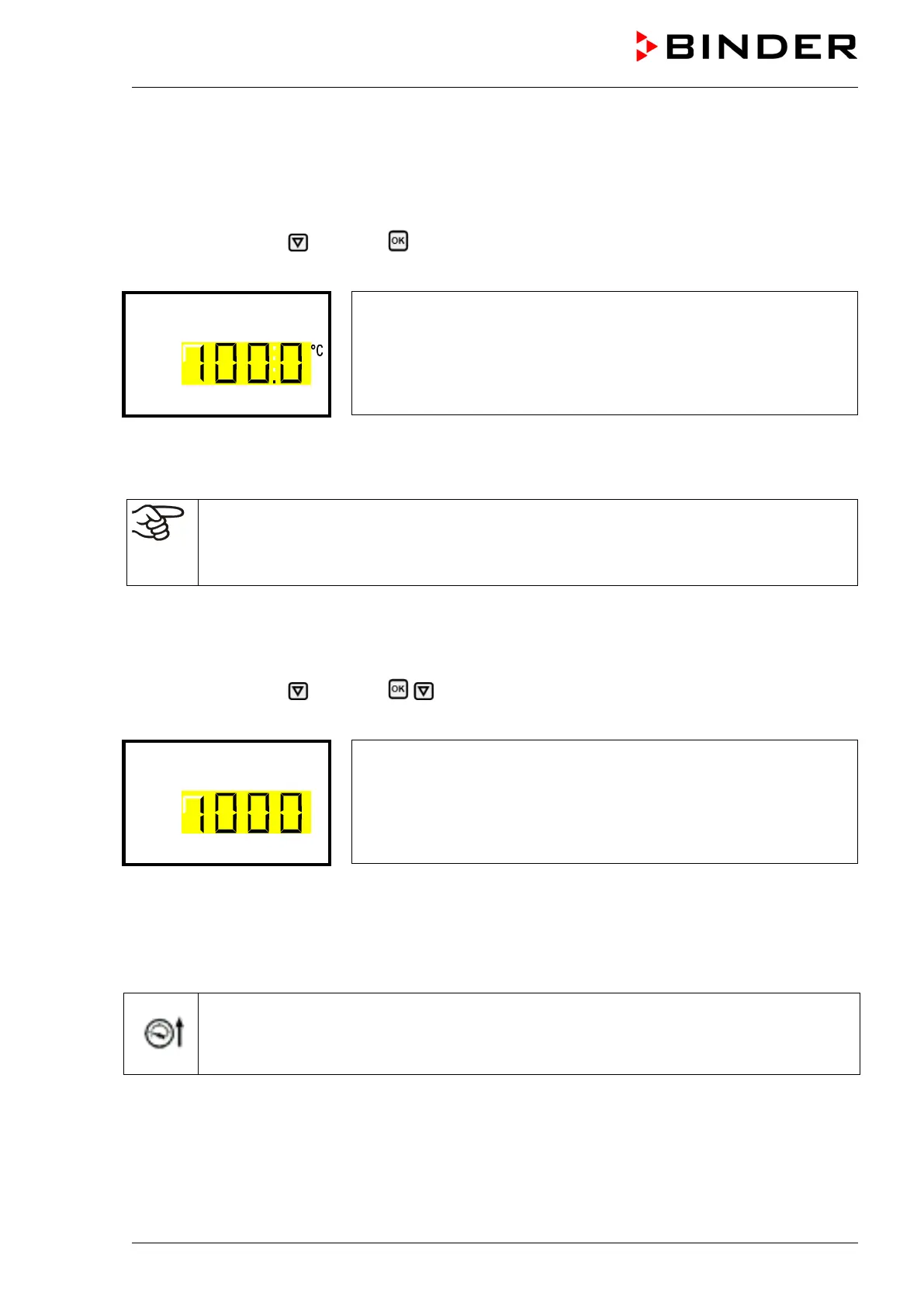
Press the OK button to enable the setting.
Temperature setting.
The current setting flashes. Enter the desired set-point with the arrow
buttons.
Confirm the entry with the OK button.
With the arrow-down button you can continue with the pressure set-point entry (chap. 10.2.2).
With the Back button you can go back to the “Setpoints” submenu and, repeatedly pressing it, to Nor-
mal display.
With safety controllermode “Limit”, adapt the safety controller always when you changed the
temperature set-point. Set the safety controller value by approx. 5 °C above the temperature
set-point (chap. 14.2.2).
Recommended setting: safety controller mode “Limit” with safety controller value 5 °C.
10.2.2 Pressure set-point entry
Required access level: “User”.
Path: Normal display Setpoints Pressure
Press the OK button to enable the setting.
Pressure setting
The current setting flashes. Enter the desired set-point with the arrow
buttons.
Confirm the entry with the OK button.
With the arrow-up button you can go back to the temperature set-point entry (chap. 10.2.1).
With the arrow-down button you can now change to the special controller functions setting (chap. 11).
With the Back button you can go back to the “Setpoints” submenu and, repeatedly pressing it, to Nor-
mal display.
As long as the pressure threshold of 100 mbar has not yet been reached, the icon “Pressure
threshold not reached” in the screen header in Normal display. Press the flash icon next to the
information icon to access the corresponding text information “Pressure threshold not
reached” (Information messages, chap. 16.1.1)


 To Next Page