VDL (E3) 09/2019 Page 138/234
13.2.6 Setting the chamber address
This setting is required for the communication with the BINDER APT-COM™ 4 Multi Management Soft-
ware. The chamber address settings in the chamber controller and in the software must be identical.
Required access level: “Admin”.
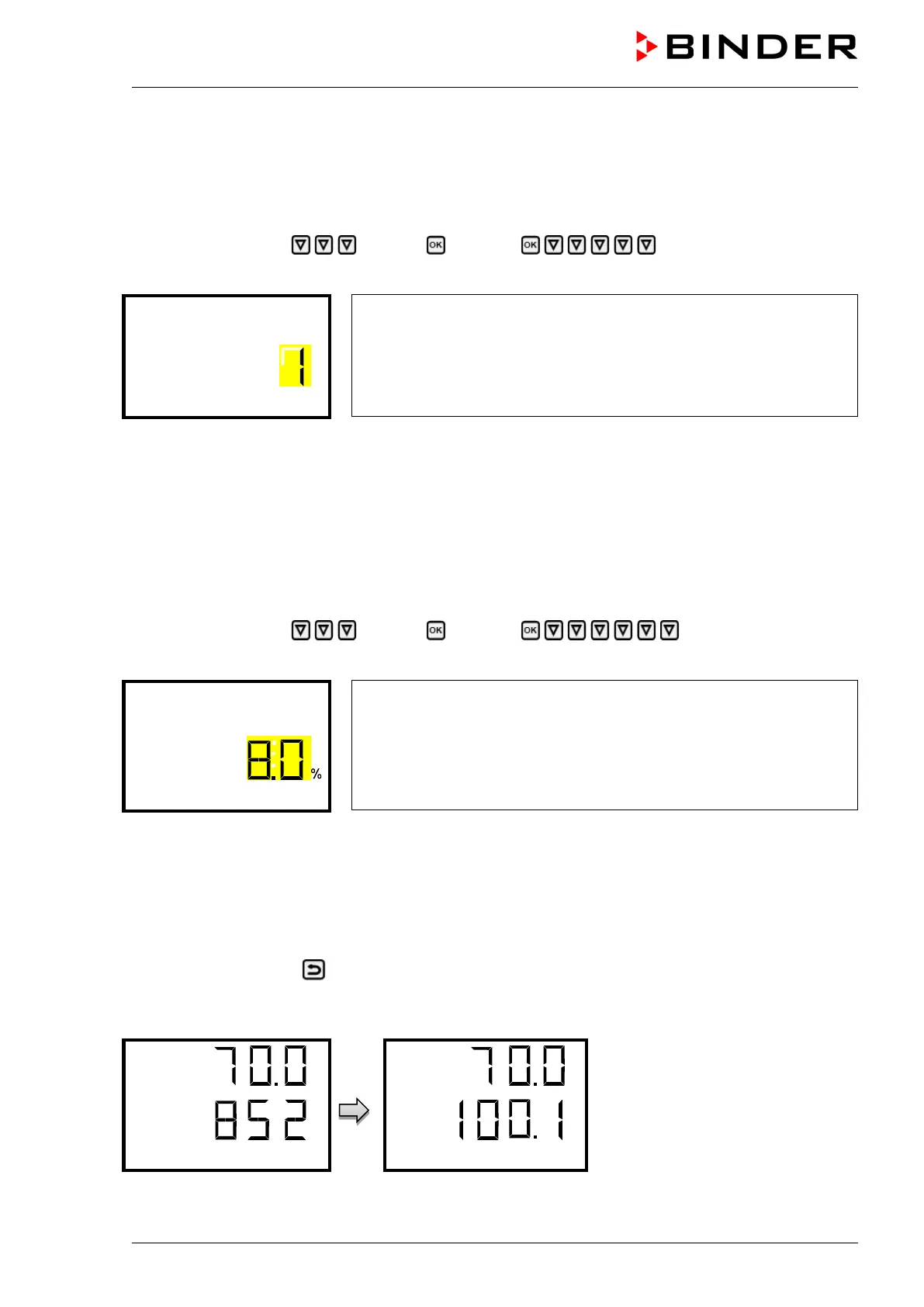
Path: Normal display Settings Chamber Chamber address
Press the OK button to enable the setting.
Setting the chamber address
The current setting flashes. Enter the desired address with the arrow
buttons. Setting range: 1 up to 254
Confirm the entry with the OK button.
With the arrow-down button you can now change to the next parameter (display brightness).
With the Back button you can go back to the “Chamber” submenu and, repeatedly pressing it, to Nor-
mal display.
13.2.7 Display brightness
Required access level: “Admin”.
Required access level: “Admin”.
Path: Normal display Settings Chamber Brightness
Press the OK button to enable the setting.
Setting the display brightness
The current setting flashes. Enter the desired value with the arrow
buttons. Setting range: 10% up to 100%
Confirm the entry with the OK button.
With the arrow-down button you can now change to the next parameter (audible alarm, chap. 16.4.1).
With the Back button you can go back to the “Chamber” submenu and, repeatedly pressing it, to Nor-
mal display.
13.2.8 Display of the inner chamber temperature and the heating temperature
Path: Normal display keep pressed down for 5 seconds.
The current inner chamber temperature (upper value) and the temperature measured directly on the hea-
ting element (lower value) are displayed.
Press down the Back button again for 5 seconds to terminate the indication.



 To Next Page