VDL (E3) 09/2019 Page 188/234
21.1 Recorded data
All data is given out in tabular form. The headlines of the values “number”, “date”, and “time” are given out
in the selected language, all other information in English.
• Chamber data for the user “DL1”
Tabular representation of the actual temperature and pressure values together with the date and time,
according to the set storage rate (chap. 21.3). Temperature values are always given out in °C.
• Chamber data for BINDER Service “DL2”
This data is intended for use by BINDER Service. It also contains information from the self-test func-
tion. The storage rate is fix (1 minute). Temperature values are always given out in °C.
• Event list
Messages regarding the controller and data memory as well as the alarm messages together with the
date and time:
• Firmware update done
• “New config (USB)”: New configuration uploaded via USB
• “Data recorder cleared “ Data recorder and event list deleted via setup program
• Other event messages according to existing alarms
• The moment of switching the alarm state on and off is indicated under “On/Off”.
21.2 Storage capacity
The storage capacity of the data recorder depends on the number of entries.
• DL1 = 110.000 entries (equaling 76 days with a storage rate of 1 minute, setting see chap. 21.3)
• DL2 = 27.000 entries (equaling 18 days with a fix storage rate of 1 minute)
• Event list: 200 events
The shorter the set storage rate, the closer are the stored measuring points, the more precise, but also
shorter is the documented period.
Once the storage capacity of the data recorder is reached, overwriting of the oldest values begins
21.3 Setting the storage rate for the “DL1” recorder data
Required access level: “Admin”.
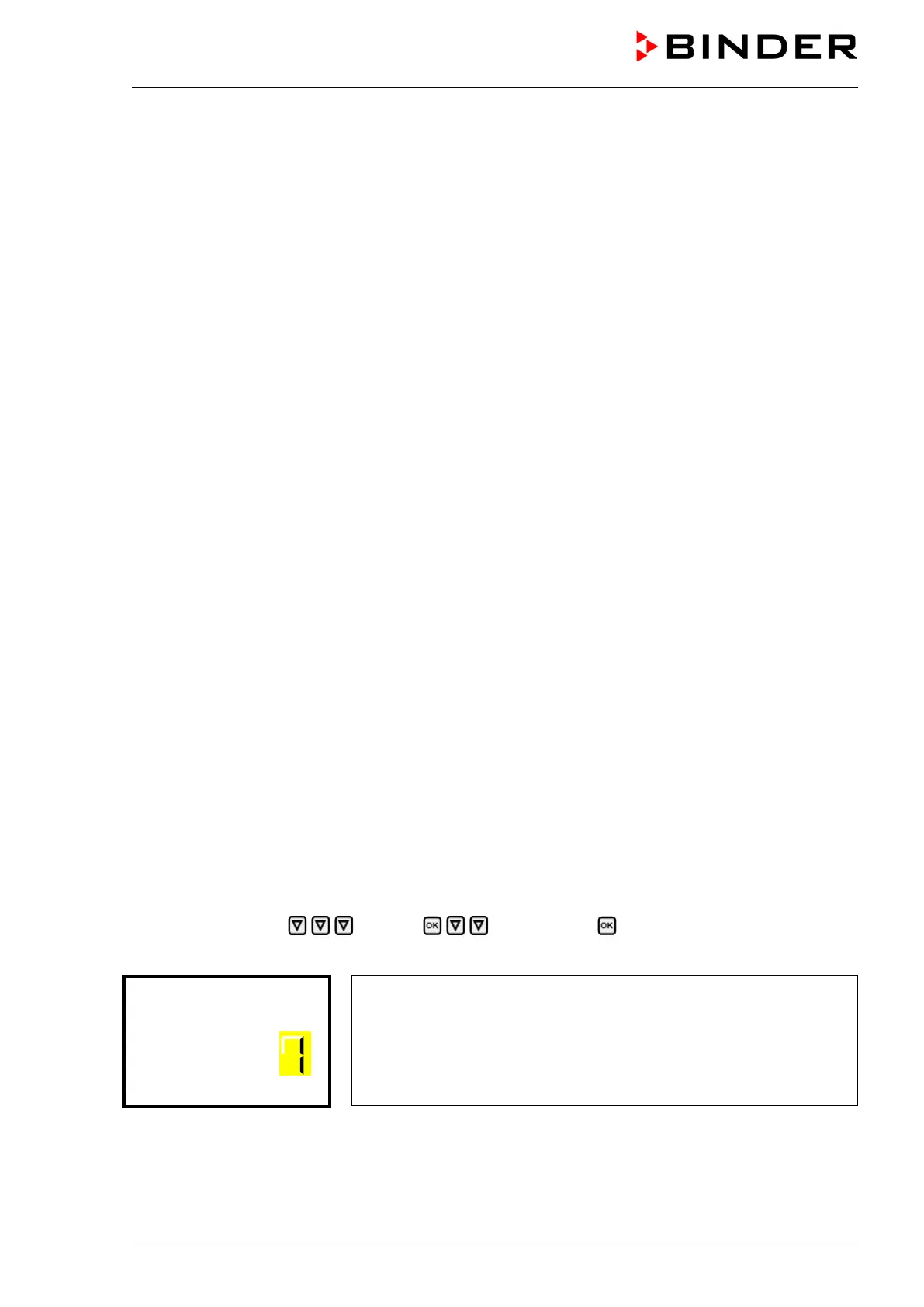
Path: Normal display Settings Data recorder Storage interval
Press the OK button to enable the setting.
Function “Storage interval”.
The current setting flashes. Use the arrow buttons to enter the desired
storage interval. Setting range: 1 minute to 60 minutes.
Press the OK button to confirm the setting.
With the Back button you can go back to the “Data recorder” submenu and, repeatedly pressing it, to
Normal display.



 To Next Page