VDL (E3) 09/2019 Page 187/234
Principle of entry:
• Use the OK button to select the desired section of the standard gateway 1/4, 2/4, 3/4, 4/4 in the upper
display line
• Use the Arrow buttons to enter the value for the selected section of the standard gateway
• For details please refer to the description of the similar procedure in chap.20.2.2.3 “Assigning the IP
address”.
With the arrow-down button you can now change to the assign the DNS server address.
With the Back button you can go back to the “Ethernet” submenu and, repeatedly pressing it, to Normal
display.
20.2.2.6 Assigning the DNS server address
Access to this function is possible if manual IP address assignment (chap. 20.2.2.1) or manual DNS ser-
ver address assignment (chap. 20.2.2.2) has been selected.
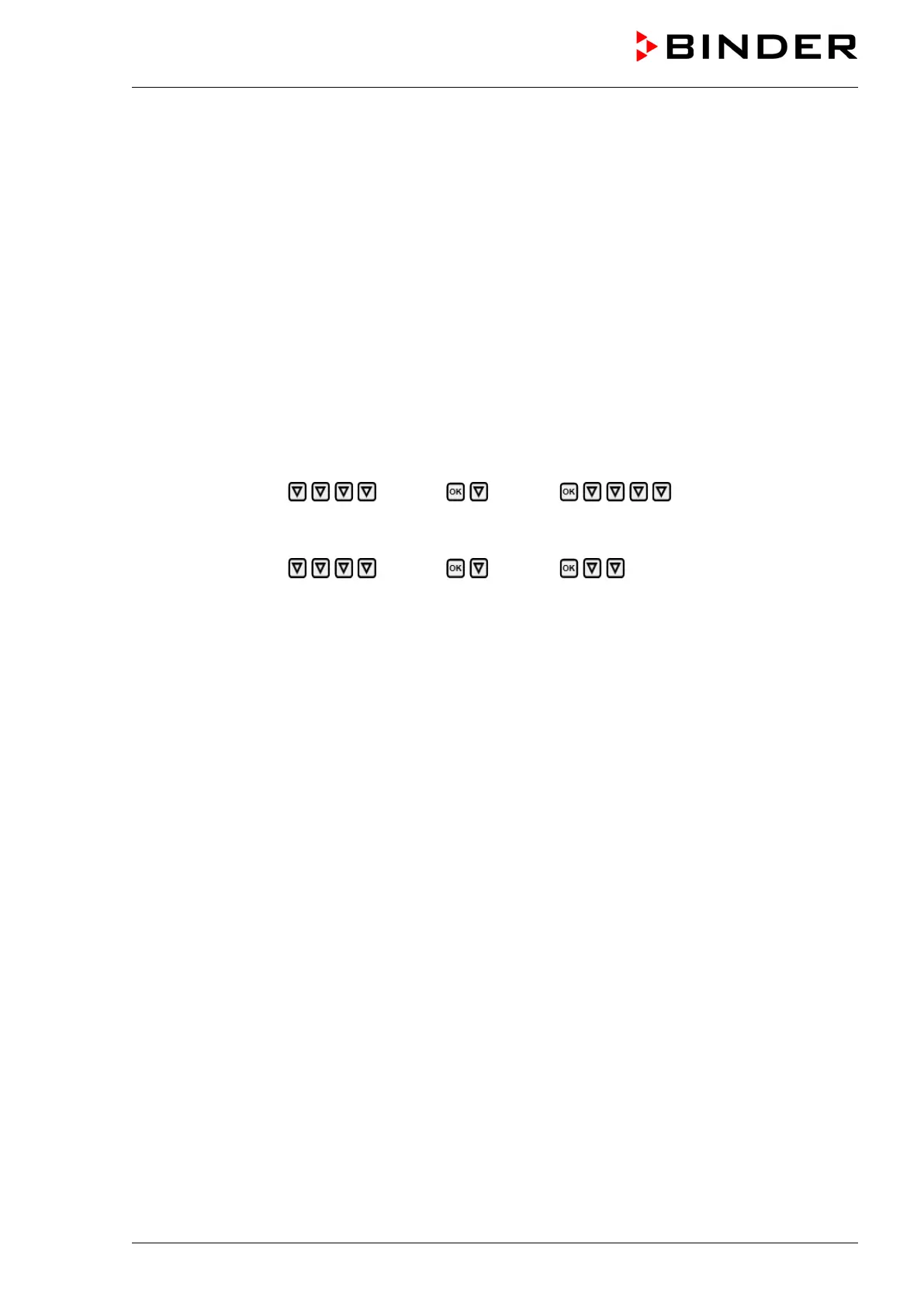
With manual IP address assignment:
Path: Normal display Settings Ethernet DNS server address
With manual DNS server address assignment:
Path: Normal display Settings Ethernet DNS server address
Press the OK button to enable the setting.
The DNS server address entry is done in four steps, corresponding to the number sections: (1).(2).(3).(4)
Principle of entry:
• Use the OK button to select the desired section of the DNS server address 1/4, 2/4, 3/4, 4/4 in the
upper display line
• Use the Arrow buttons to enter the value for the selected section of the DNS server address
• For details please refer to the description of the similar procedure in chap.20.2.2.3 “Assigning the IP
address”.
With the Back button you can go back to the “Ethernet” submenu and, repeatedly pressing it, to Normal
display.
21. RD4 controller: Data recorder
An internal data recorder saves chamber data and events in three data sets.
With the export function “Export recorder data” (chap. 22.3.3) you can save the three data sets via the
USB interface to USB stick. They are issued in the selected language as a spreadsheet with the file ex-
tension “.csv” and can be further processed in the desired program. The data is unencrypted. Always the
entire data memory is read out.


 To Next Page