VDL (E3) 09/2019 Page 133/234
The waiting icon shows how much time there is left to touch the currently activated box. If the
box is not touched withing this period, calibration is aborted and the display changes to
Normal display.
After completing the calibration, i.e., touching all four boxes, the display changes to Normal display.
13.1.5 Event list
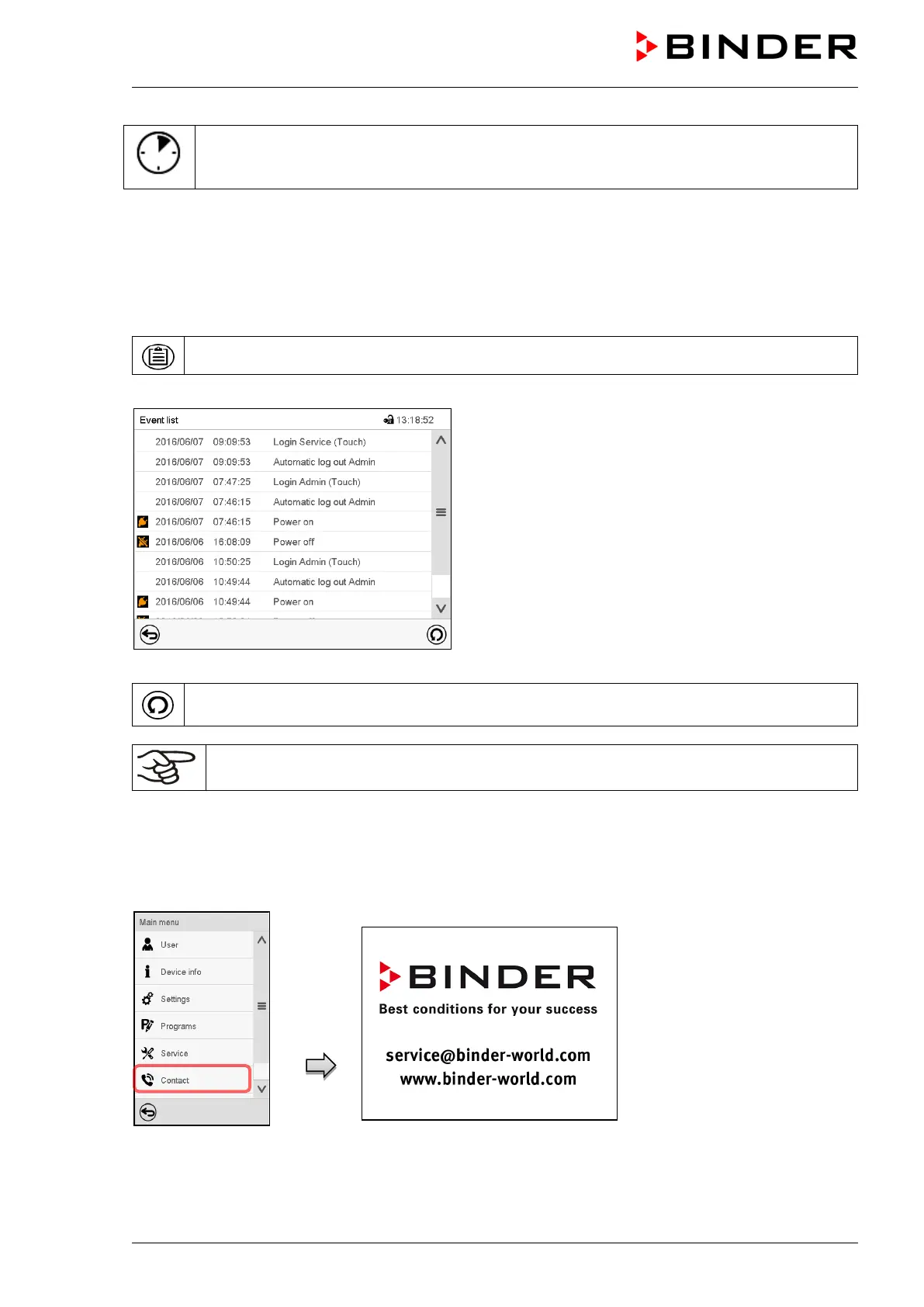
The “Event list” displays status information and errors of the current day. It enables to view the last 100
events or defective conditions of the chamber.
Press the Event list icon to access the event list from Normal display.
Event list
Press the Update icon to update the event list.
Attention: Following a modification of the language setting (chap. 13.2.1) or the storage
interval of the chart recorder (chap. 23.2) the Event list is cleared.
13.1.6 Service contact page
Path: Main menu > Contact



 To Next Page