VDL (E3) 09/2019 Page 108/234
• Press the OK button to enable the setting of the desired function and select the function’s switching
state “1” (function activated) or “0” (function deactivated).
With the Back button you can go back to the “Setpoints” submenu and, repeatedly pressing it, to Nor-
mal display.
In Normal display the activated functions are indicated by an icon showing the number of the respective
function. If several functions are simultaneously active, the icon displays a combination of the correspon-
ding numbers, e.g.
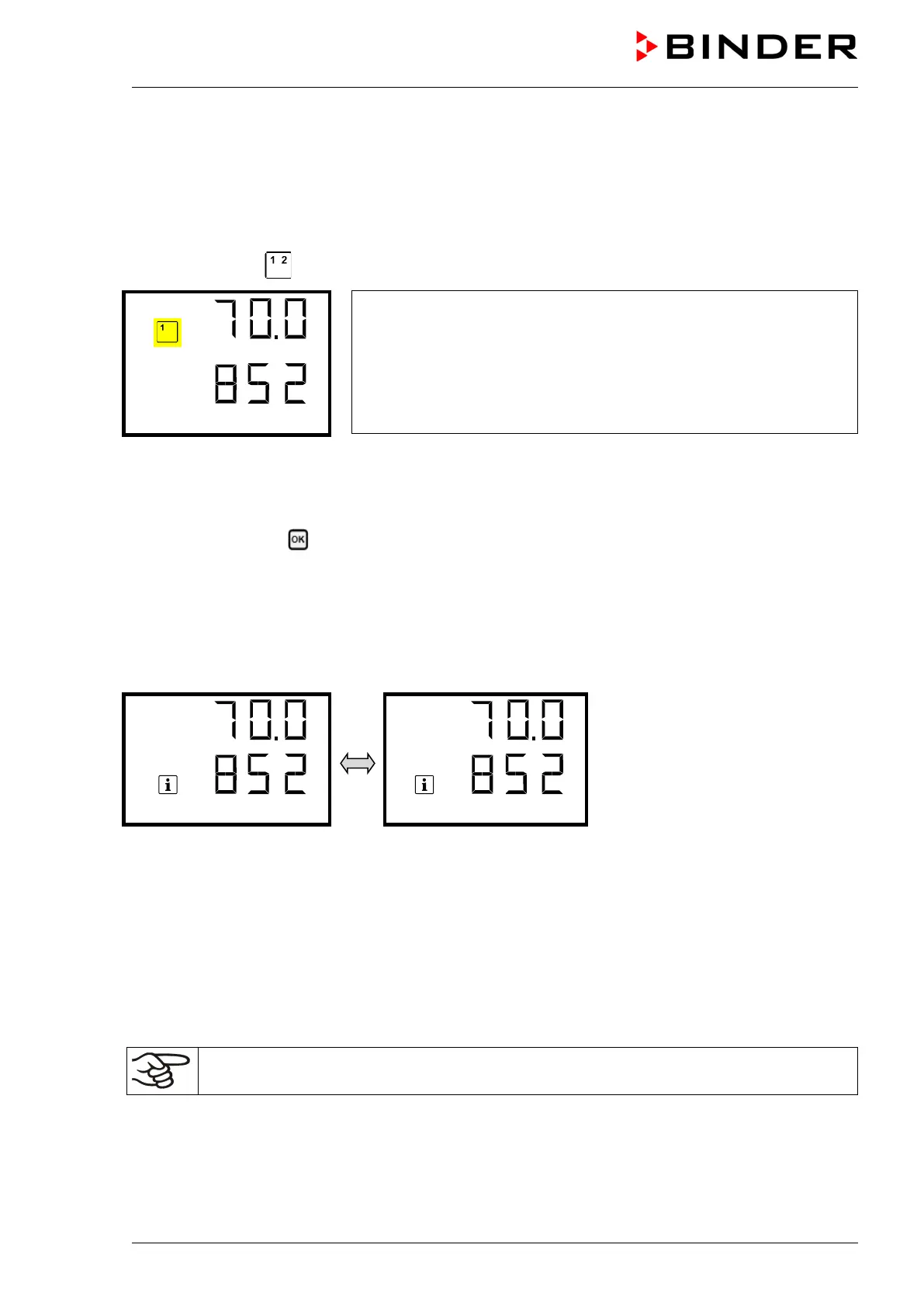
Example:
Normal display with activated function 1 “Standby”
11.1.2.2 Quick Access menu
More functions are available via the Quick Access menu:
Path: Normal display Pressure control
• Function “Temperature control” (chap. 11.4)
• Function “Pressure control” (chap. 11.5)
• Function “Drying monitoring” (chap. 11.6)
When temperature control and / or pressure control are deactivated, the “Info” icon flashes slowly. While it
is lit, the corresponding information is shown in the bottom text line.
If there are several information messages, they are shown one after the other.
11.2 Using the optional connection “GAS/AIR 2” for ventilation
Regularly the inert gas connection / ambient air inlet „GAS/AIR“ (4) is used for ventilation.
The “GAS/AIR 2” function serves to close the valve of the standard connection „GAS/AIR“ (4) and acti-
vate the valve of the optional connection “GAS/AIR 2” (5), which is then used for ventilation
This allows convenient switching when both connections are used differently (e.g., for inert gas and am-
bient air).
If you activate the “GAS/AIR 2” function on a chamber, which is NOT equipped with the optio-
nal inert gas connection / ambient air inlet “GAS/AIR 2” (5), ventilation is no longer possible!



 To Next Page