VDL (E3) 09/2019 Page 86/234
8.1.6 Principle of controller entries
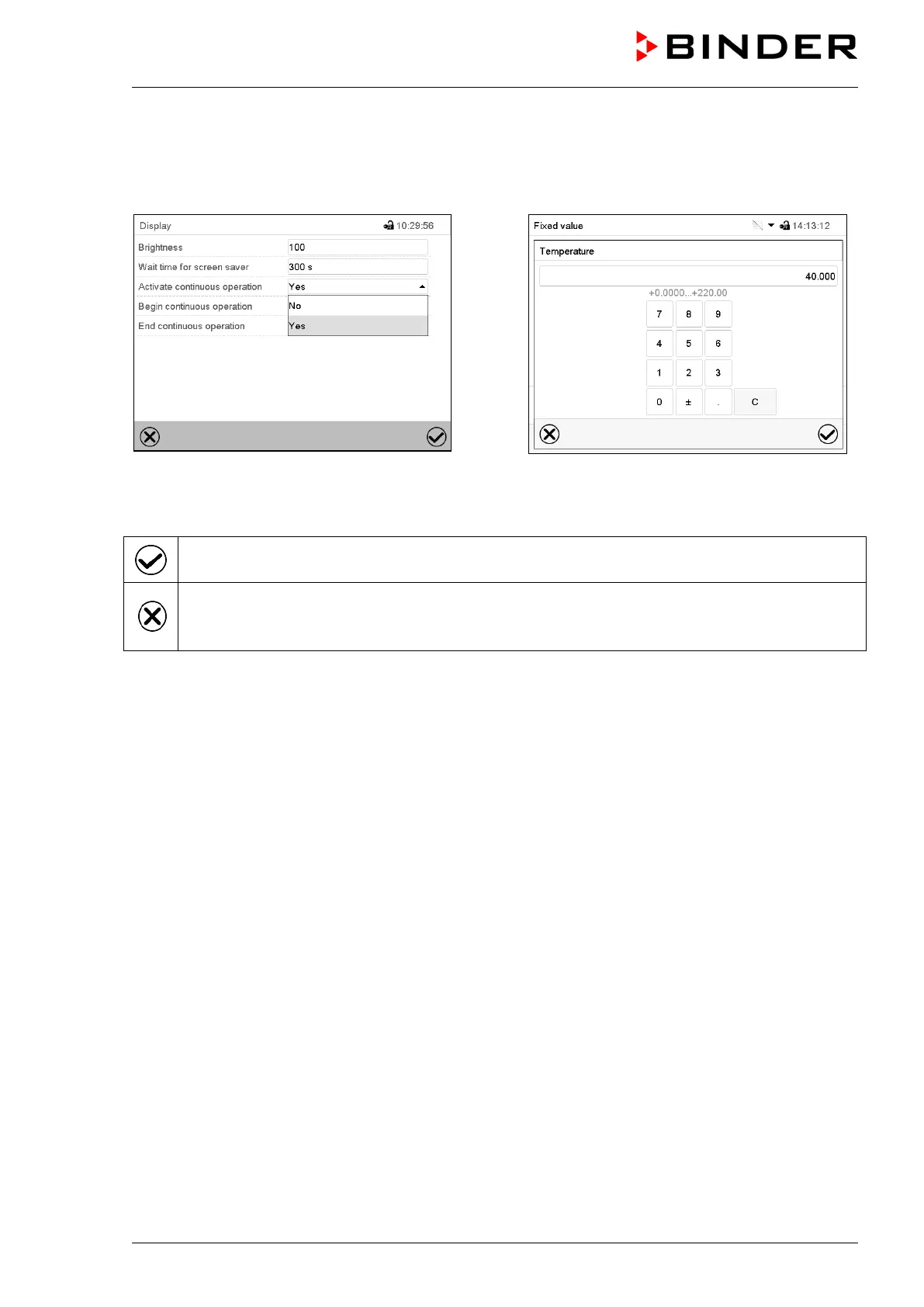
In the selection and entry menus there are icons displayed in the footers which you can use to take over
the entry or cancel it.
Selection menu (example)
Entry menu (example)
After completing the settings there are the following possibilities:
Press the Confirm icon to take over the entries and exit the menu or continue the menu se-
quence.
Press the Close icon to exit the menu or cancel the menu sequence without taking over the ent-
ries.
When terminating a menu sequence, an information window appears, which must be confirmed.



 To Next Page