VDL (E3) 09/2019 Page 136/234
13.2.3 Setting the current date
Required access level: “Admin”. Following start-up of the chamber (chap. 9.6.1), it is “User”.
Path: Normal display Settings Chamber Date
Press the OK button to enable the setting.
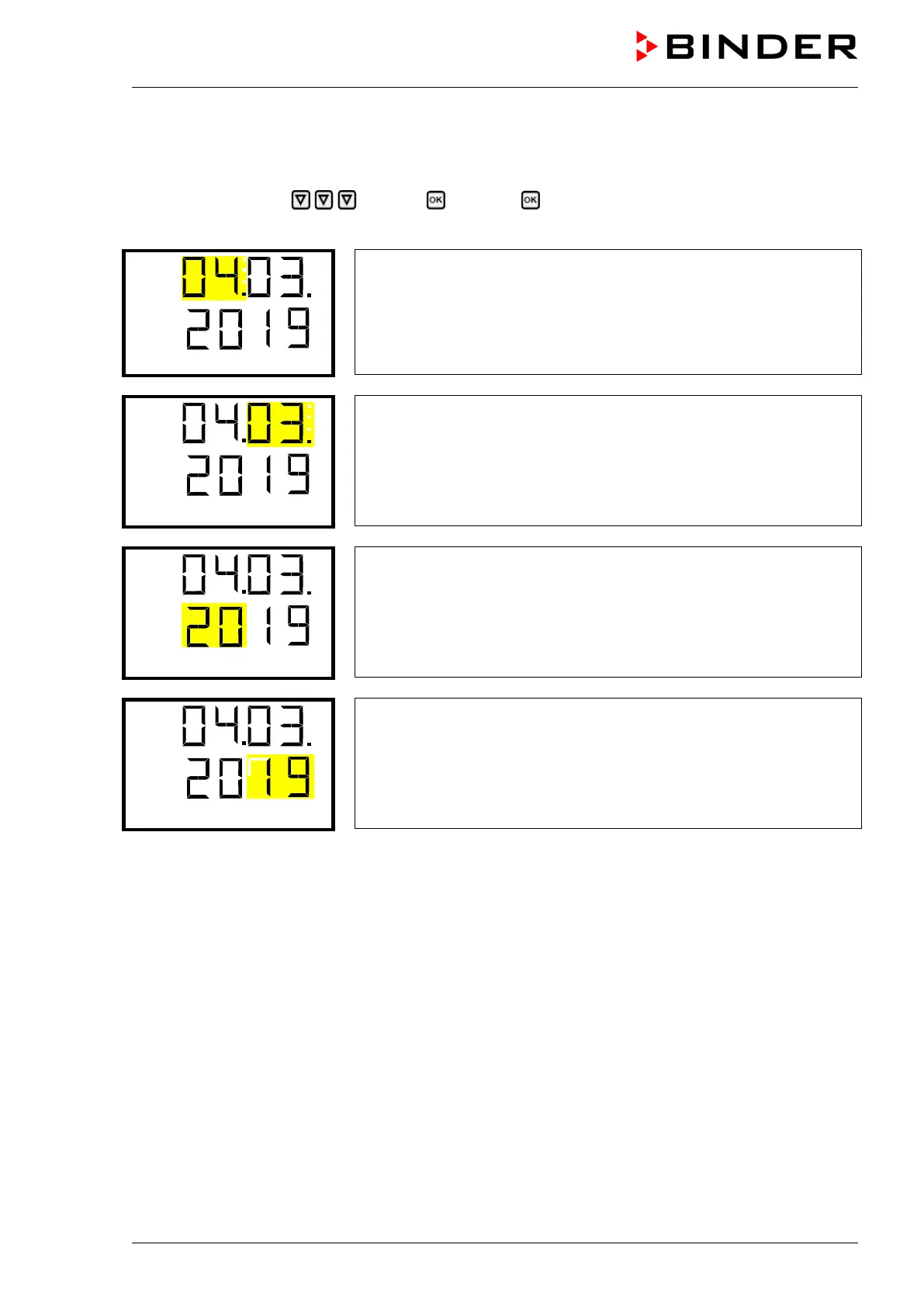
Setting the date: day
The current setting flashes. Enter the current day with the arrow but-
tons.
Confirm the entry with the OK button.
Setting the date: month
The current setting flashes. Enter the current month with the arrow
buttons.
Confirm the entry with the OK button.
Setting the date: year
The left two digits are flashing. Enter the first two digits of the current
year with the arrow buttons.
Confirm the entry with the OK button.
Setting the date: year
The right two digits are flashing. Enter the last two digits of the current
year with the arrow buttons.
Confirm the entry with the OK button.
With the arrow-down button you can now change to setting the current time.
With the Back button you can go back to the “Chamber” submenu and, repeatedly pressing it, to Nor-
mal display.



 To Next Page