Chapter 6 Exporting Images
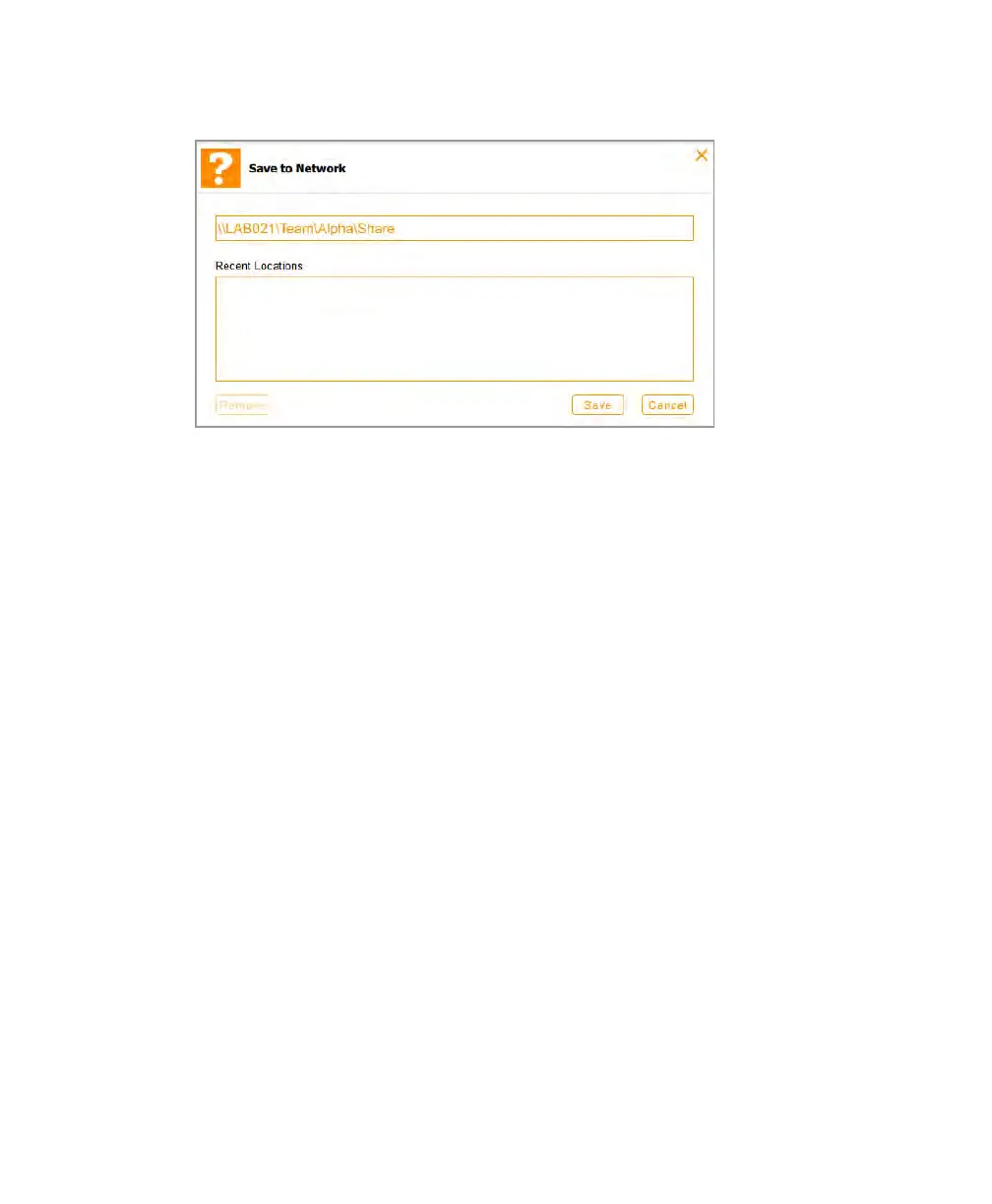
Recent Locations displays the ten most recent network locations or shared folders on
a stand-alone computer where images have been saved, with the most recent location
listed first.
5. Type the pathname to the shared folder on the network drive or stand-alone computer
in the appropriate form for your system, or select it from the Recent Locations list.
Windows: \\<server or computer name>\<file_path_to_shared_folder>
Example
\\LAB021\Team\Alpha\Share
Mac: /<IP address>/<file_path_to_shared_folder>
Example
/22.231.113.64/Team/Alpha/Share
6. (Optional) Delete a network location by tapping a location and then tapping Remove.
7. Tap Save.
8. If a log-in dialog box appears, enter the log-in credentials to the shared folder.
102 | ChemiDoc Touch Imaging System



 To Next Page