Appendix A Maintaining the Imaging System
3. Open the main door and pull the transilluminator drawer out completely.
Tip: Use the drawer slide release levers to extend the drawer further and clear the
opening. This makes it easier to remove the transilluminator cover.
The levers are located on both sides of the drawer in the drawer slide release
mechanism that slides the drawer in and out. Push the lever on the left side down,
push the lever on the right side up, and pull. The drawer will extend another
centimeter.
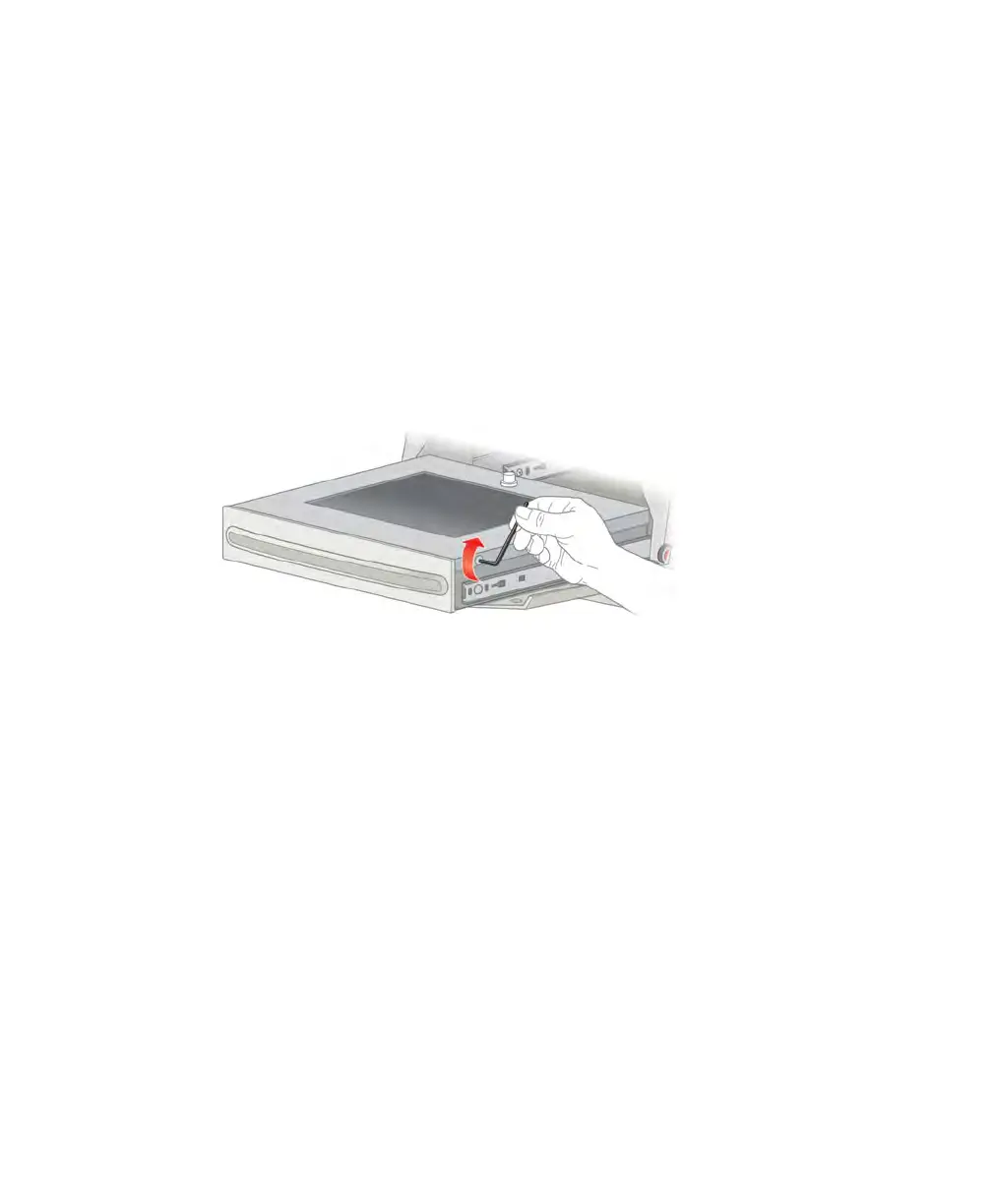
4. Loosen the four screws (two on each side) of the transilluminator cover.
Tip: Leave the loosened screws in the cover to avoid misplacing them.
5. Remove the transilluminator cover by sliding it forward and then lifting it.
Note: Do not place the transilluminator cover directly on the bench.
6. Place the cover on a nonabrasive surface to avoid scratching or damaging the UV filter
glass.
Important: Exercise caution when touching the lamps. They can be hot.
108 | ChemiDoc Touch Imaging System



 To Next Page