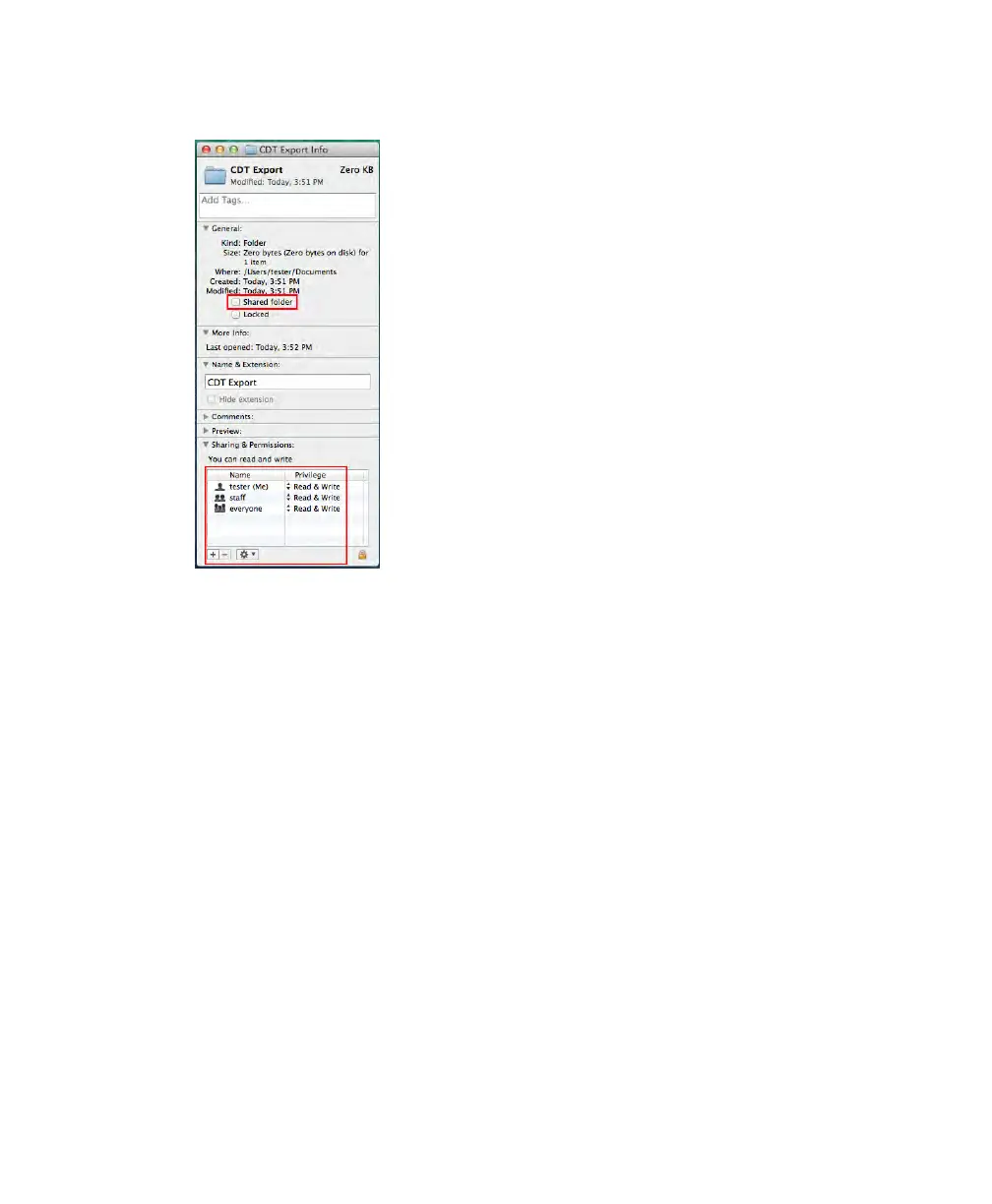
Appendix C Exporting to a Shared Folder
5. In the Sharing & Permissions box, verify that the user you want to share the folder with
has permission to read and write to this folder.
6. On the Apple menu, open System Preferences and select File Sharing.
The Sharing dialog box appears.
118 | ChemiDoc Touch Imaging System



 To Next Page