Appendix C Exporting to a Shared Folder
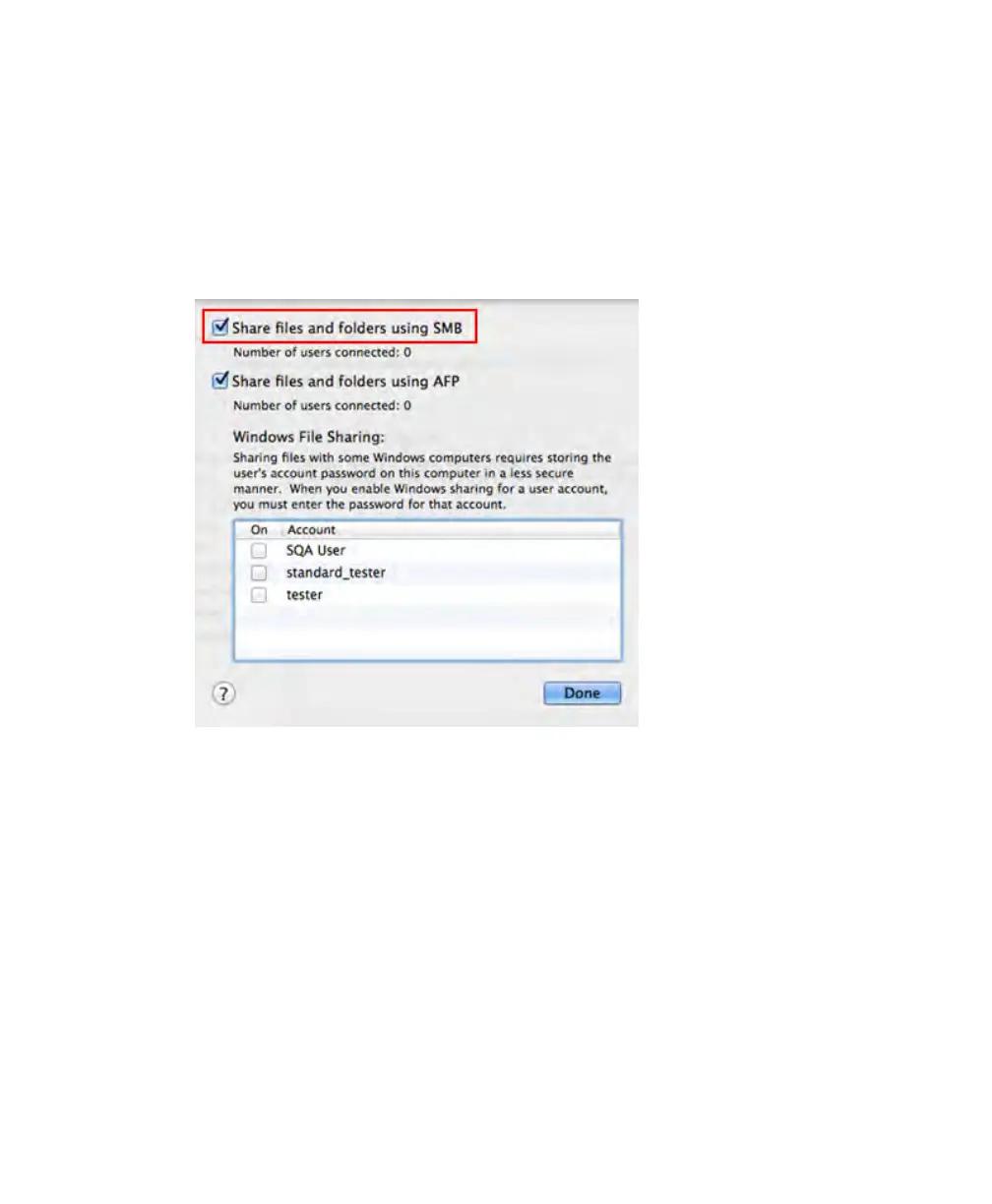
10. In the dialog box that appears, select Share files and folders using SMB.
Note: You can have both SMB and AFP selected. By default, OS X Mavericks and
later automatically enable SMB and AFP for compatibility with Windows
computers, Macs using Mavericks and Yosemite, and Macs using older versions
of OS X.
11. Click Done.
To create a shared folder on a Windows computer
1. Log in as the Windows Administrator for the computer.
2. Create a destination folder.
3. Right-click the folder and select Properties in the menu that appears.
4. Click Sharing.
5. Click Share.
120 | ChemiDoc Touch Imaging System



 To Next Page