Chapter 2 Image Lab Touch Software Overview
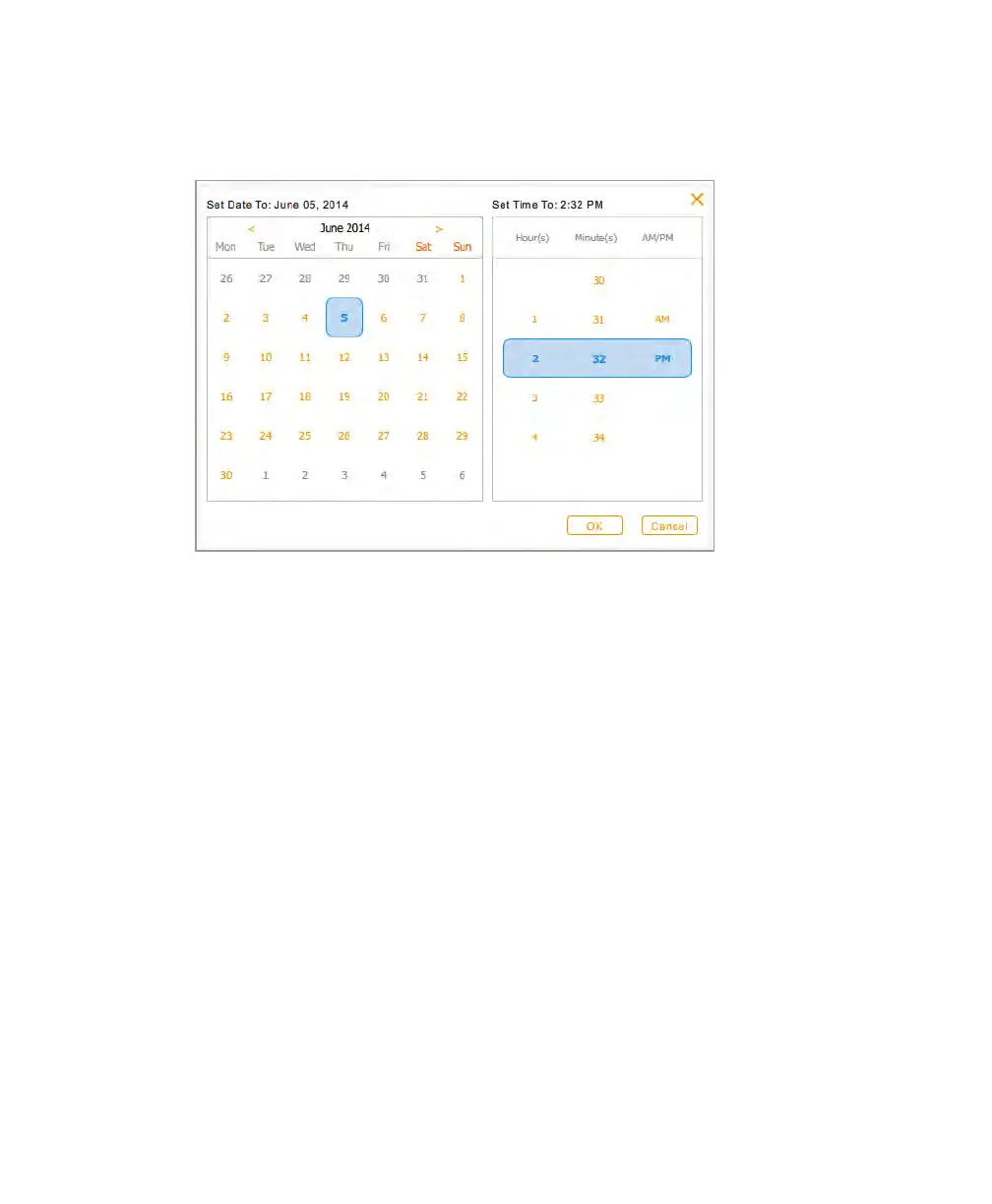
5. Tap Settings. Then tap Set Date and Time to set the current time.
6. Tap an angle bracket (< or >) in the calendar to navigate to the correct month.
7. Tap the day of the month.
8. Scroll through the Hour and the Minutes lists until the current time appears in the blue
band.
9. Scroll the AM/PM list until the correct setting appears in the blue band.
10. Tap OK.
The date and time you selected appear at the top of the screen.
28 | ChemiDoc Touch Imaging System



 To Next Page