Workflow for Acquiring a Chemiluminescent Image
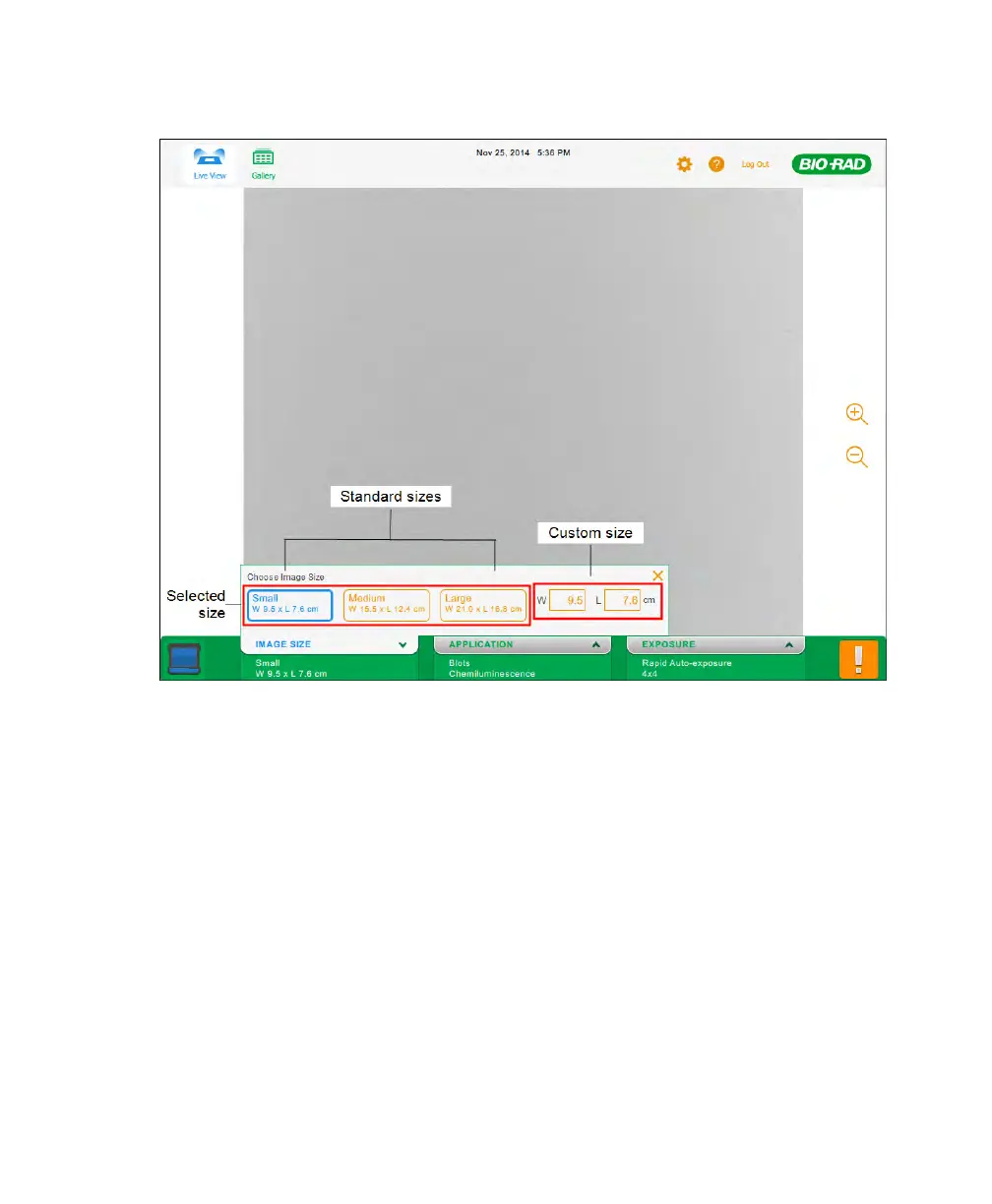
3. To specify a custom size, tap the W (width) or L (length) box.
The on-screen keypad appears.
4. Enter the width or length of the image (in cm) using the keypad.
The valid width values are 9.0 to 21.0 cm. The valid length values are 7.2 to
16.8 cm.
Note: When you enter one dimension, the software calculates the other
dimension according to the imager’s 5:4 aspect ratio.
5. Tap Done to save your changes and close the keypad.
User Guide | 47



 To Next Page