98
Clinician's Guide
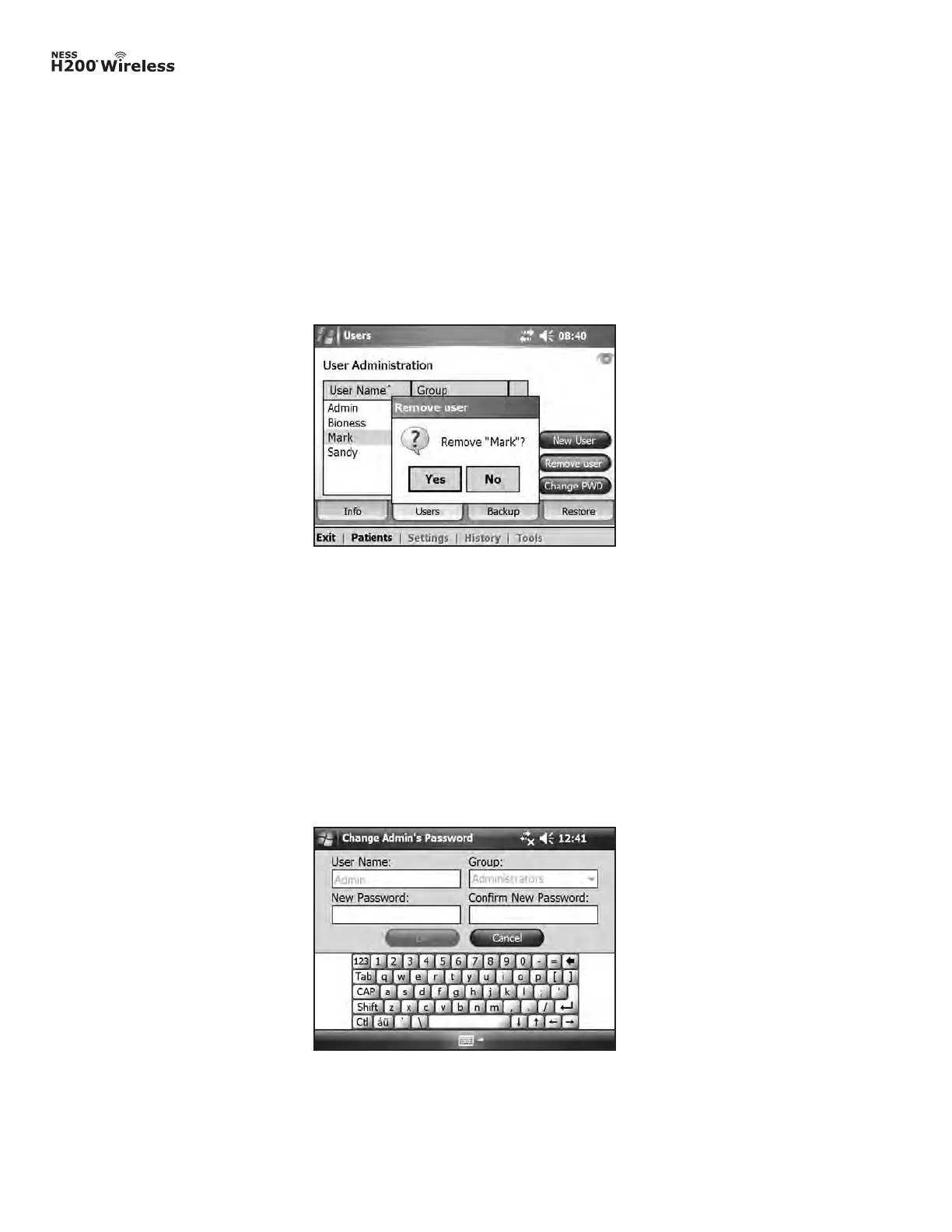
Figure 8-46: Remove User confirmation window.
Removing a User
1. From the User Administration window, select a user.
2. Press Remove User.
3. A confirmation message will appear. See Figure 8-46. Press Yes.
Note: The last remaining administrator cannot be removed.
Changing a User’s Password
1. From the User Administration window, select a user.
2. Press Change PWD. The Change User’s Password window will open. See Figure 8-47.
3. Enter and confirm the new password. Press OK.
Figure 8-47: Change User’s Password window.



 To Next Page