61
Chapter 6 - Fitting the H200 Wireless Orthosis
Wetting/Attaching the H200 Wireless Cloth Electrodes
To wet the cloth electrodes:
1. Remove the cloth electrodes from the H200 Wireless Orthosis.
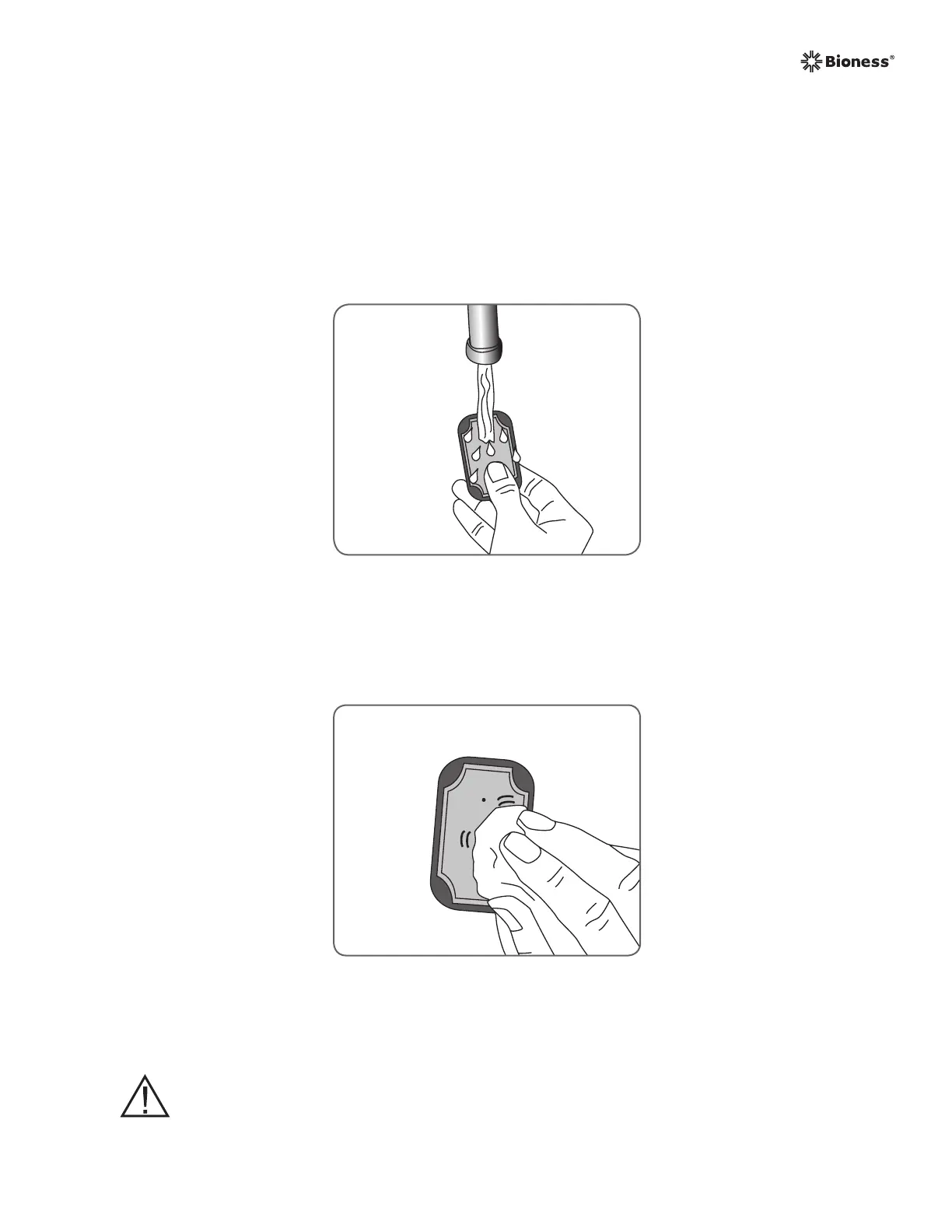
2. Wet the cloth electrodes thoroughly and uniformly. See Figure 6-21.
3. Blot excess water from the cloth electrodes. See Figure 6-22.
Figure 6-21: Wetting the cloth electrodes.
Figure 6-22: Blotting the cloth electrodes.
CAUTION: Do not use the H200 Wireless Orthosis without first wetting and
attaching the cloth electrodes.



 To Next Page