86
Clinician's Guide
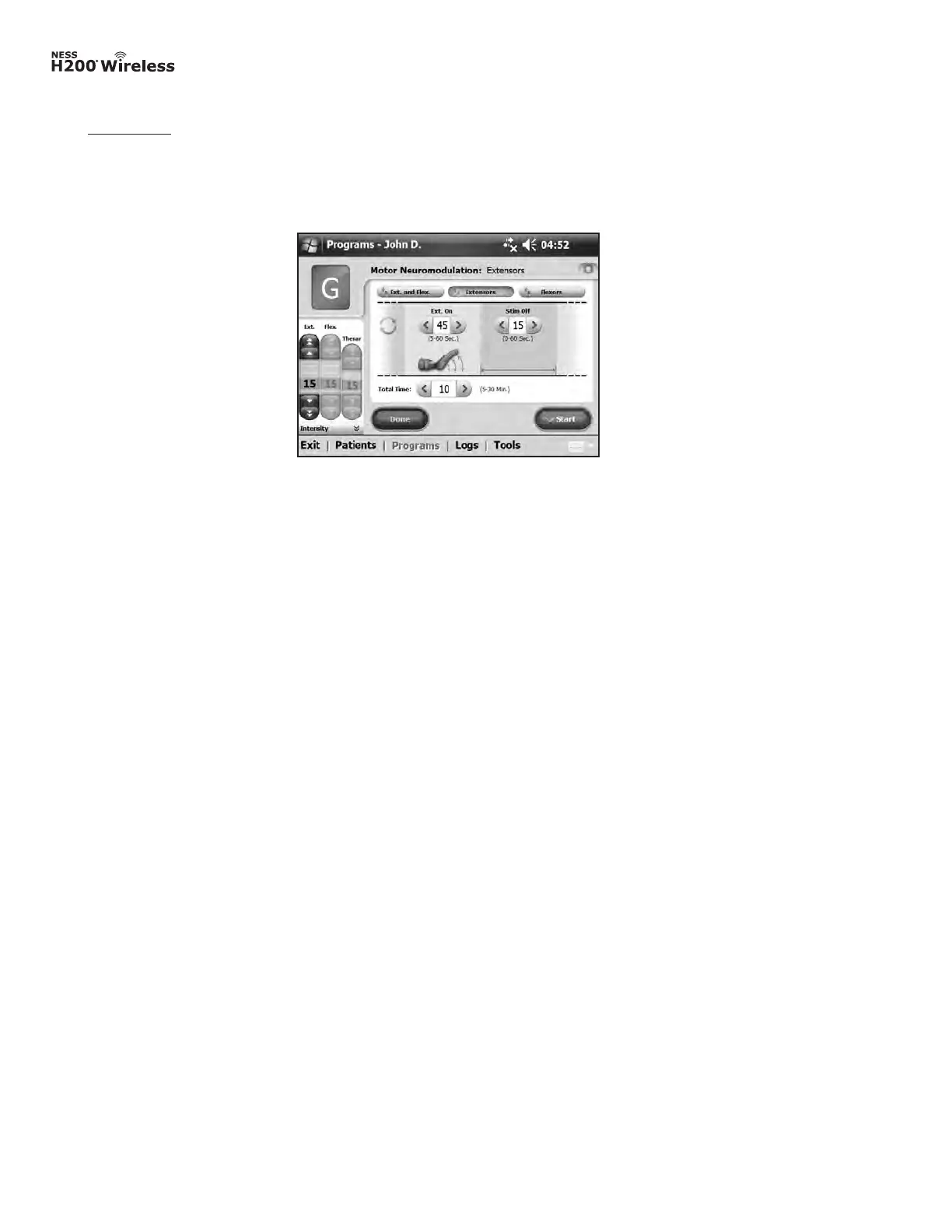
Figure 8-30: Program G, extensors window.
Extensors
1. Adjust extensors on time, stimulation off time, and total time. See Figure 8-30.
2. Press Start. The program countdown clock will appear at the bottom of the screen.
3. If needed, adjust stimulation intensity.
4. Allow the program to continue for the total time, or press Stop.
5. Press Done to return to the Program Settings window.
Note: The active program phase will be highlighted in ORANGE.
Note: Adjustments to stimulation intensity affect all programs except Key Open.



 To Next Page