83
Chapter 8 - NESS H200 Wireless Software
Program E—Open Hand
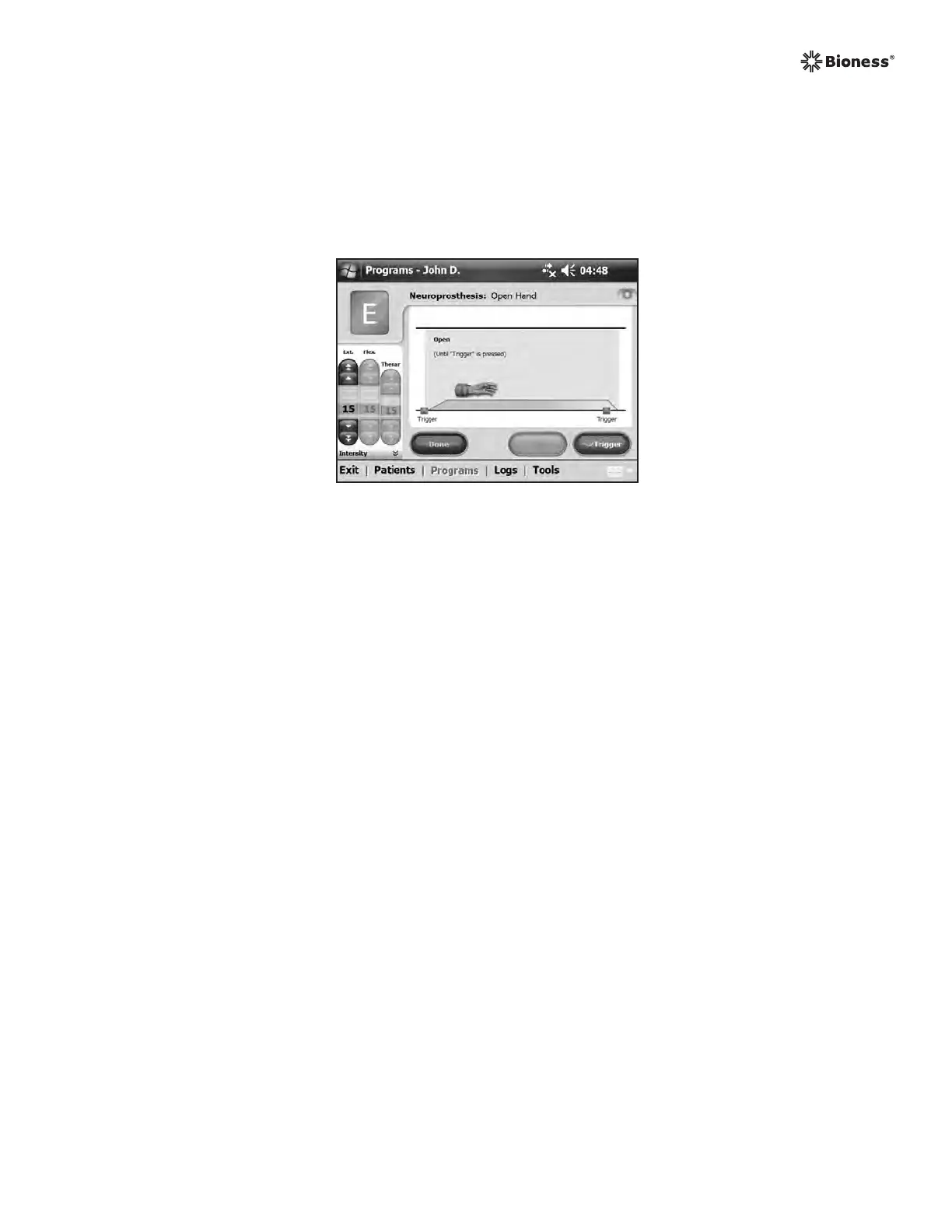
Program E causes the hand to open and remain open. Pressing Trigger starts the program.
Pressing Trigger ends the program. See Figure 8-27.
Figure 8-27: Program E window.
To configure Program E:
1. Select Program E.
2. Press Trigger to start the program.
3. If needed, adjust stimulation intensity.
4. Press Trigger to stop the program, or press Stop to stop the program immediately.
5. Press Done to return to the Program Settings window.
Note: Adjustments to stimulation intensity affect all programs except Key Open.
Note: Extended use (more that 30 seconds of uninterrupted use) of this mode is not recommended
due to potential fatigue in the extensor muscles.



 To Next Page