22
Clinician's Guide
On/Off Lights
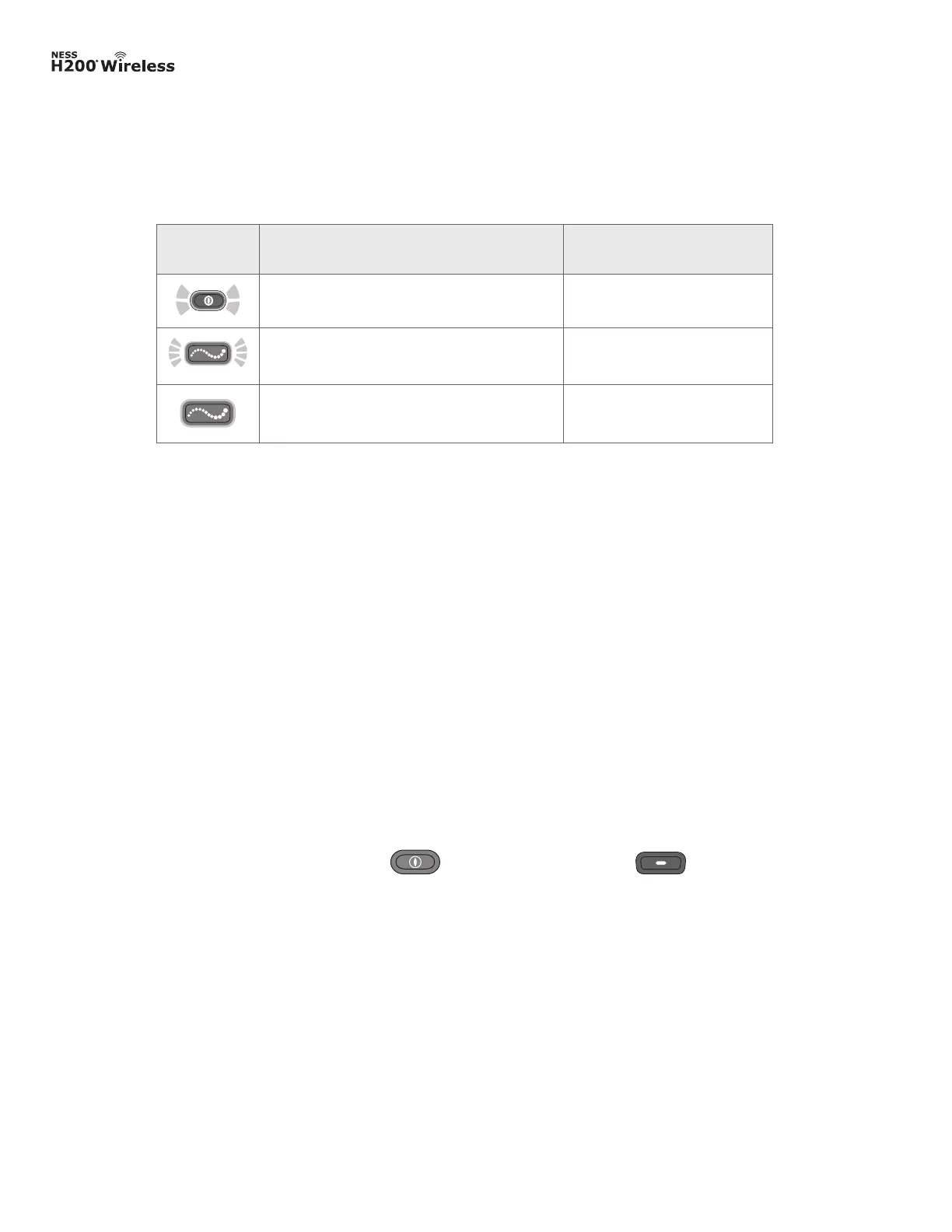
The Control Unit on/off lights are described in Table 4-4.
Table 4-4: H200 Wireless Control Unit on/off lights.
On/Off
Lights
Description Definition
On/Off Button FLASHES GREEN System On
Trigger Button FLASHES YELLOW Stimulation On
Trigger Button is SOLID YELLOW Stimulation Paused
Operating Modes
The H200 Wireless System has three operating modes: standby, user, and clinical.
Standby Mode
The NESS H200 Wireless System is on and waiting for commands; stimulation is off.
User Mode
User mode is automatically entered when the Control Unit is turned on. User Programs 1 and
2 can be selected.
Clinical Mode
Clinical mode is entered when the on/off button and the minus button are
pressed simultaneously. Programs A–G can be accessed directly from the Control Unit.



 To Next Page