53
Chapter 6 - Fitting the H200 Wireless Orthosis
Attaching the Wrist Strap
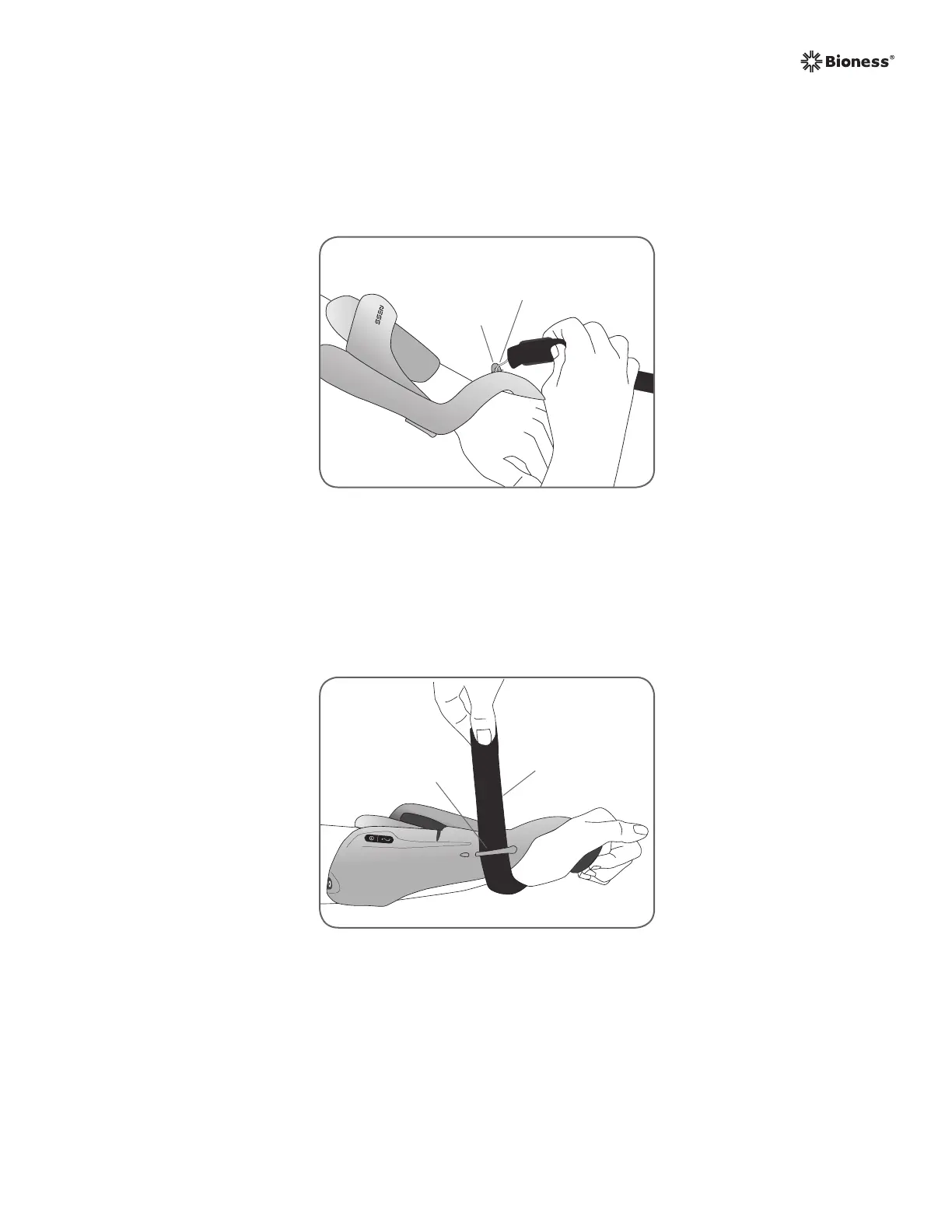
1. Attach the hook on the wrist strap to the attachment ring on the Orthosis wrist bridge. See
Figure 6-11.
2. Bring the wrist strap under the wrist and up through the wrist strap attachment bar. See
Figure 6-12.
Wrist Strap
Attachment
Ring
Wrist Strap
Attachment Hook
Figure 6-11: Attaching the wrist strap.
Wrist Strap
Attachment Bar
Wrist Strap
Figure 6-12: Securing the wrist strap.



 To Next Page