70
Clinician's Guide
Scroll Bars
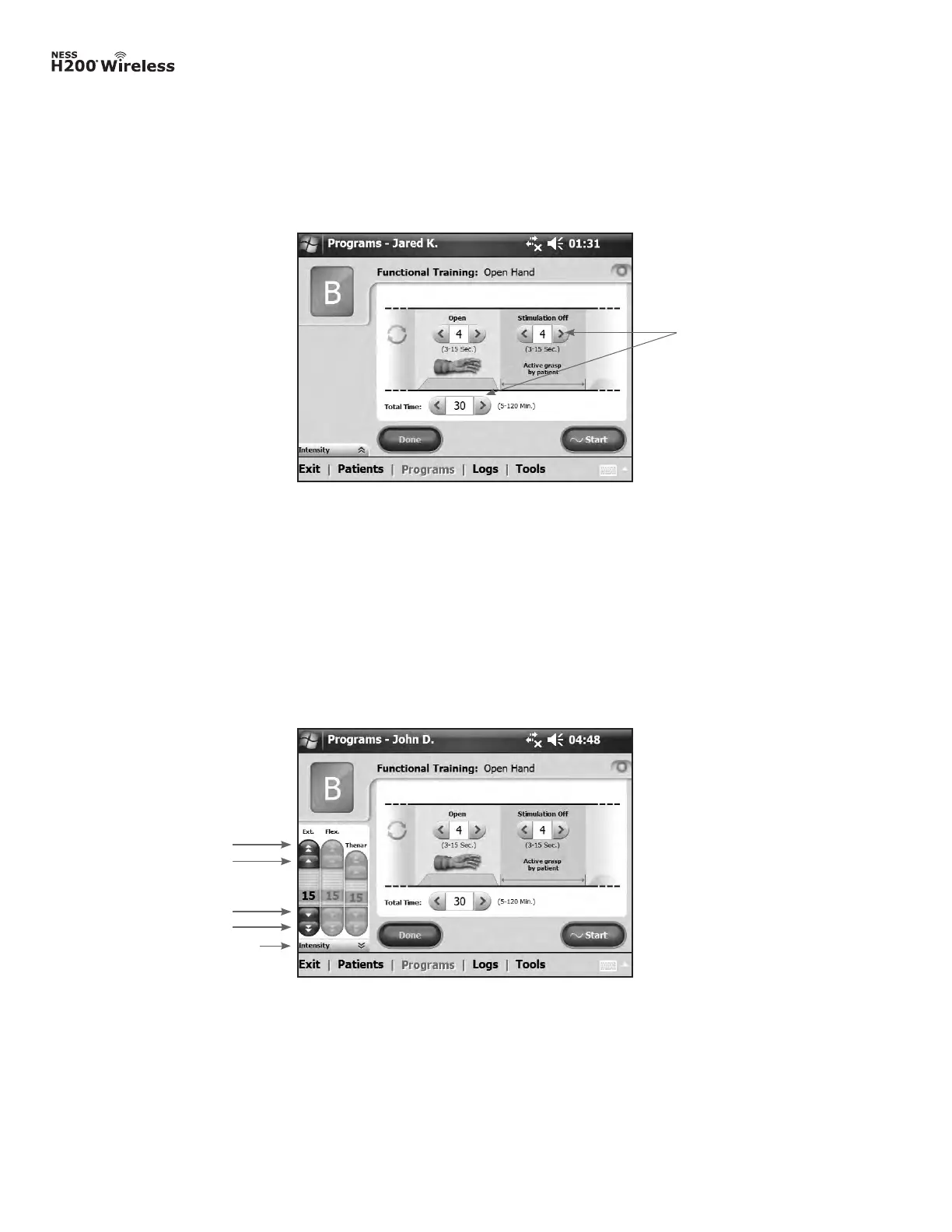
Press an arrow on a scroll bar to move through the selectable data set. See Figure 8-8.
Stimulation Intensity Bar
Press on the stimulation intensity bar to open or collapse the bar. See Figure 8-9. Press on
the arrows to increase/decrease stimulation intensity.
Figure 8-9: Stimulation intensity bar.
Intensity Bars
5-mA increase
1-mA increase
5-mA decrease
1-mA decrease
Figure 8-8: Scroll bars.
Scroll Bars
Note: Stimulation intensity can be adjusted from A-G programs.



 To Next Page