74
Clinician's Guide
Control Unit Unassigned
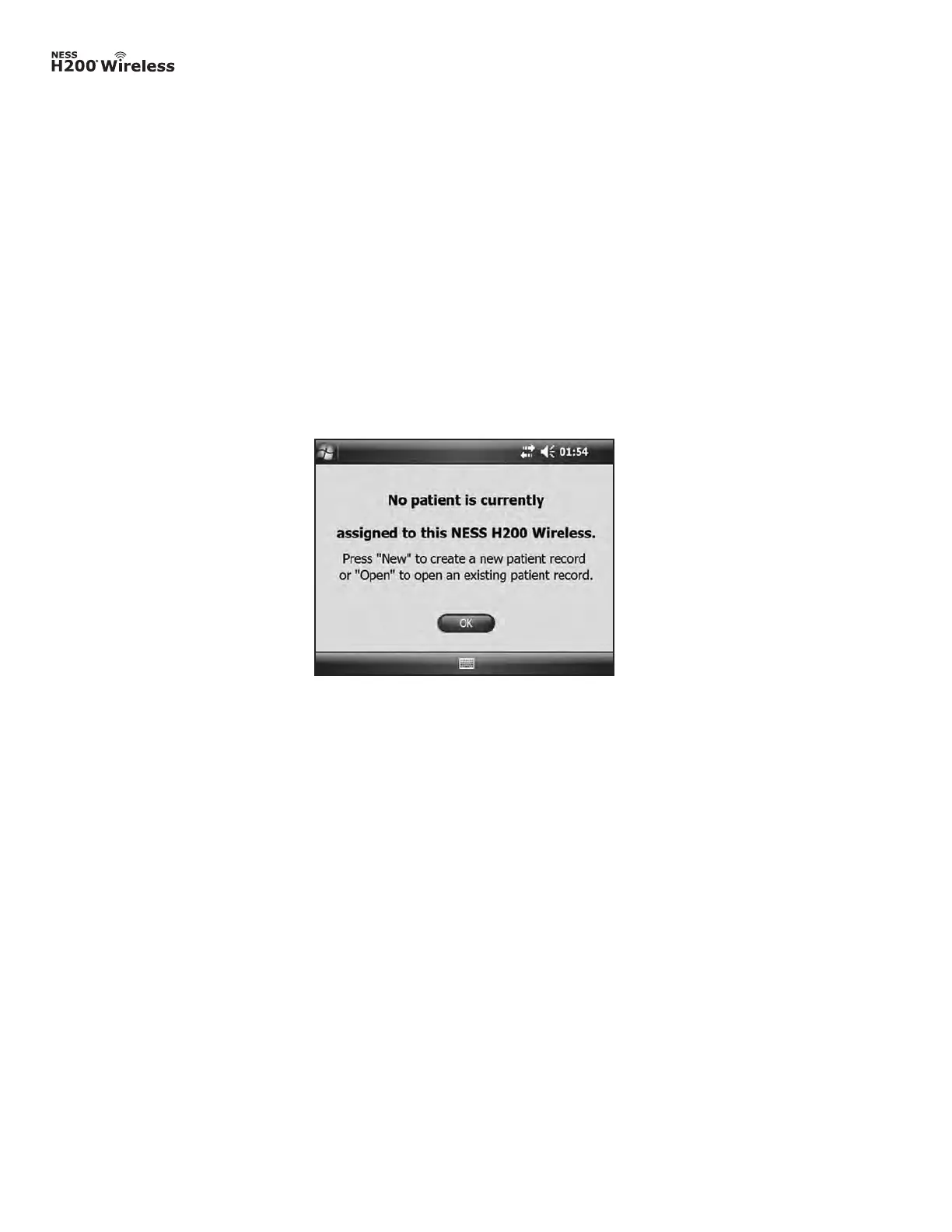
Message appears when a new, unassigned Control Unit (one with no patient data on it) is
connected to the Clinician’s Programmer. See Figure 8-15. Do one of the following:
• Press OK and then NEW to create a new patient record.
• Press OK and then select a patient record from the Patient List. Press Open to copy the
parameters stored for that record from the Clinician’s Programmer to the NESS H200
Wireless System. (Choose this option for new-patient setup or for a replacement NESS
H200 Wireless System.)
H200 Wireless Control Unit Not Registered
Message appears when the connected Control Unit is not registered to an Orthosis. See
Figure 8-16. This may occur, for example, when a patient brings in a replacement Control
Unit that has not been electronically registered. Disconnect the unregistered Control Unit and
register it to the existing Orthosis. Refer to the H200 Wireless User’s Guide for instructions
on electronic registration of replacement parts.
Figure 8-15: Control unit unassigned message.



 To Next Page