73
Chapter 8 - NESS H200 Wireless Software
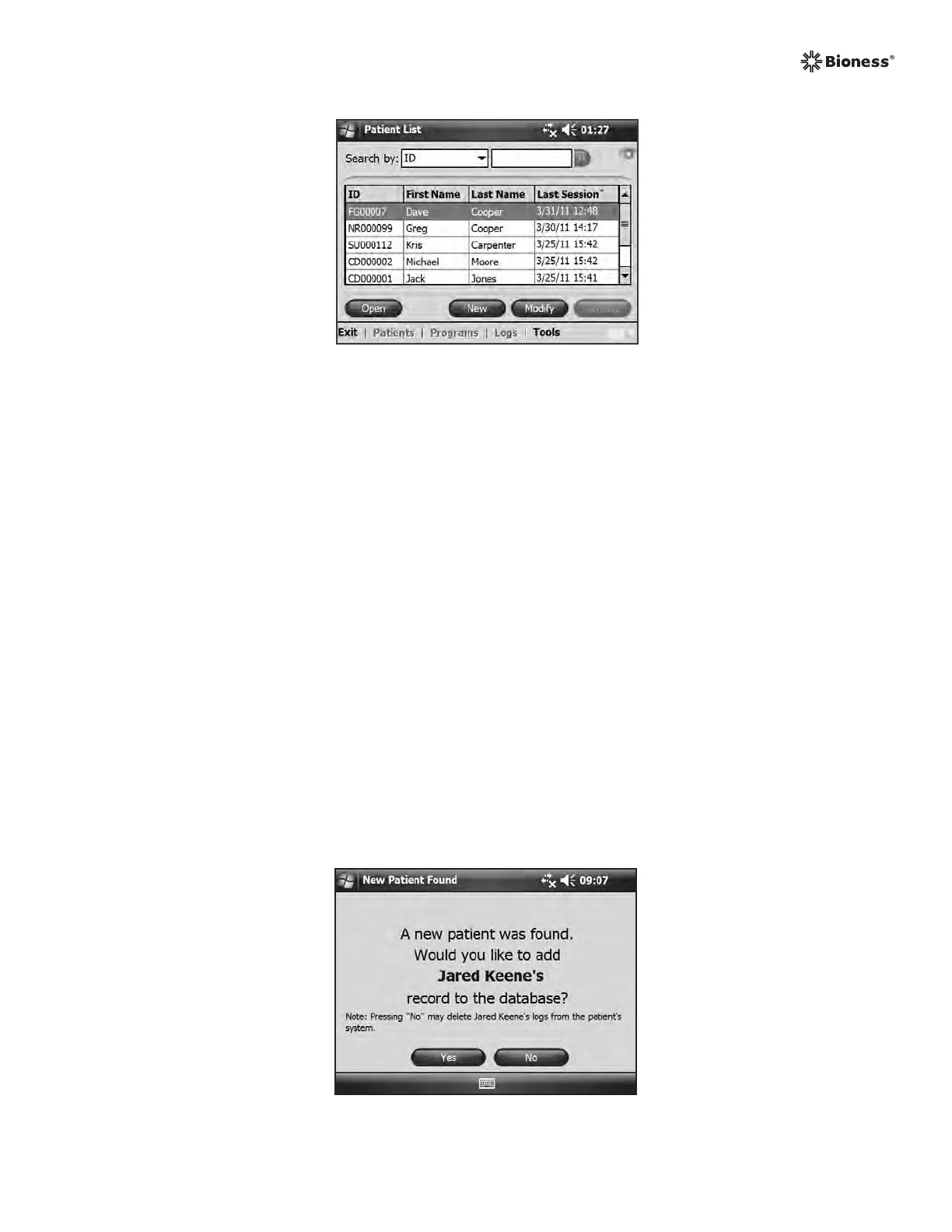
Figure 8-13: Patient List window.
Start-Up Messages
When an Control Unit is connected to the Clinician’s Programmer, one of the following start-
up messages may appear.
New Patient Detected
Message appears when an Control Unit with patient data on it is connected to a Clinician’s
Programmer with no record of the data in the database. See Figure 8-14. Do one of the
following:
• Press Yes to add the patient’s data to the Clinician’s Programmer database.
• Press No and open an existing patient record.
Note: If you press No and open an existing patient record, the opened record will permanently
overwrite all existing data on the NESS H200 Wireless System.
Figure 8-14: New patient message.



 To Next Page